Creating three-dimensional graphics has long been considered an elite skill. The path of a traditional modeler involves years of learning Blender or ZBrush, and countless hours spent on retopology and UV unwrapping. But in 2026, the rules of the game have changed. Today, AI-powered tools for generating 3D models can produce a basic asset in minutes, not days.
This doesn't mean the profession of the 3D artist is disappearing. Rather, it's undergoing a profound transformation. Artificial intelligence is taking over the repetitive, time-consuming tasks, leaving the creative direction and final polish to the human expert. In this article, I'll walk you through the tools that actually deliver real-world results. We'll explore how to leverage AI for business, game development, and even 3D printing.
To understand the results, it helps to know the basic mechanics. AI models don't "draw" in 3D; they predict depth and form based on 2D data.
There are two primary approaches:
It's important to remember that AI often produces "raw" topology. The resulting mesh might consist of triangles, which isn't ideal for complex animation but works perfectly for static assets, visualization, or as a base for further refinement.
The market is flooded with new startups. I've selected the services that consistently deliver predictable, high-quality results and support export to standard industry formats like .obj, .glb, and .fbx.
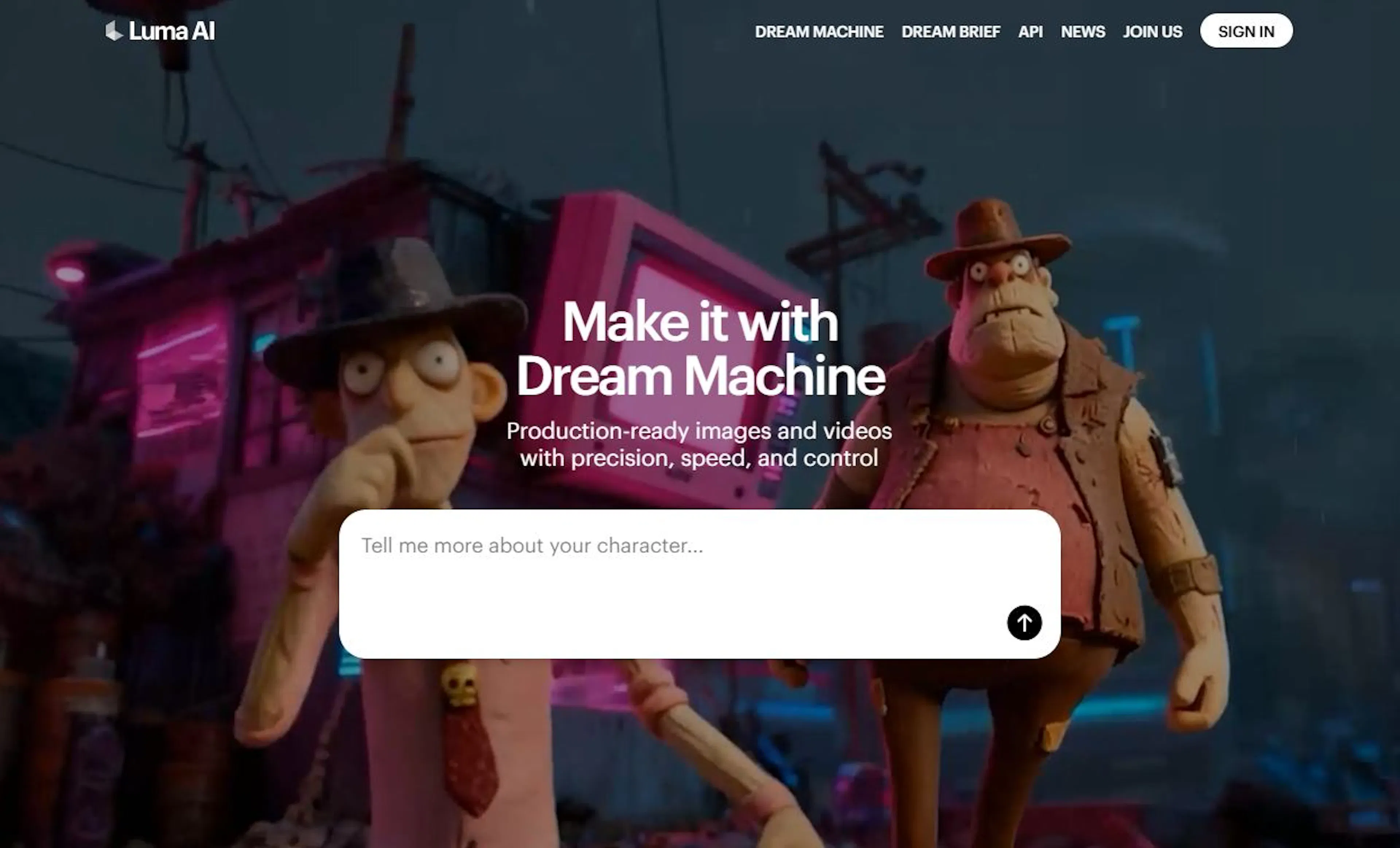
If your goal is to turn a real-world object into a 3D model from photos, Luma AI (often called Genie) is the first tool you should test. It excels at capturing real-world objects and scenes. You can upload a short video circling an item, and the system builds a detailed, textured 3D scene.
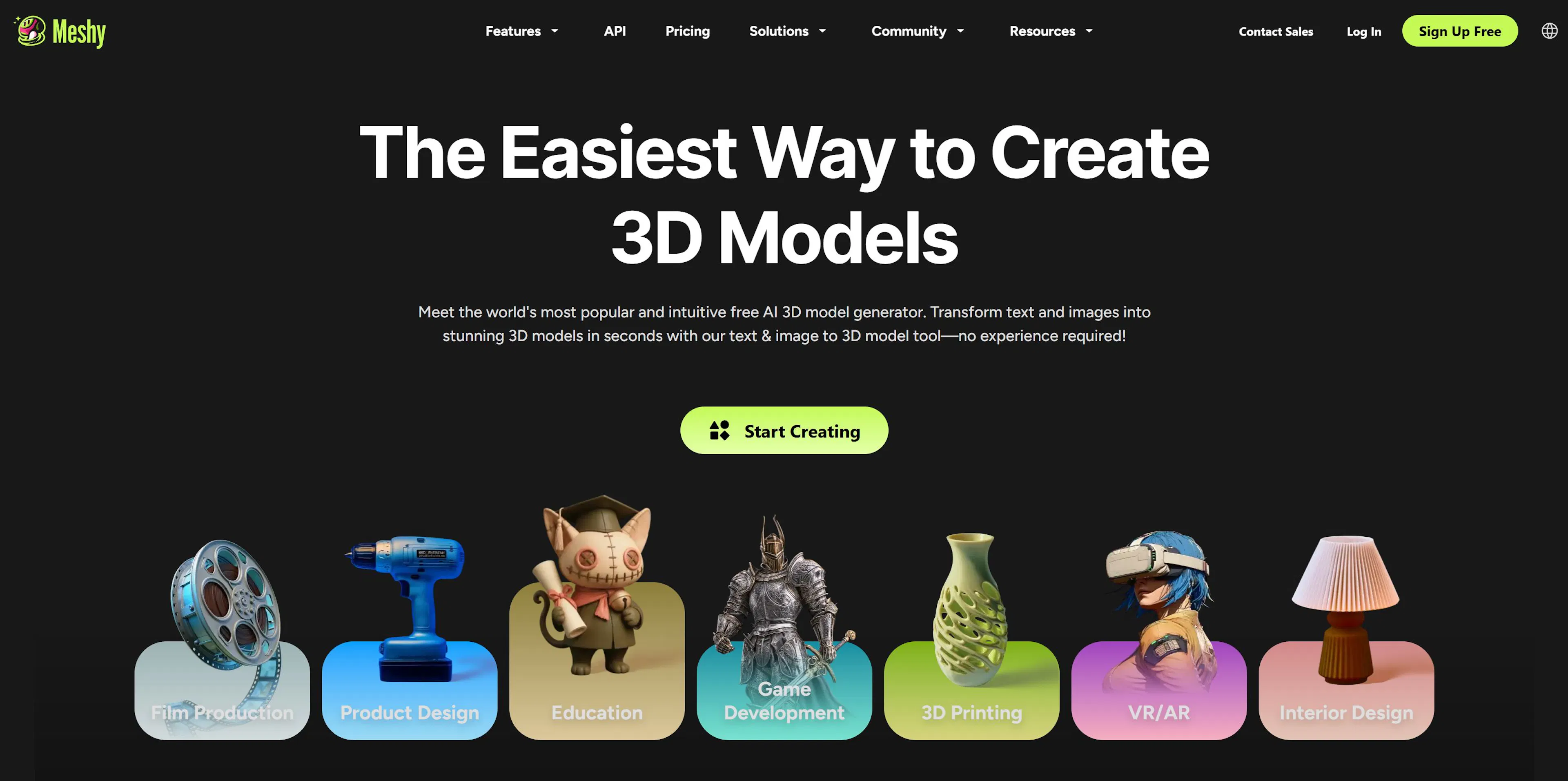
Meshy is specifically tuned for creating game-ready props—think weapons, chests, rocks, and environment pieces. Its text-to-3D generation is surprisingly accurate. A key feature is its creation of PBR (Physically Based Rendering) textures, which are critical for modern game engines like Unreal Engine 5.
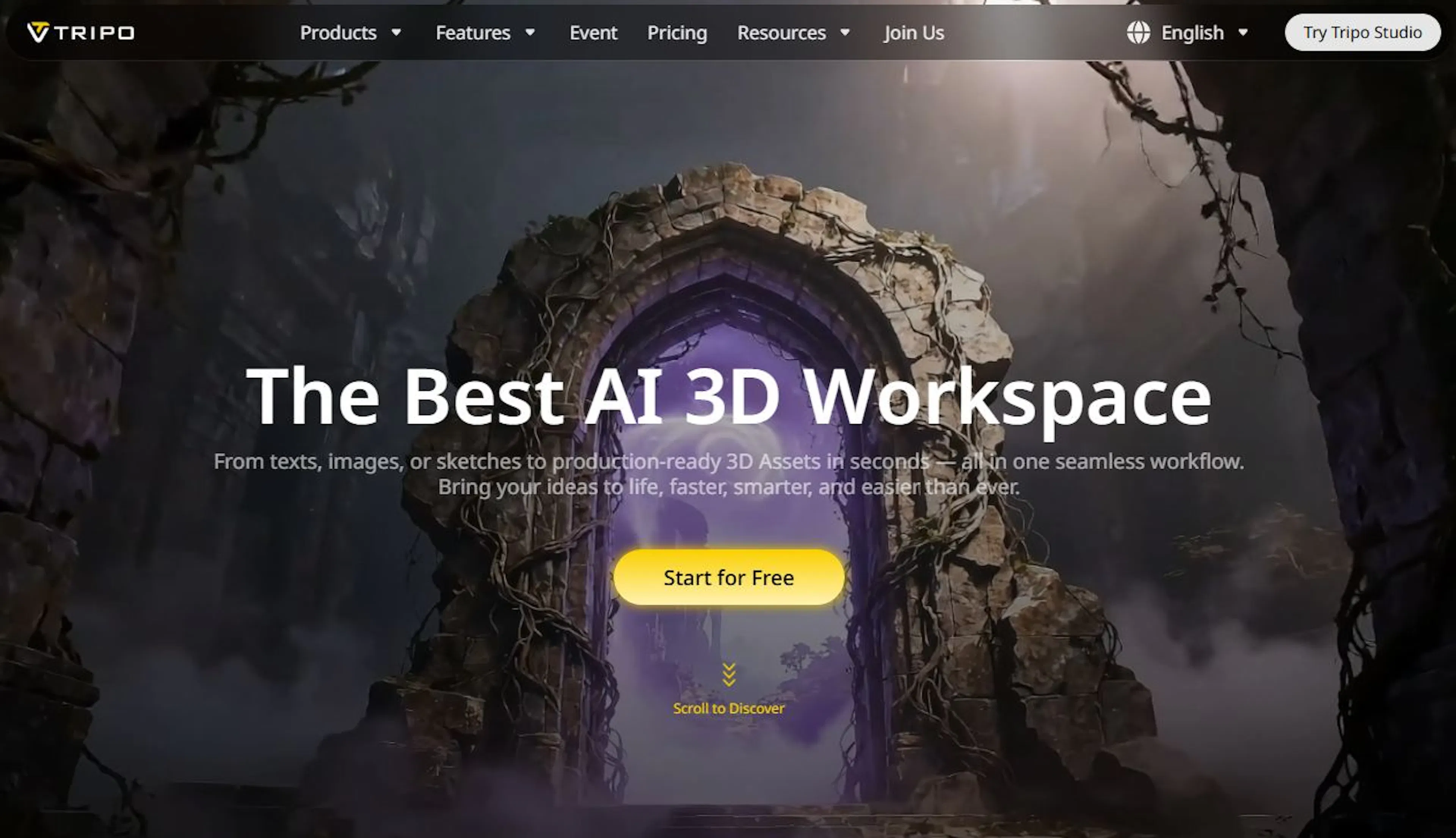
When you need to quickly block out ideas or generate multiple concepts, Tripo AI is incredibly fast. It can produce a draft object in seconds, making it an ideal foundation for manual refinement in software like Blender.
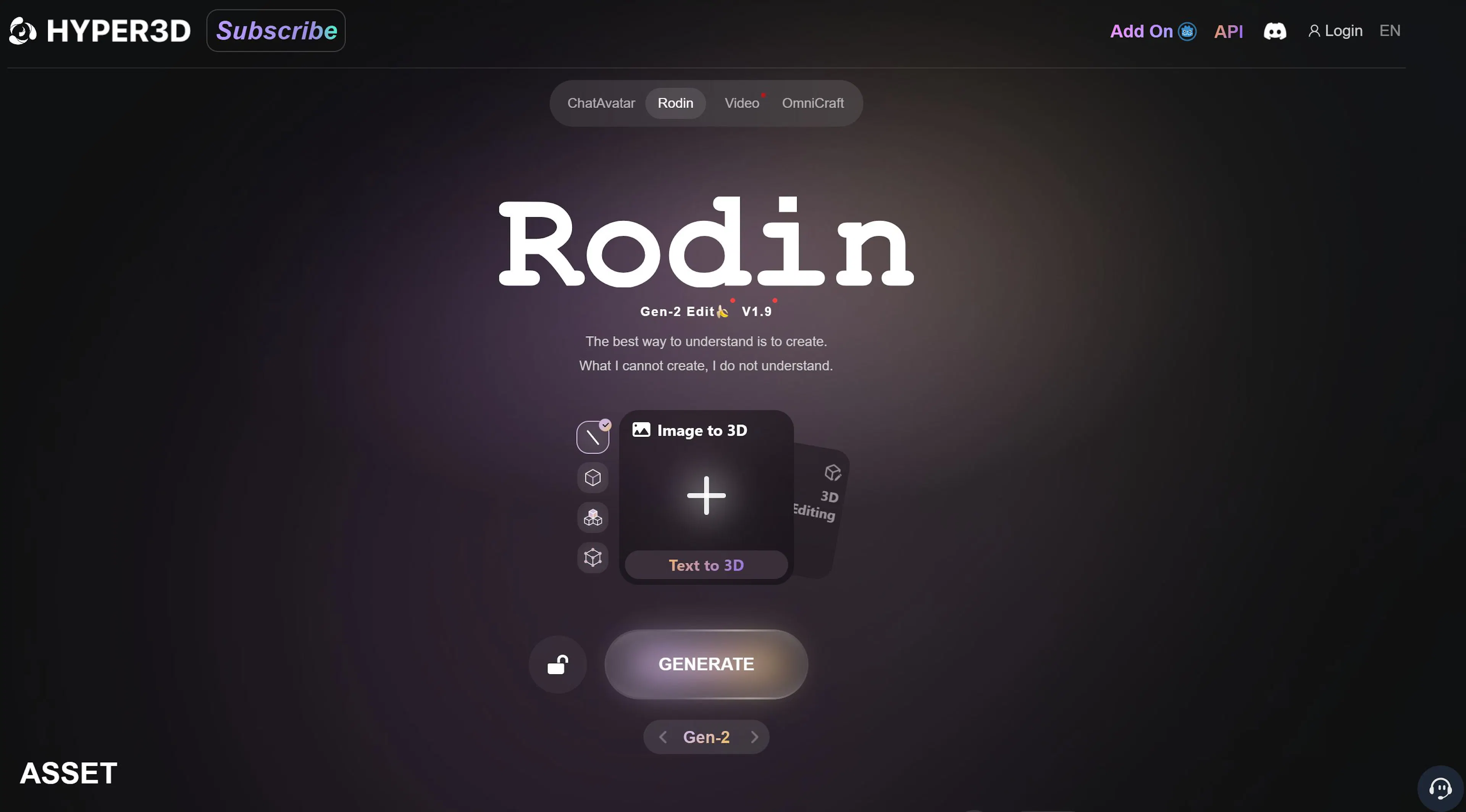
Rodin is a specialized AI for generating 3D characters. It's been trained extensively on human anatomy, so hands, faces, and body proportions are much more accurate compared to generalist tools. If you need to create an NPC (non-player character) for a game, Rodin provides a better base topology that's easier to modify and animate later.
Let's walk through the process from a simple idea to a downloadable 3D file. Many beginners make a mistake at the very first step: using a poor-quality source image. The quality of your input is the foundation of the output. High-quality 3D objects come from clean, clear references.
For an AI to perform a clean 2D-to-3D conversion, it needs a clear subject. A photo with a cluttered background or confusing shadows can confuse the algorithm. This is where a tool like Imigo comes in handy. You can generate a clean sketch of your object on a white background using a simple text prompt.
Now, go to a tool like Meshy. Select the "Image to 3D" function. Upload the clean sketch you just created in Imigo. The system will analyze the image and prepare to generate a 3D model from it. Click "Generate" and wait approximately 2-5 minutes. This process is fully automated.
Once generation is complete, download the file (.glb or .obj are good choices). You can now open this model in Blender, Maya, or any other 3D software. Often, the auto-generated mesh might need some cleaning or optimization, but the basic form, silhouette, and even the base texture have been created for you. This alone saves designers and environment artists hours of work.
If your goal is a physical object, there are specific requirements. Models intended for 3D printing must be watertight (manifold), meaning they have a continuous surface with no holes. AI-generated models often have imperfections in the mesh.
Before sending an AI-generated model to a printer, you absolutely must run it through slicing software to check for errors. Printing a "raw" file directly rarely works; you will almost certainly need to do some repair work. However, tools like Tripo or CSM can create models that are dense and clean enough to require minimal fixes. You can also often specify a style (realistic or low-poly) before generation to better suit your printing needs.
This is a critical question for businesses and development teams: can you legally sell assets created by AI? The answer depends on the platform.
Always read the specific End User License Agreement (EULA) before incorporating an AI-generated asset into a commercial game or product. The cost of making a mistake on licensing can be high.
Should you fire your 3D modelers?
Absolutely not. Artificial intelligence is an incredibly powerful accelerator, but it cannot replace artistic taste, creative direction, and engineering problem-solving. In the coming years, we will see deeper integration of AI directly into professional software like Blender, Maya, and Unreal Engine. Adobe and Autodesk are already integrating "smart" features.
For those who want to stay ahead of the curve, the time to learn these tools is now. The workflow is simple: use a tool like Imigo to create a perfect reference, then send it to a generator like Meshy or Luma AI to bring your idea to life in 3D.
The possibilities of visual AI are expanding rapidly. These technologies are here to help you become faster, more creative, and more efficient. The key is to embrace new approaches and integrate them into your workflow.

Max Godymchyk
Entrepreneur, marketer, author of articles on artificial intelligence, art and design. Customizes businesses and makes people fall in love with modern technologies.