If you're still writing posts and articles manually, you're wasting time. Thousands of bloggers, marketers, and SMM specialists have already automated content creation, idea generation, image processing, and even video production. They do it with AI and advanced neural networks for blogs, which significantly accelerate workflows and enhance content quality.
Contents:
In 2025, the neural network market has reached a new qualitative level. While AI previously required complex prompts and the ability to "talk" to the model, platforms now offer ready-made templates, specialized assistants, and intuitive interfaces. Video generation, which seemed like science fiction in 2023, has become a reality. Most importantly, there are solutions for both a student's budget and a scaling company.
But the choice of tools is vast. There are already over 500 services on the market promising to "create content in seconds." Which one to choose? Which pricing plan is truly cost-effective? Does it require training or is it simple from the first click?
In this article, we've analyzed and tested popular neural networks and selected the best ones for blogging. Here you'll find tools for writing articles and posts, creating images and videos, optimizing content for SEO, as well as specialized platforms that combine all of this in one place.
All services in this selection:
Let's figure out which neural networks will help you create content faster, cheaper, and with better quality.
Universal Language Models are the foundation on which almost all blogger work with AI is built. They generate text, ideas, scripts, headlines, meta-descriptions, and answers to any questions. If you need to quickly write an article, create a content plan, or rewrite boring text—start here.
The best neural networks of this type cover 80% of blogging tasks. You can use them as a primary tool or combine them with other services for image and video generation.
ChatGPT remains the most popular choice among bloggers and marketers. In 2025, the flagship is GPT-5, with a newer version GPT-5.1 for specialized tasks.
GPT-5 is a universal assistant for most blogger tasks. It quickly generates posts for Telegram, blog articles, ideas for Reels, and product descriptions. The model understands context even better, can analyze uploaded files and images. If you need to create quality content quickly, GPT-5 will handle it in minutes without additional edits.
GPT-5.1 is a specialized version with enhanced analysis and logic capabilities. This model is better at building content strategies, analyzing audience data, and writing in-depth long-reads that require a systematic approach. GPT-5.1 has an expanded context window and can work with large volumes of information. However, 5.1 requires more processing time and is more expensive than the base GPT-5.
Pros:
Cons:
Claude from Anthropic is gaining the trust of bloggers who need more natural, "lively" text. While ChatGPT sometimes writes in a sterile and formal manner, Claude creates posts with a genuine author's voice.
This neural network is especially good for long-reads. It better maintains article structure over many thousands of words, less often "forgets" the specified tone and style. Bloggers often say that texts from Claude require fewer edits and rewrites.
Pros:
Cons:
· Generates slower than ChatGPT.
In 2025, Chinese developers released models that are already comparable in quality to GPT-5. DeepSeek and Qwen are available completely free.
DeepSeek is known for its logic and analytical abilities. It writes video scripts well, structures information, and can work with code (which can be useful if you run a tech blog).
Qwen from Alibaba is a more universal option. It generates text quickly, understands both English and Chinese well.
The main advantage—both services are completely free and require no payment.
Pros:
Cons:
Universal chatbots provide everything but require skills. Specialized platforms solve this differently: they offer ready-made templates, built-in assistants, and features tailored specifically for content creation and optimization. No need to write long prompts or rack your brain on how to ask the neural network to complete a task.
This section covers platforms that save time on routine and help write content that ranks in search engines.
These services combine several neural networks under one roof: text generators, image models, video tools, and built-in assistants. The main idea is not to switch between 5-7 services, but to do everything in one place.
IMI is a platform that has gathered everything necessary for a blogger under one roof. It integrates GPT-5, Claude, Midjourney, Flux, video models, and other tools. But the main difference with IMI is its 80+ ready-made templates for various tasks: from a Telegram post to a product card on a marketplace.
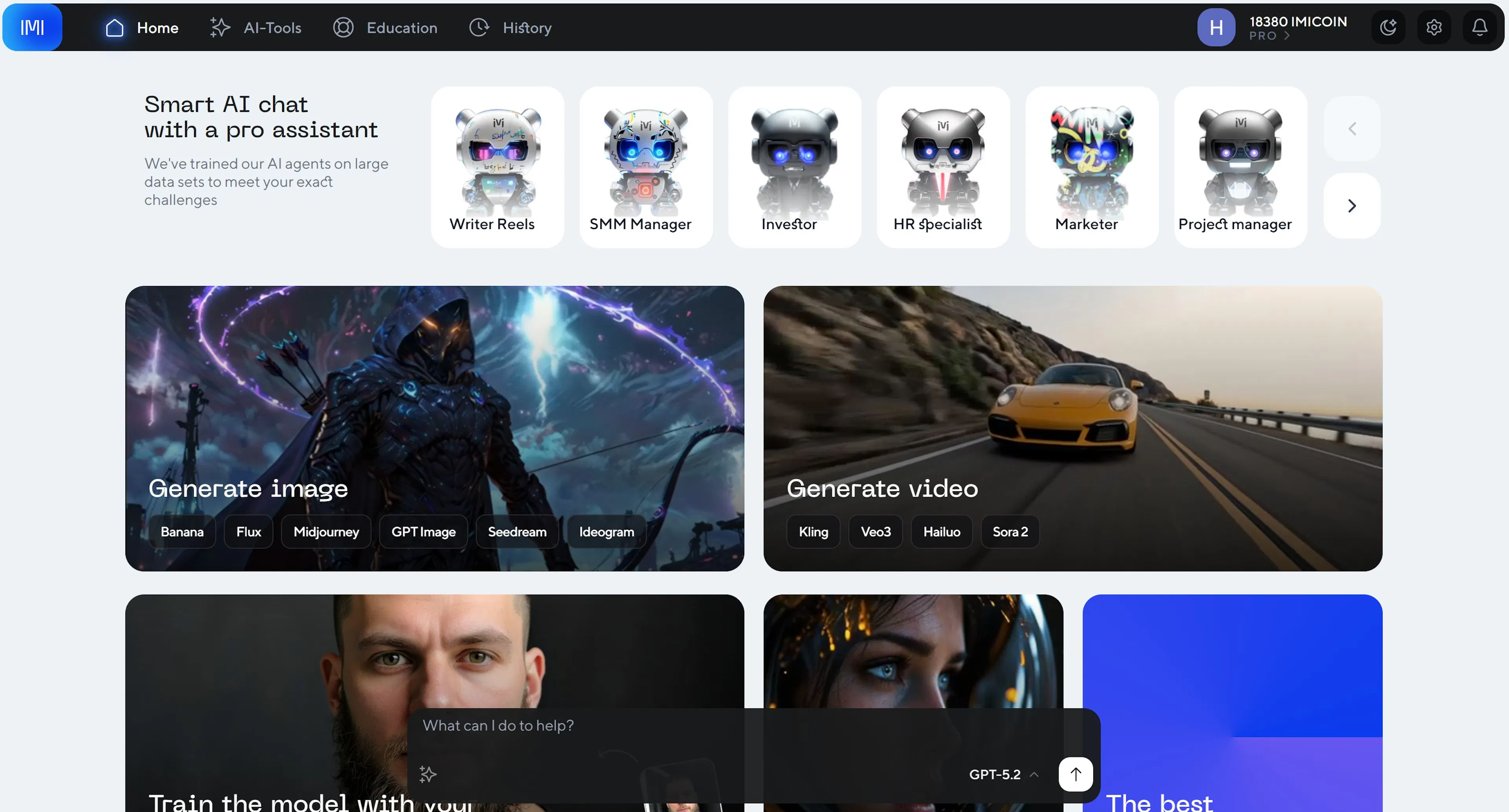
IMI has built-in specialized AI assistants (SMM Manager, Marketer, Content Manager, Copywriter, SEO Specialist). They work with pre-set roles and instructions, so no prompts are needed. Simply choose an assistant, input the task—and get a ready result.
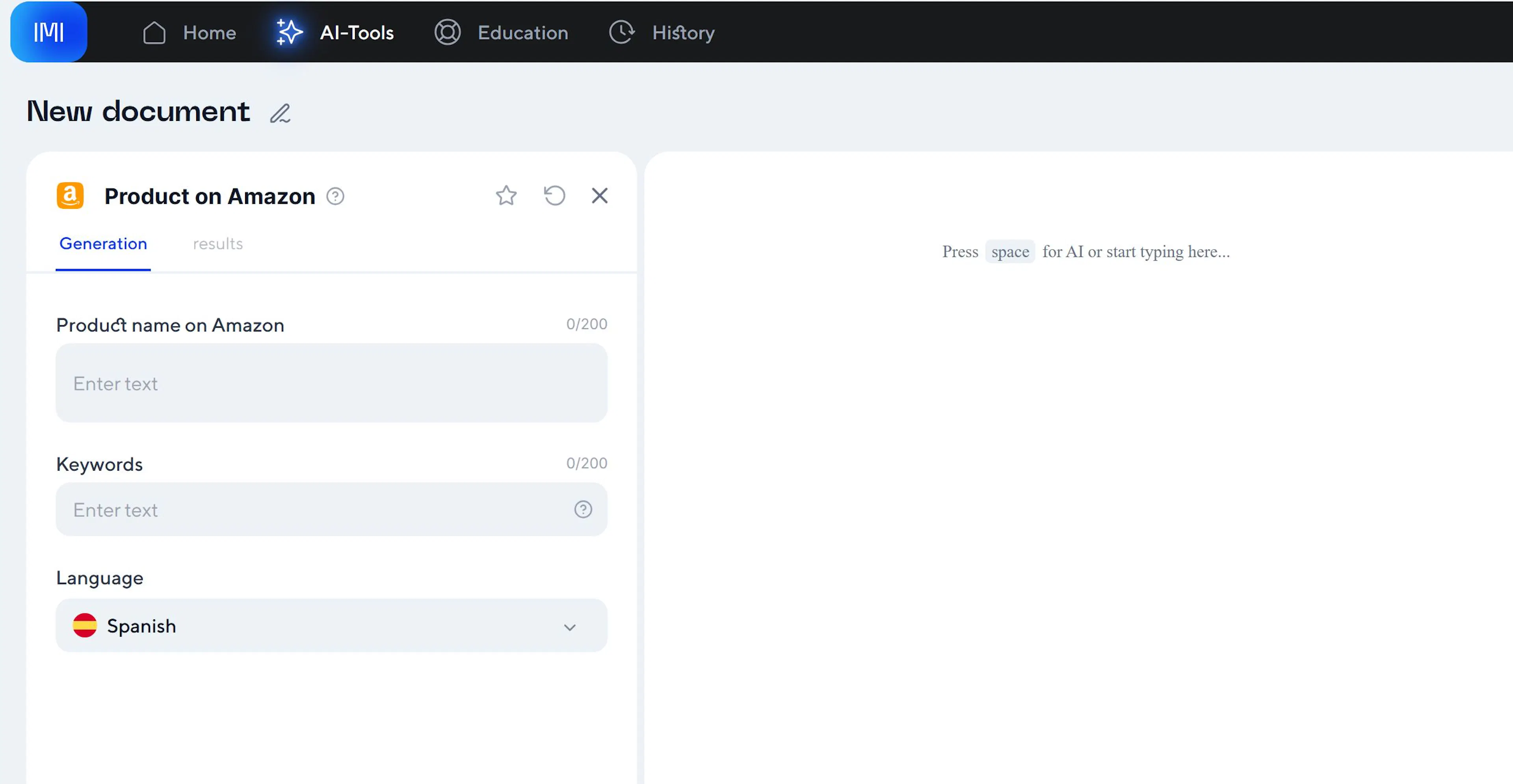
The platform starts with a free plan (200 imicoins per month = approximately 30 photo generations or 150,000 words of text). Paid plans from $15 per month suit freelancers and small teams.
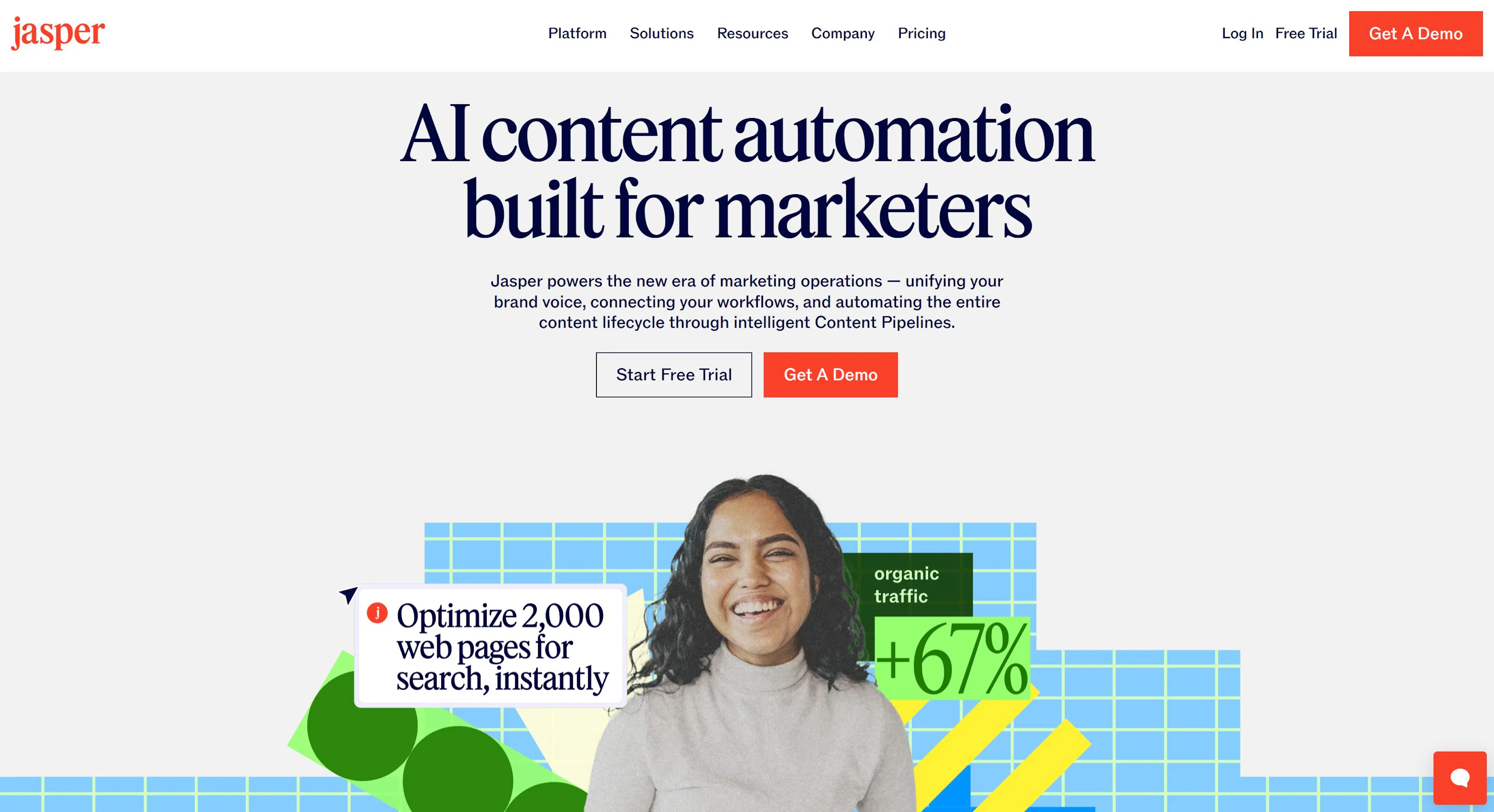
Jasper is an American competitor specializing in marketing copywriting. Jasper focuses on creating advertising texts, email campaigns, and social media posts.
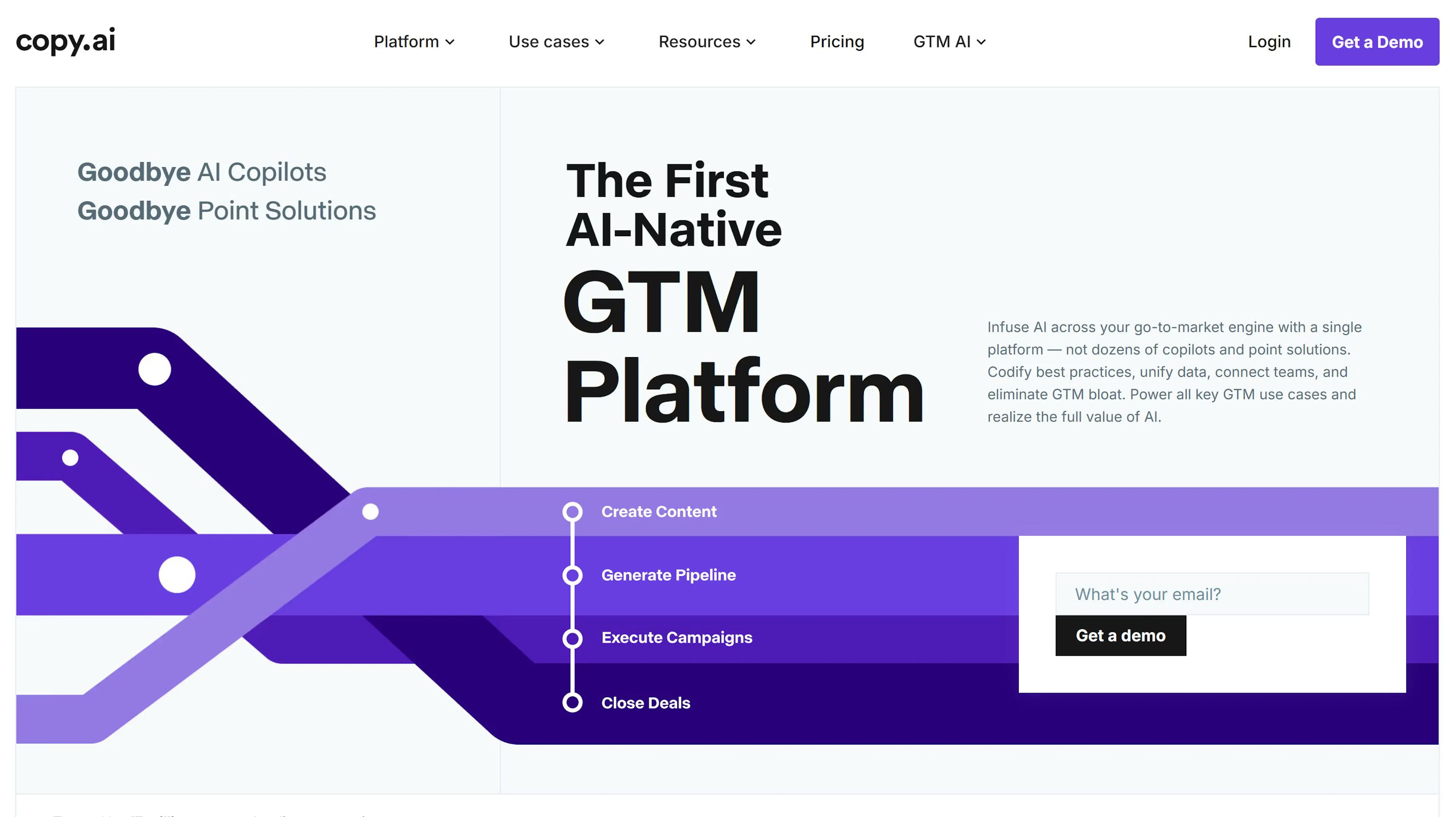
Copy.ai is a cheaper option for starting bloggers. The platform is simpler than Jasper, but the functionality is sufficient for writing posts, content ideas, and basic optimization.
Advantages of All-in-One Platforms:
Cons:
These are neural networks that analyze which keywords the top search results use and suggest what to add to your article. They address the intent "how to write an article that ranks."
Surfer SEO analyzes the top 10 results in Google for your query and shows what LSI words, text length, and structure the top articles have. Then the platform checks your article and gives recommendations: "add the word 'neural network' 3 more times", "expand the section on prices", "add a comparison table".
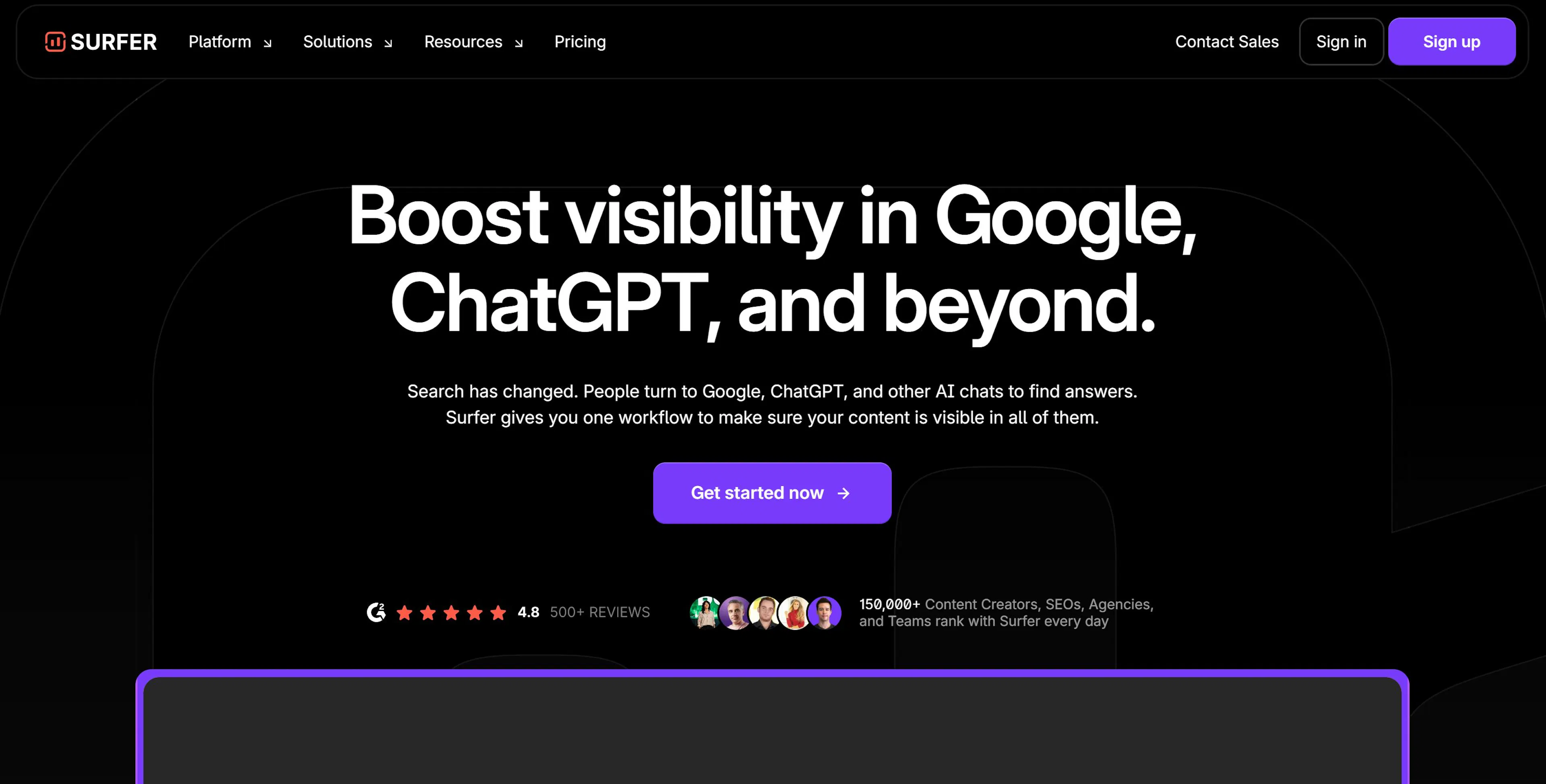
How to use: Enter a target query (e.g., "best neural networks for blogging"), the platform shows what words the leaders' content consists of. You write an article based on their recommendations or feed a draft to a neural network for rewriting considering SEO requirements.
Pros:
Cons:
You generate text from a neural network and worry that Google will detect it's AI? There are two approaches: proper rewriting and dishonest methods.
Proper Rewriting – Paraphrasing:
Quillbot is an online tool for paraphrasing text. You paste AI-generated text, Quillbot rewrites it, preserving meaning but changing structure and words. The result becomes unique and passes plagiarism checks.
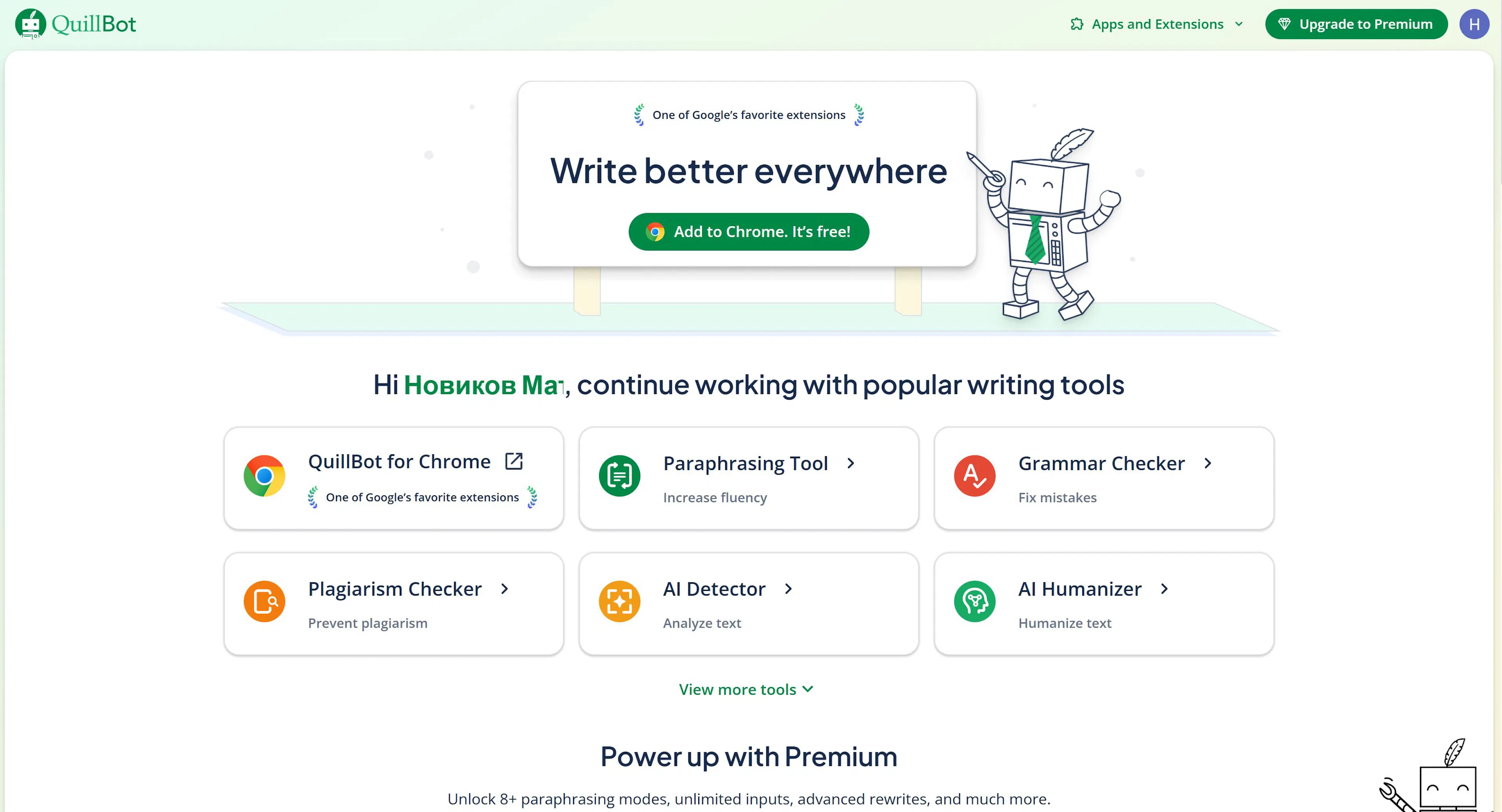
How it works: ChatGPT generates a base article → Quillbot rewrite it → you get unique text that is not detected as AI-generated.
Honest Approach:
Instead of hiding AI, it's better to use it openly. Google increasingly penalizes attempts to pass off AI as human. Much better to:
Pros of Quillbot:
Cons:
Alternative – manual editing or using Claude:
Claude or another chatbot can rewrite text "in a blogger's style" with instructions like: "Rewrite this article as if written by a journalist with 10 years of experience. Add personal examples and make the text more conversational."
Text is one part of content. Images are the second part, which often decides whether a person clicks on a post or scrolls past. Unique cover images, attractive visuals for articles, beautiful social media banners—all of this previously required design skills or money for freelancers. Now neural networks do it in minutes.
Midjourney remains the best choice for bloggers who want a "wow-effect". It generates photorealistic and artistic images that can be immediately published in a post or used as an article cover.
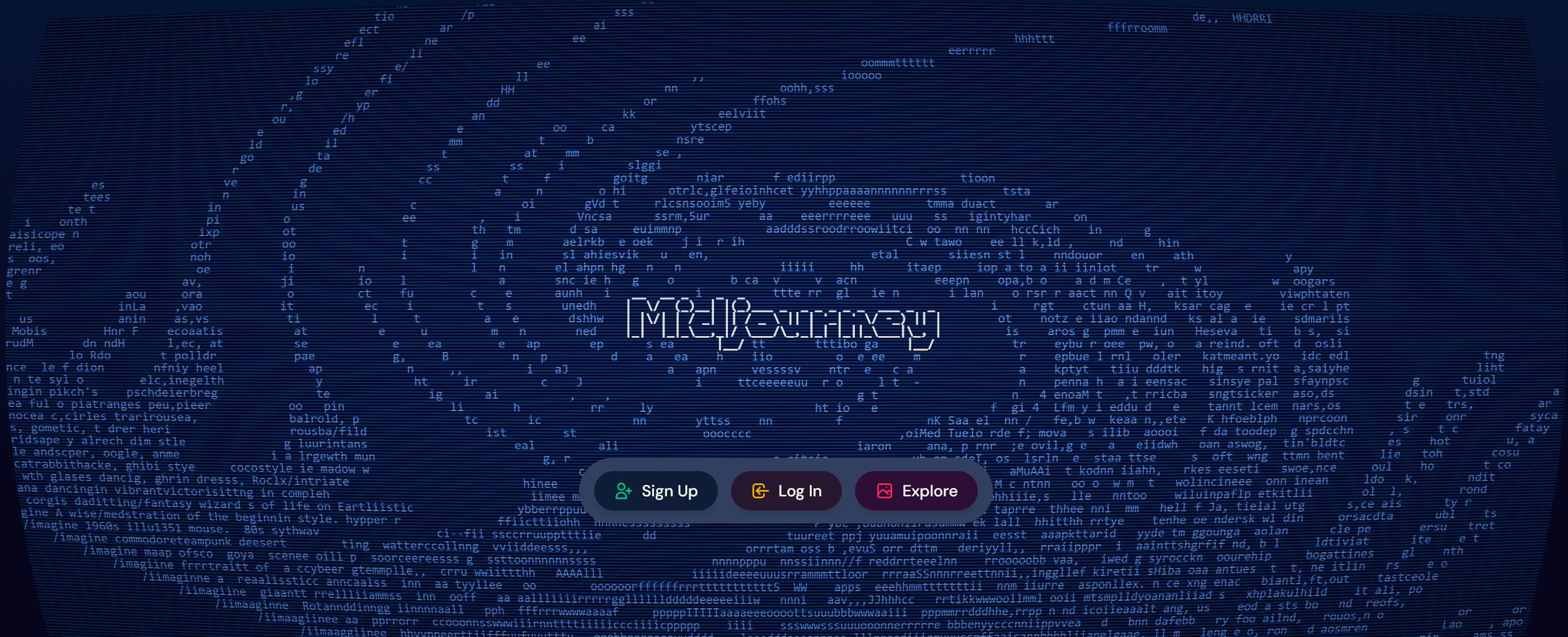
Midjourney's peculiarity—requires prompts and works through Discord. This adds complexity for beginners, but experienced users say it's worth it. Image quality is higher than competitors. Pictures don't look "generated"—they look professional.
Midjourney supports niche styles: photographic portraits, illustrations, art, cinematic shots. If you need a cover for an article about neural networks, Midjourney will create a realistic image of a computer and holograms in 50 seconds.
Price: From $10 per month (basic plan with generation limits) to $120 for professionals.
Pros:
Cons:
Flux is a new model that already matches Midjourney in quality, but is cheaper and more accessible. Flux can generate text within images (which was previously a weakness), better understands complex descriptions, and works faster.
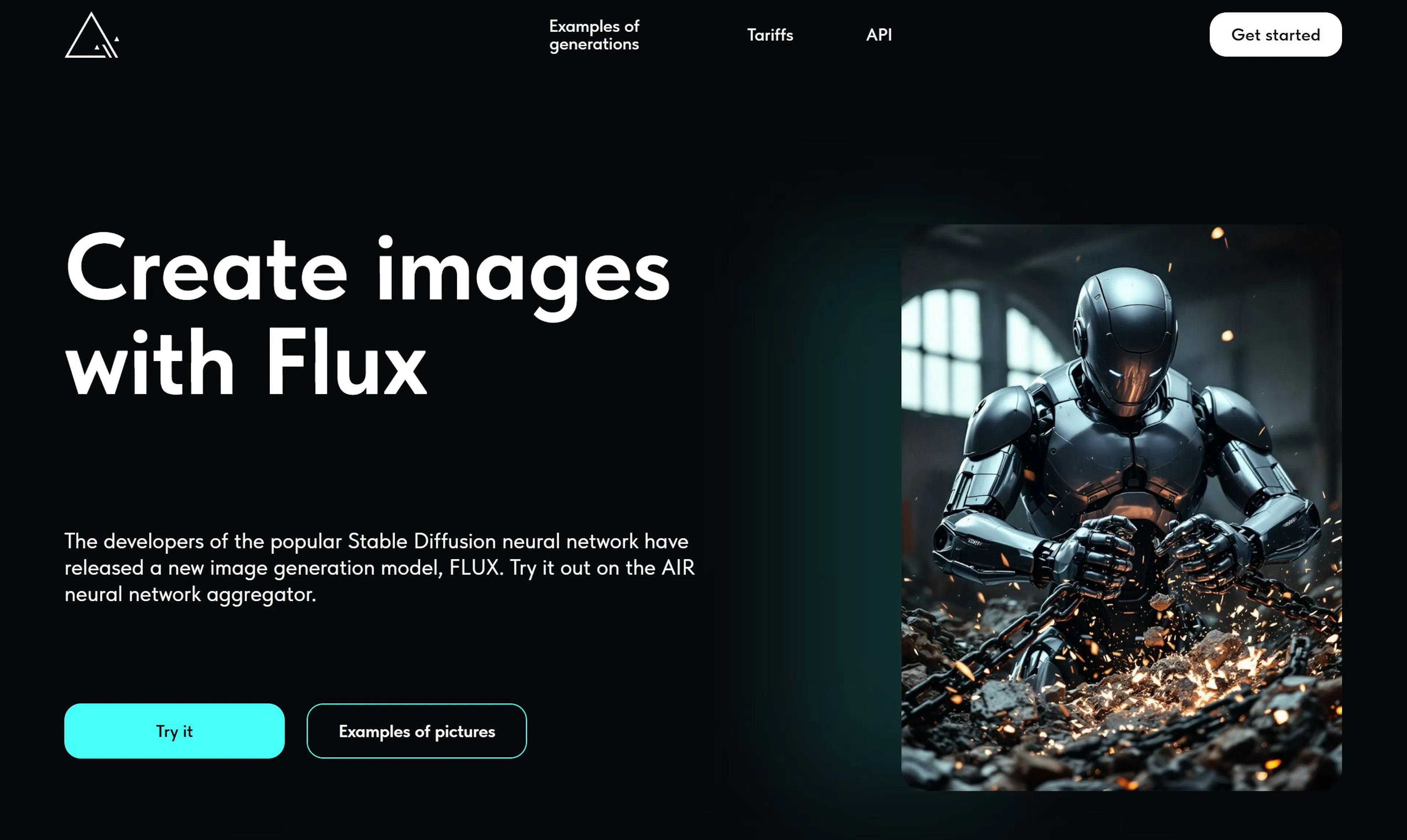
Stable Diffusion is a more "democratic" model. It can be installed locally on your computer (if it's powerful) or used via cloud services like RunwayML. Quality is lower than Midjourney but sufficient for most blogging tasks.
Flux is available through IMI, which is convenient—no need to register on different services.
Pros of Flux:
Pros of Stable Diffusion:
Cons of both:
You don't always need to generate an image from scratch. Sometimes you need to edit it: expand the background, replace an object, improve quality. For this, there are built-in features in popular editors.
Generative Fill is a tool that draws missing parts of an image. You select an area and write a description ("blue sky", "trees"), Photoshop generates the needed content.
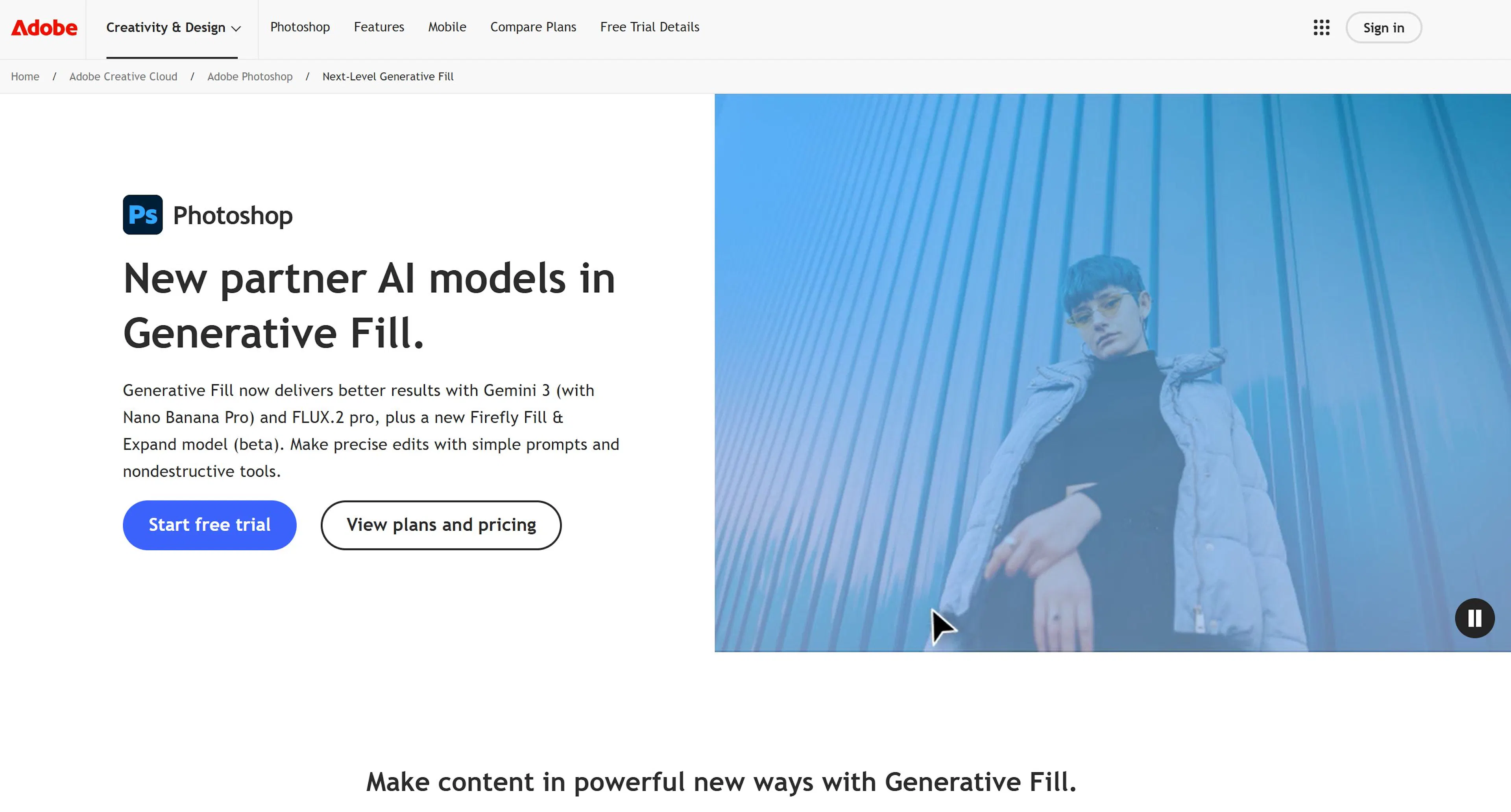
Generative Expand expands the canvas and draws missing parts. If an article cover turned out "cramped", you can expand it in any direction, and Photoshop will complete the background itself.

These features work through Adobe's cloud and require a subscription.
Pros:
Cons:
Canva is a popular online editor for inexperienced users. It has built-in features for removing objects and replacing backgrounds with one click.
For example, there's an unwanted object in a picture. In Canva, press "Remove object", indicate it—and it disappears, with the background automatically filled in.
Pros:
Cons:
Bloggers without video content fall behind in search results, losing millions of views and subscribers. But shooting video every day is impractical: you need makeup, lighting setup, sound recording, editing for hours.
This is the fastest way to get video content: you write a scene description, and the neural network generates the video.
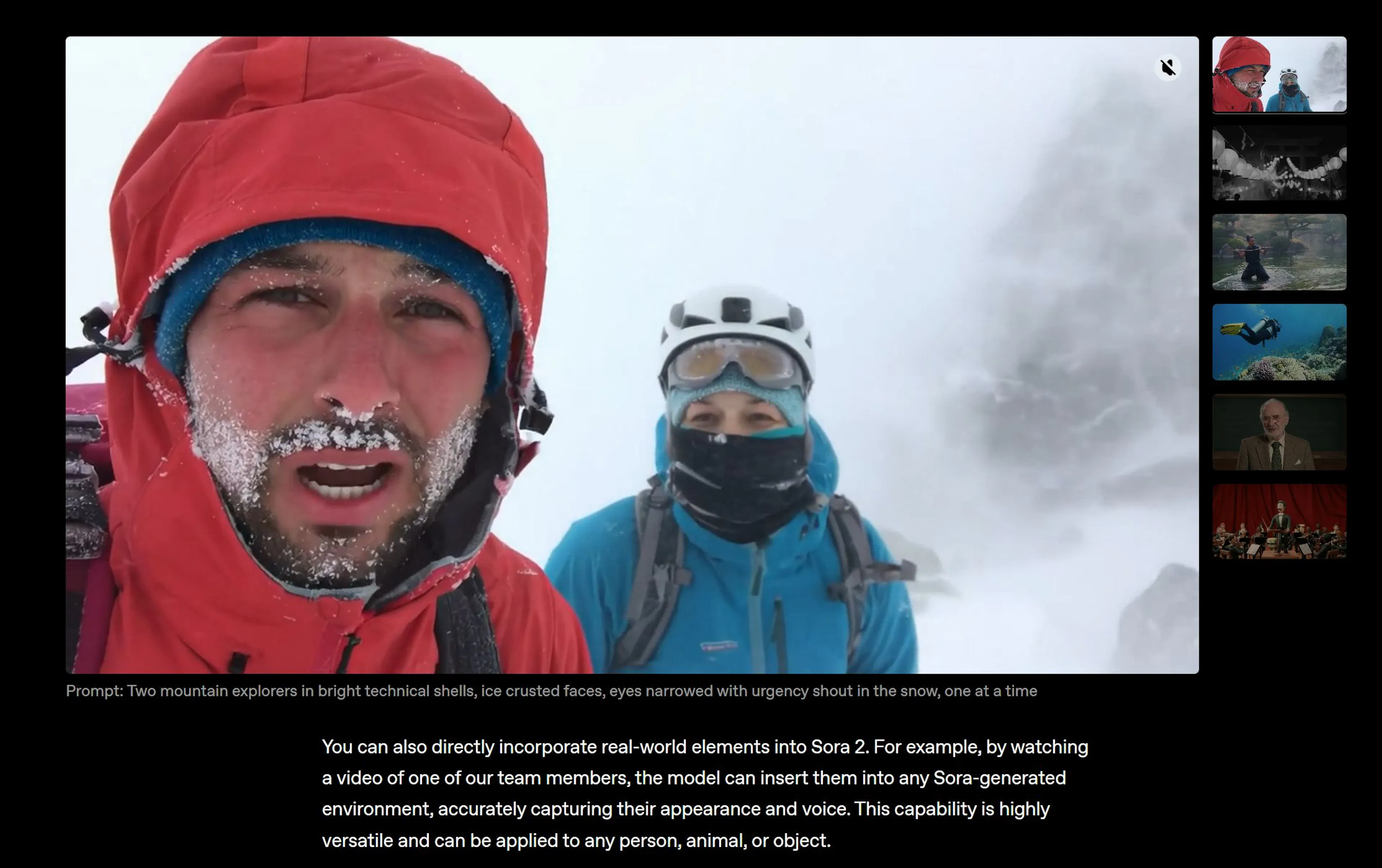
Sora from OpenAI is the flagship of video generation. It creates cinematic video clips with dynamic camera movements, realistic characters, and effects. If Sora is available in your region, it's the best choice.
Pros:
Cons:
Kling AI from the Chinese company Kuaishou is a video generator that has caught up with Sora in quality. Generates video from text with high clarity and dynamics. Video looks professional, without obvious artifacts.
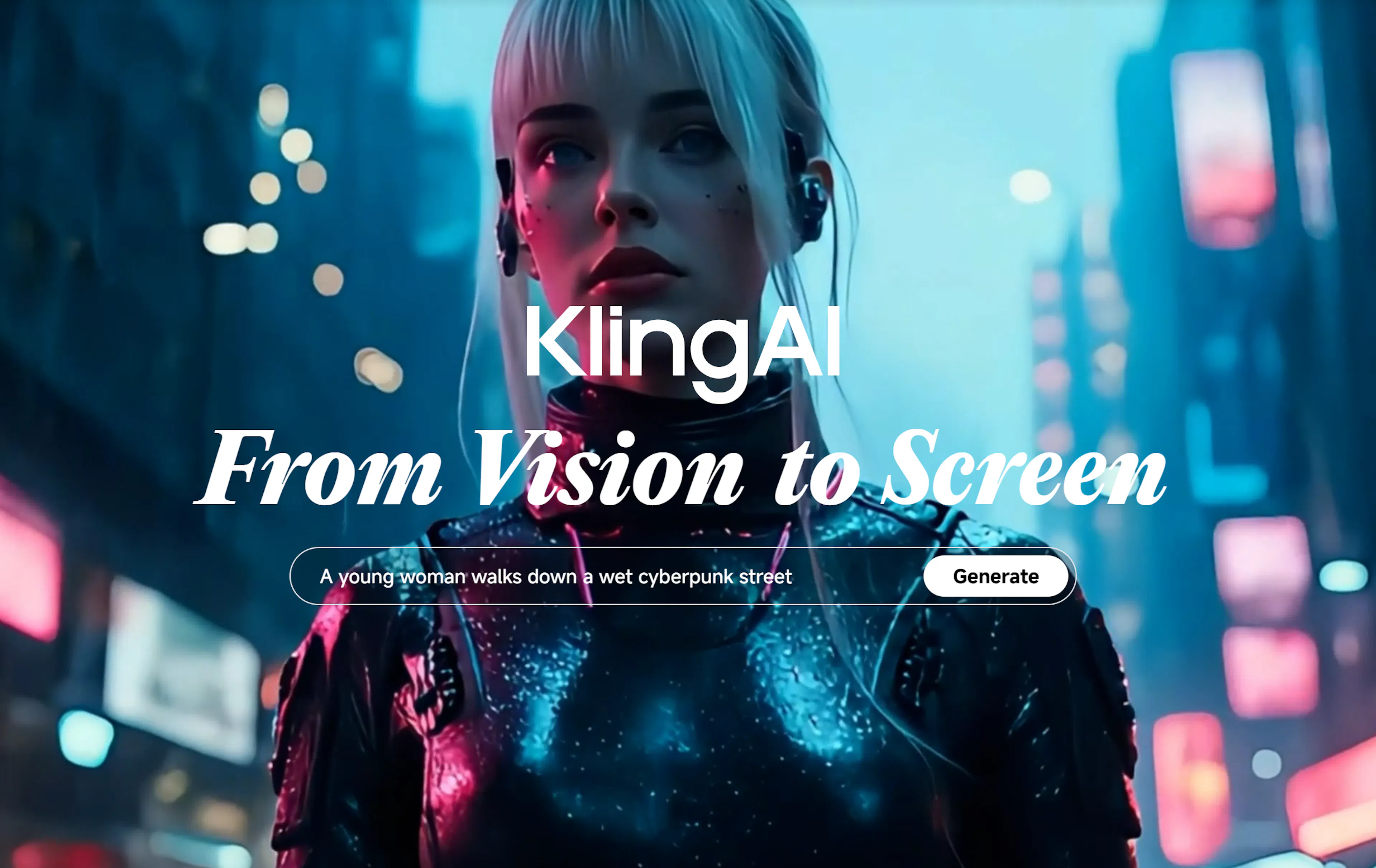
Works fast: video is generated in 30-60 seconds.
Pros:
Cons:
Runway is a platform for creating videos with a focus on effects and transformations. If you need not just a text generator, but video with synchronization, morphing, or special effects, Runway handles it better.
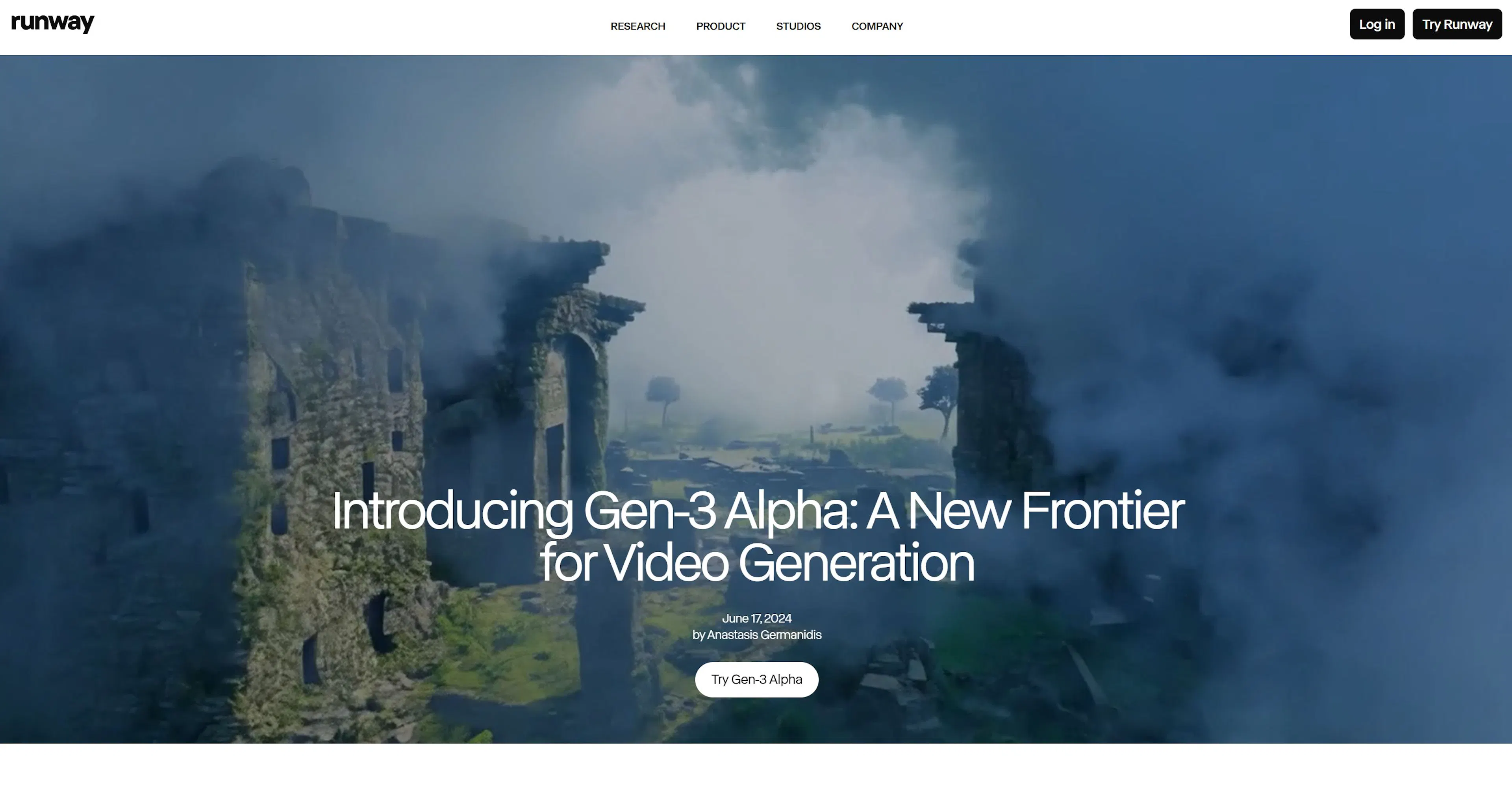
Runway also allows using the Gen-3 model, which generates video from images (Image-to-Video). For example, you have a static image, Runway animates it into a video.
Pros:
Cons:
LTX Studio is a platform where you can control every frame of a video. You describe a scene, the platform generates the video, then you can change any moment: tell it to make the character turn another way, or for a different object to appear.

This is the most precise way to get exactly the video you want.
Pros:
Cons:
HeyGen is a platform for creating avatars that speak and move like real people. You upload a video of yourself (even one minute), the platform creates a 3D model, and now you can generate video of this avatar with any text in any language.
The avatar speaks with the needed intonation, moves hands naturally, facial expression matches the content. Looks realistic.
How to use: Tell the neural network "write news about AI in blogging", it writes. Then you paste this text into HeyGen, choose your avatar, and get a ready video as if you're telling it yourself. No filming, no makeup, at any time of day.
Pros:
Cons:
Synclabs is a specialized service for lip synchronization in video. If you have a video in one language, Synclabs can "make" your avatar speak in another language, synchronizing lip movement.
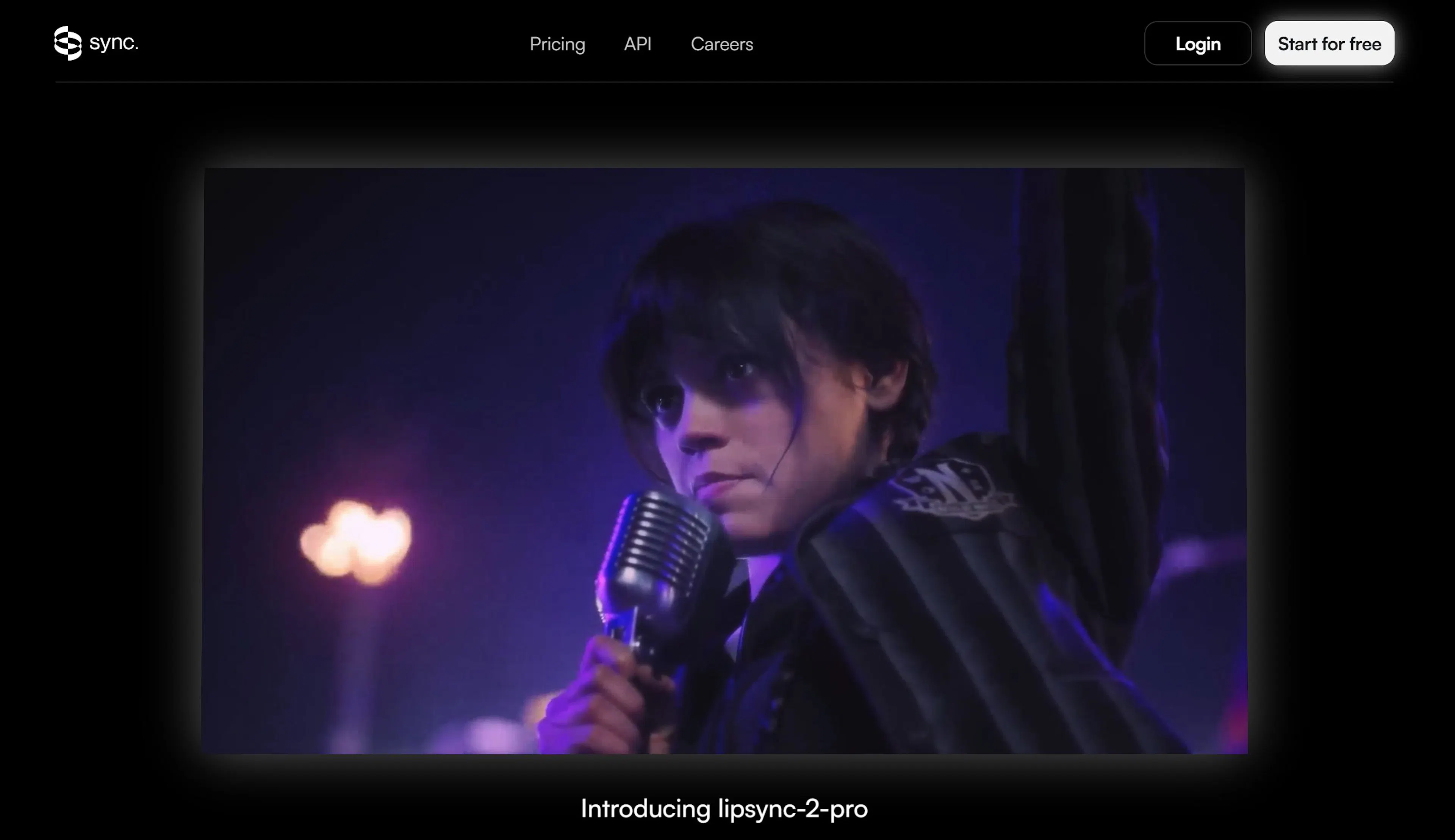
For example, you recorded a video, synchronizes lips—and you get a video where you (or your avatar), but lips move naturally.
This is useful for selling content in different languages.
Pros:
Cons:
Smart Cutting and Editing (Content Repurposing)
OpusClip is an AI that watches your long video, finds the most interesting moments, and cuts them into vertical videos for TikTok, YouTube Shorts, and Instagram Reels. It even adds automatic subtitles and emojis.
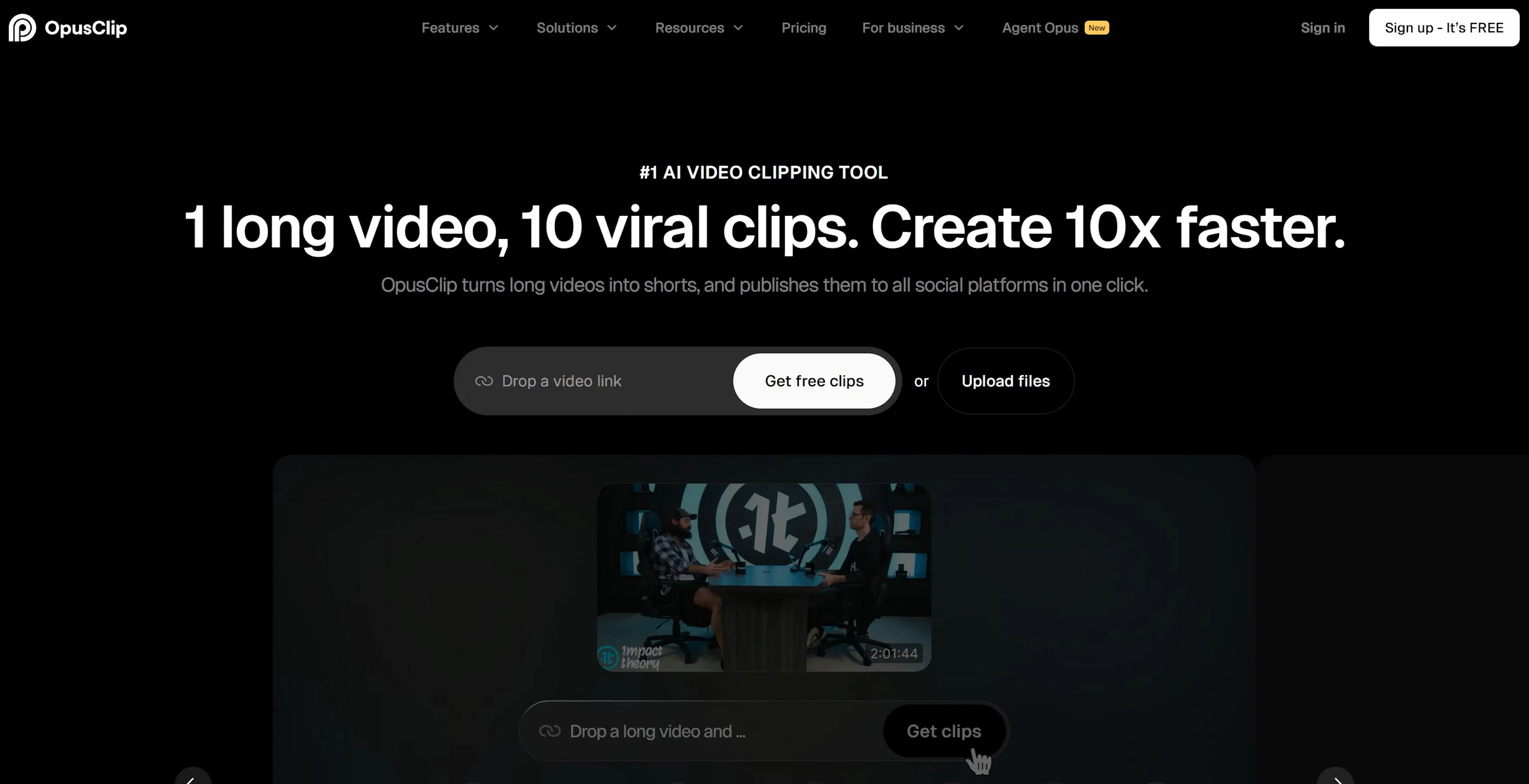
How to use: Upload an interview or podcast lasting an hour → OpusClip watches and cuts → you get 10 ready 30-second videos that can be published immediately.
Pros:
Cons:
Vizard is a video editor that automatically generates subtitles, scales video for different platforms, and cuts long video into short clips.

For example, you have a 16:9 video for YouTube. Vizard automatically reformats it to 9:16 for Shorts, crops extra parts to keep content in focus.
Pros:
Cons:
Video without good sound is a half-result. Bad sound, background noise, monotonous voice—all this scares viewers away in the first five seconds. But not every blogger has a professional microphone and sound operator.
Adobe Podcast Enhance is a feature from Adobe based on their Firefly neural network. You upload a recording with poor acoustics (recorded video in an office, noise nearby), the neural network analyzes and removes background noise, improves voice clarity.
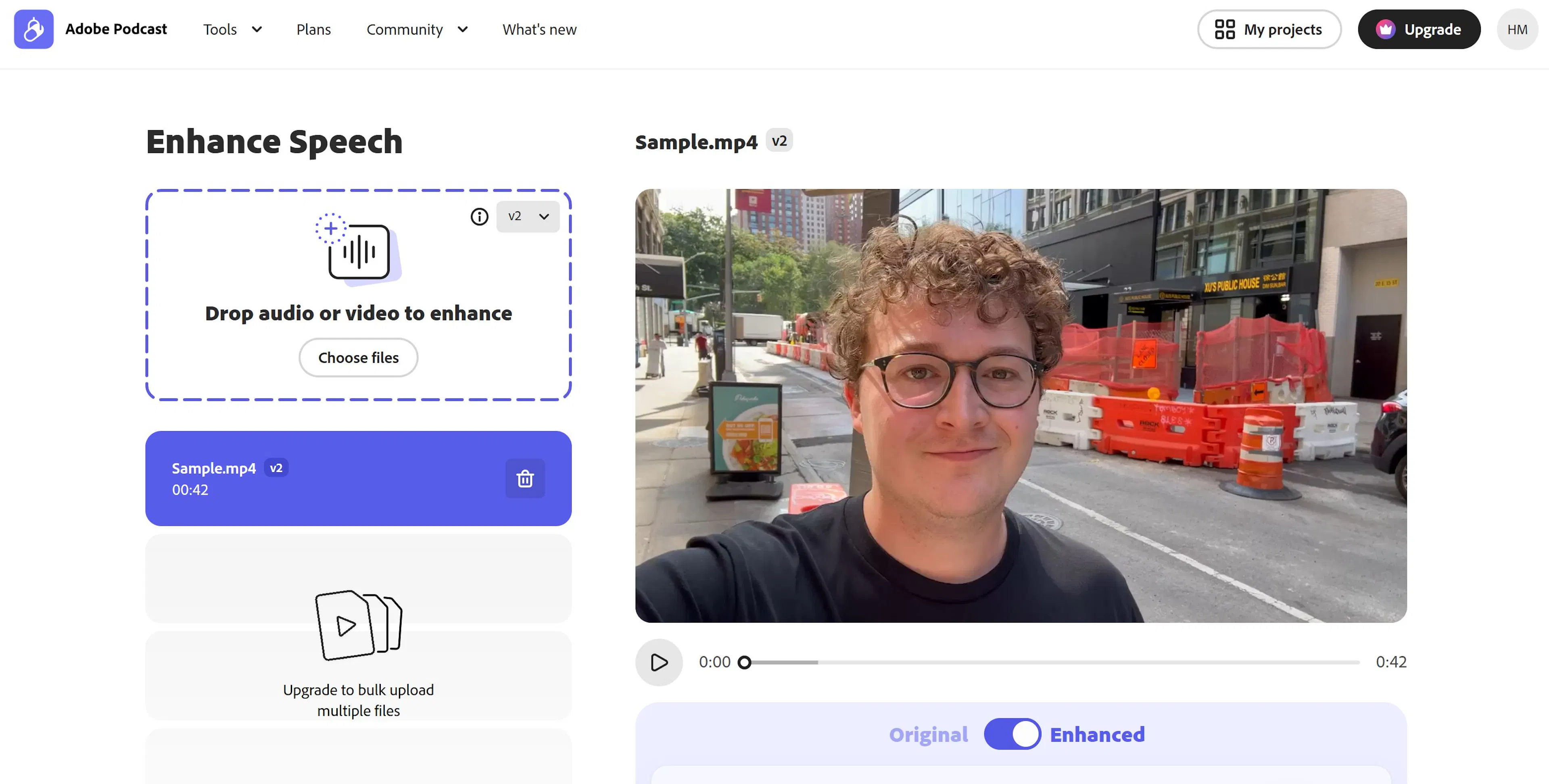
The result sounds as if you recorded in a studio with an expensive microphone. This is magic for bloggers.
How to use: There's a free web interface at podcast.adobe.com. Upload an audio file (MP3, WAV), press "Enhance", wait a couple of minutes—done. Quality improved significantly.
Pros:
Cons:
Many video editors have built-in simple noise removal features. CapCut (free editor for mobile and PC) has built-in "Noise Suppression" that removes background noise.
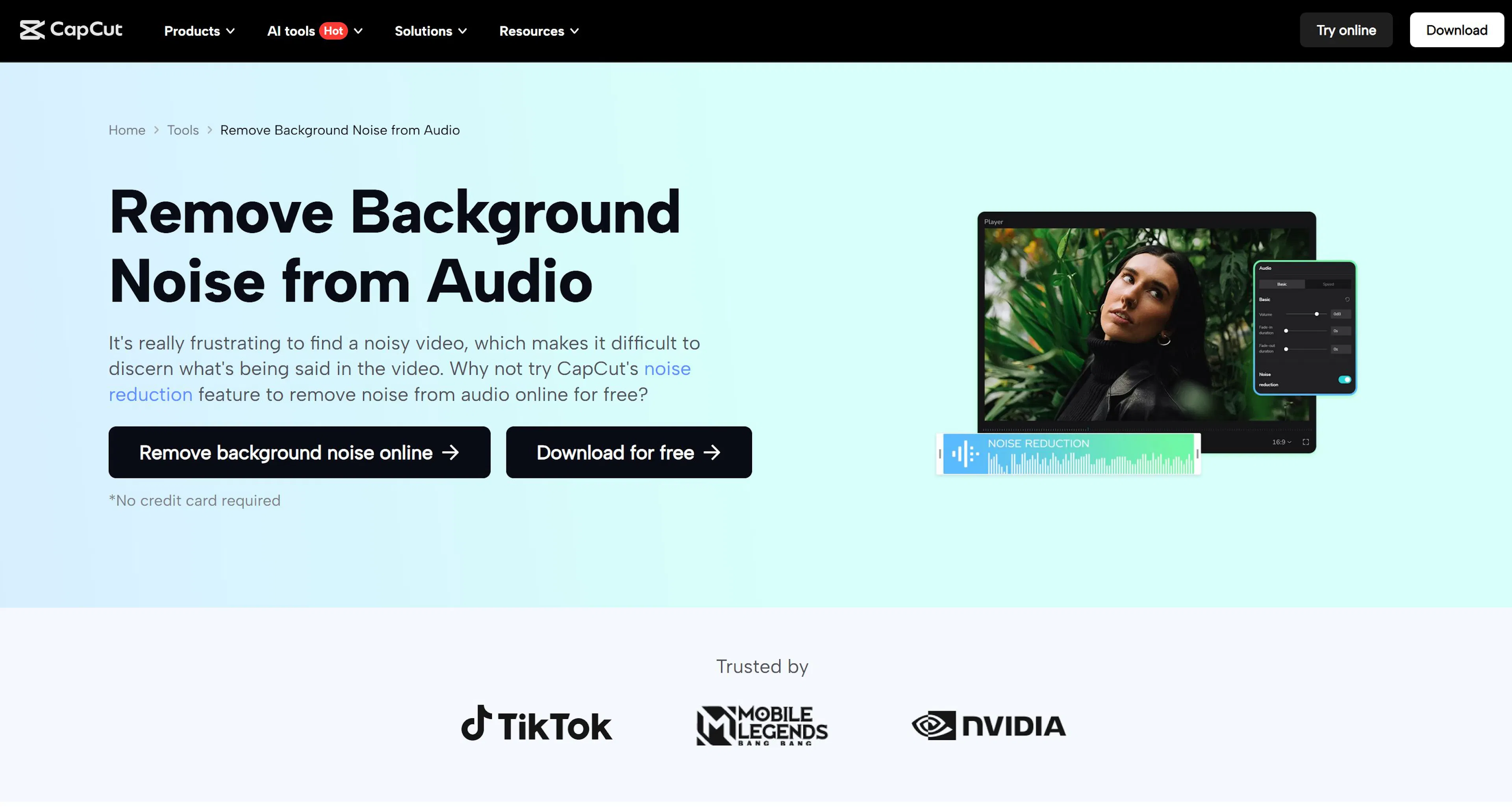
It's not as powerful as Adobe Podcast, but sufficient for simple cases like "remove fan sound in the background". And it's already built into the editor, no need to upload the file somewhere separately.
Pros:
Cons:
Suno is a platform for generating music. You describe what's needed: "calm background music for a video about neural networks, in electronic style, 2 minutes", and Suno generates a full composition.
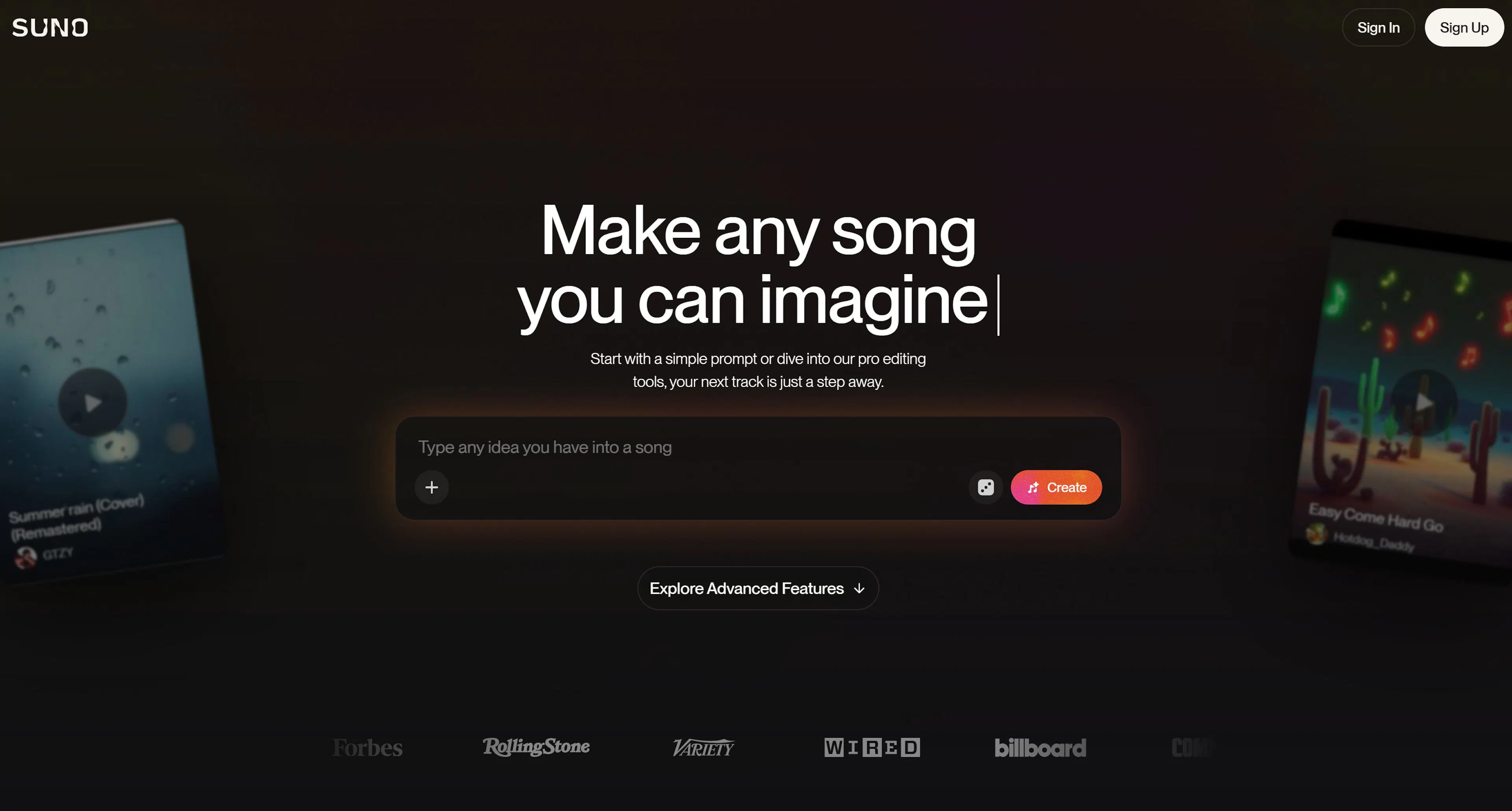
You can even ask for a full song with vocals. Suno will create everything: melody, harmony, vocals, beat. Quality is already sufficient for publication.
How to use: Go to suno.com, describe the track, press "Create"—wait a minute, get ready music. Can listen in browser, download as MP3, and use in any video.
Pros:
Cons:
Udio is a competitor to Suno with a focus on vocal music. If you need a song with a voice, Udio often generates more natural vocals.
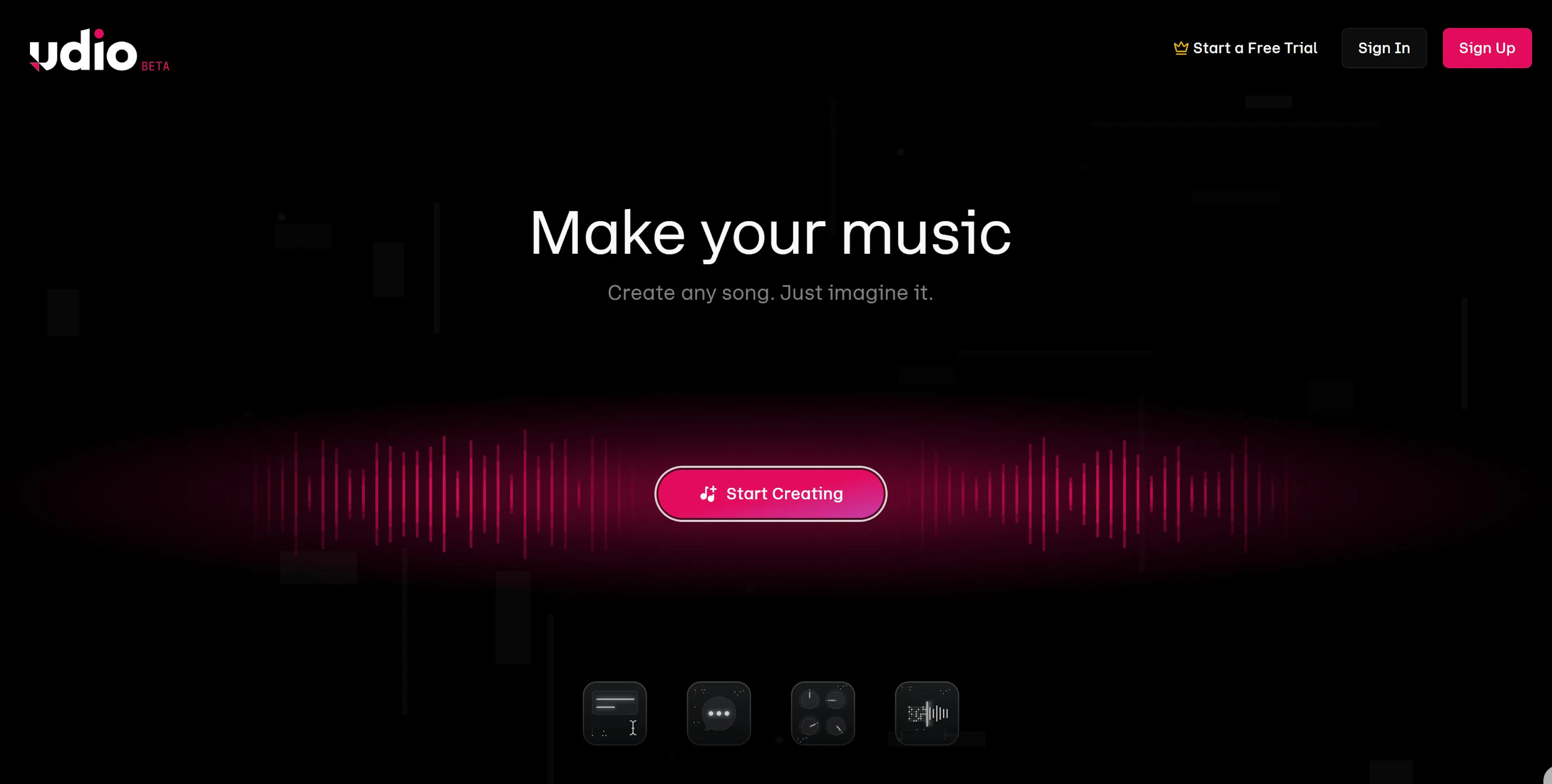
Like Suno, you describe the track, the platform generates.
Pros:
Cons:
Simple option: Download a track from Suno/Udio → Upload to a video editor (CapCut, Adobe Premiere) as background music → Publish. No copyright issues.
For YouTube: When uploading a video, YouTube scans the music. If it's music from Suno/Udio, the system doesn't recognize it (because it's generated), and the video publishes without issues.
Google Text-to-Speech are service that turn text into voice. You input text, choose a voice and speed, the service generates an audio file.
Quality is average. Sounds like synthesized voice (not exactly like a human), but suitable for voicing articles or simple videos.
Pros:
Cons:
Elevenlabs is an American service with more realistic voice synthesis. Voices sound like almost real people with needed intonation and pauses.
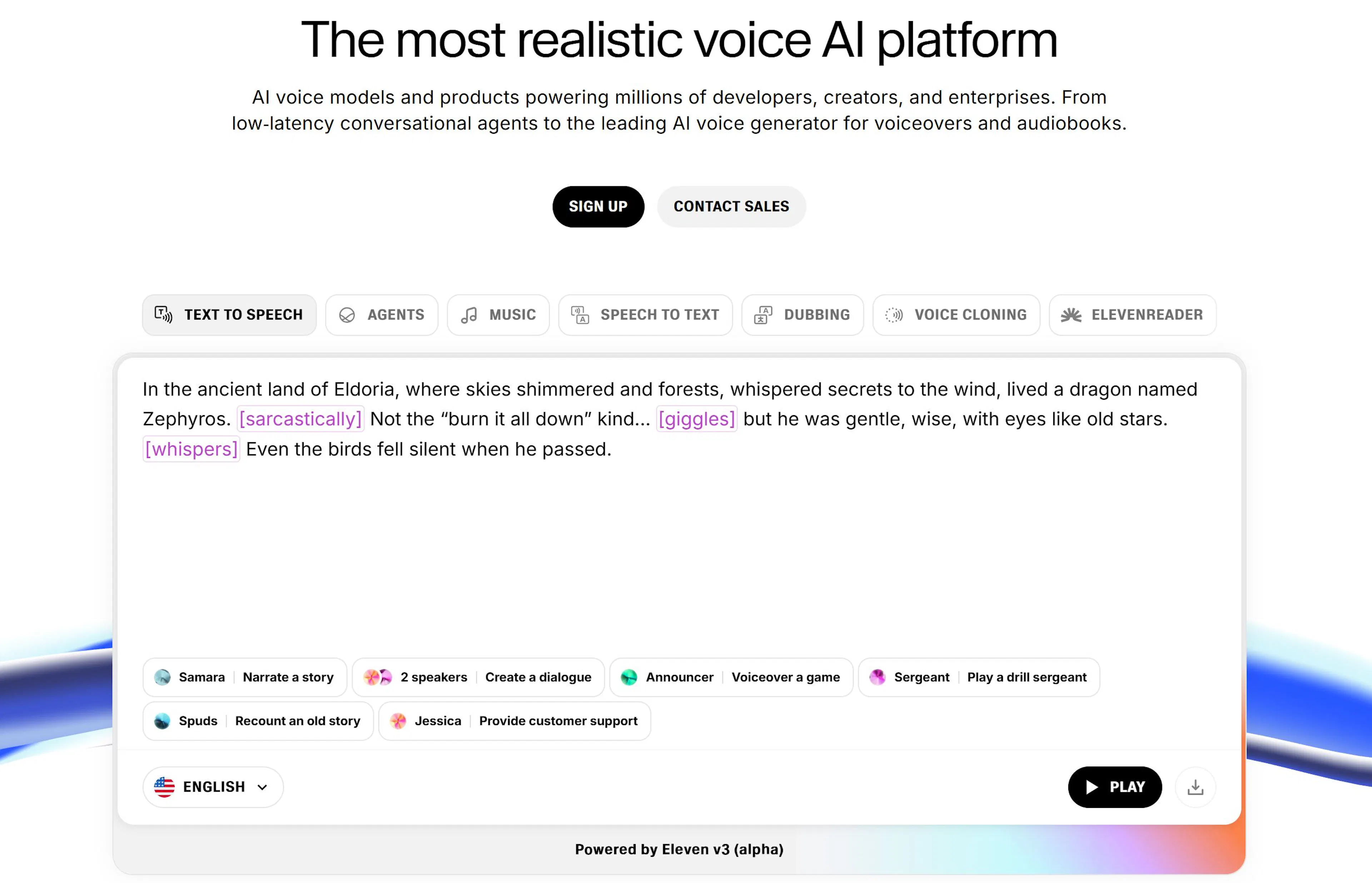
Pros:
Cons:
In this article, we've gathered and reviewed neural networks that cover all stages of creating content for a blog: from generating ideas and writing text to creating video and voiceovers. Each tool solves a specific task, and each has its pros and cons.
Bloggers who started using AI in 2024-2025 are five times ahead of those still creating content manually. They save hours every day, publish more often and better, attract more readers.
Start with the IMI platform. It's an aggregator that combines most of the tools we talked about: text, images, video, ready templates, assistants. You don't need to learn 10 different services—IMI will do it for you.

Max Godymchyk
Entrepreneur, marketer, author of articles on artificial intelligence, art and design. Customizes businesses and makes people fall in love with modern technologies.