SUNO isn't magic, nor is it a random song generator. It’s a powerful tool capable of producing professional music tracks—if you structure, style, and voice it correctly. In this mini-guide, you’ll learn how to work with SUNO intentionally and systematically: from writing prompts to achieving consistent vocal quality.
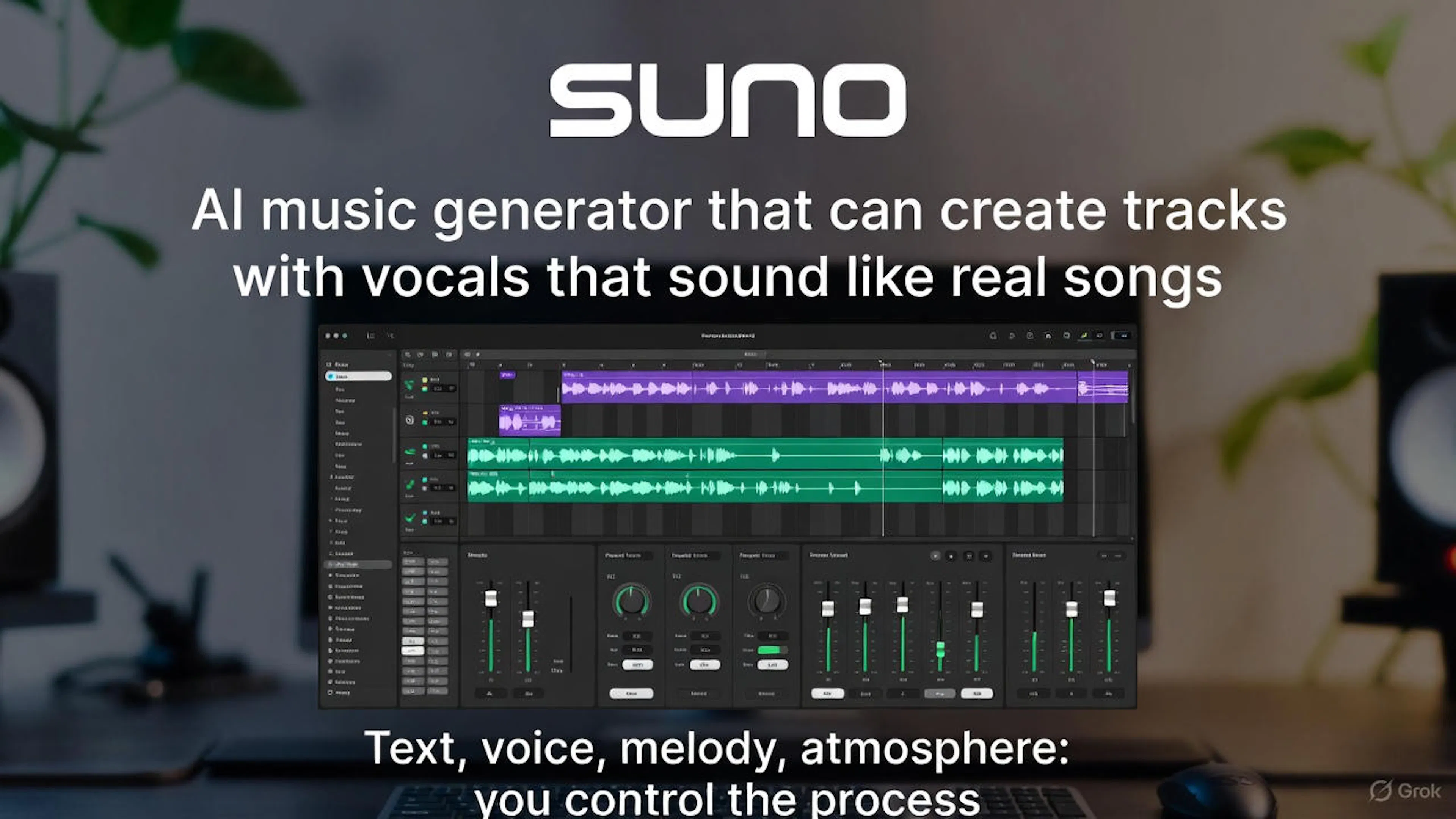
SUNO is an AI-powered music generator. It can create full vocal tracks that sound like real songs—complete with lyrics, vocals, melody, and atmosphere. And the best part? You can easily steer the creative process once you understand how.
SUNO operates on a three-component system:
If you don’t control the first two blocks, the third will produce random and unpredictable outcomes.
Many beginners treat SUNO like magic:
But SUNO is an algorithm—and it loves clear structure. When you follow it, you get predictable, high-quality tracks.
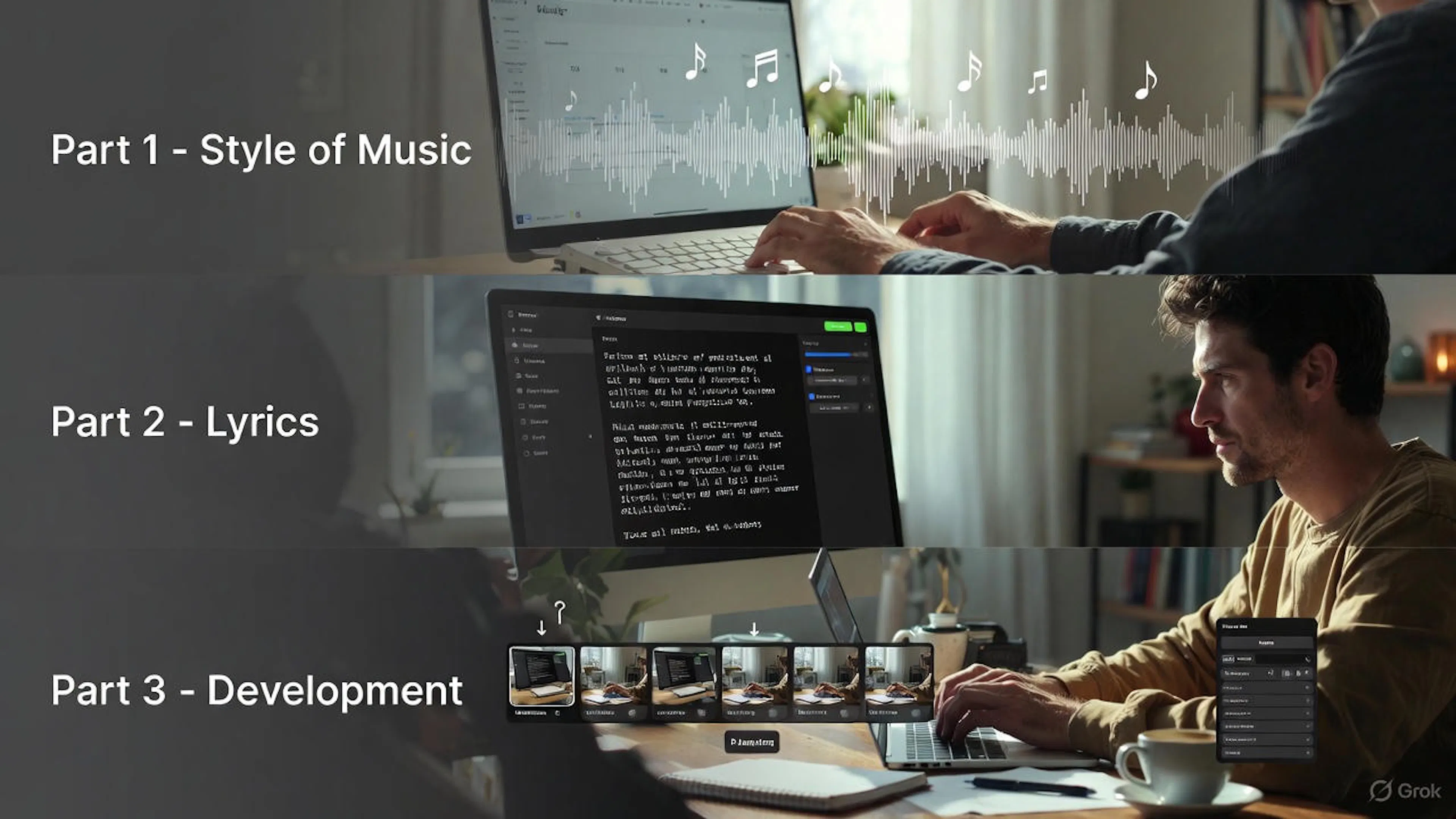
To get controllable results, your prompt should be divided into three parts:
PART 1. Style of Music
Defines the technical characteristics of the sound.
PART 2. Lyrics
The song’s lyrics—in any language, but with clear formatting.
PART 3. Development
Choosing variations, reusing prompts, locking in parameters (Reuse Prompt).
A simple formula for beginners:
Genre → mood → instruments → vocals → key → tempo (BPM)
Example:
Atmospheric indie-pop, warm pads, soft guitars, soft emotional female vocal, intimate tone, C major, 92 BPM.
Breakdown:
⚠️ Do not write lyrics here or change everything at once. Keep it short and to the point.
SUNO understands both English and Russian. The key is clear structure and labeling:
Example:
[Verse] I walk through shadows of the day, Searching for a quiet place to breathe… [Chorus] Я держусь за свет внутри себя, Даже если мир давит тишиной...
Step-by-step launch:
🔒 Do not move forward until you’re happy with this version.
How to Experiment Correctly
One rule: change only one parameter at a time.
Examples:
Quick reference for keys:
| Key | Mood |
|---|---|
| C Major | Neutral |
| G Major | Bright |
| F Major | Warm |
| A Minor | Intimate |
| E Minor | Dramatic |
| D Minor | Cinematic |
To achieve stable vocal sound—lock in its description and don’t change it later.
Example vocal block: Soft emotional female vocal, warm intimate tone, light breathy timbre, smooth gentle delivery, subtle airiness.
Use Reuse Prompt and only adjust style, key, or tempo.
Use SUNO like a studio to craft an album:
✅ Prompt = structure → lyrics → development ✅ One vocal style = one fixed block ✅ Change one parameter at a time ✅ Work in series ✅ Build a system—don’t just click buttons randomly
SUNO can be either a random generator or a tool that delivers impressive, predictable results. It all depends on your approach. Start with structure. Think of your prompt as a recipe. Save, test, refine, and create music not by chance—but exactly the way you want to hear it.

Max Mathveychuk
Co-Founder IMI