In 2025, the industry has definitively moved past the "uncanny valley." If earlier AI video generators produced unstable characters with artifacts, today, it's challenging even for professionals to distinguish AI-generated footage from real filming.
The content creation market is evolving at a breakneck pace. For SMM specialists, e-commerce sellers, and filmmakers, ignoring artificial intelligence now means losing a competitive edge. An AI can create a video faster than it takes to brew coffee, while production budgets shrink by orders of magnitude.
This article compiles the best AI video generators relevant at the moment. The review includes not only high-profile newcomers but also proven business tools that help tackle daily content tasks.
The video AI sphere is developing in leaps and bounds: leaders change every few months. Tools popular six months ago may be hopelessly outdated today. Our ranking is based on four key criteria that define quality output.
The main issue with past versions was objects that "drift" or disappear from the frame. Modern AI generates videos with consideration for the physics of fabrics, lighting, and gravity. If a character moves, their shadow shifts synchronously, and clothing folds behave naturally. Priority was given to models capable of maintaining object stability throughout an entire scene.
Generating short 3-second clips is no longer sufficient. Businesses require full-fledged clips lasting 10-15 seconds. Control is critically important: the ability to adjust camera movements (Zoom, Pan), set object trajectories, and manage character facial expressions.
Many free plans restrict the use of content for advertising purposes. The review includes services offering commercial licensing. This is a fundamental point for marketing and client work, allowing users to avoid legal risks.
Considering geo-restrictions, each service was tested for usability from different regions: payment methods, need for additional access tools, and support for the Russian language in input prompts.
This section features industry flagships—the "heavy artillery" of generative AI. These tools set quality standards, enabling cinematic-level video creation. They are ideal for advertising, music videos, and professional tasks.
The imigo.ai platform is a universal hub uniting leading global models. Instead of paying for multiple subscriptions and setting up VPNs for each service, users get access to Kling v2.1, Hailuo 02, Veo 3, Sora 2, and other top-tier engines through a unified interface. This AI makes video generation accessible to everyone by removing technical barriers.

The main advantage is convenience. You can switch between models (e.g., compare Veo 3 and Kling 2.5 results) with a single click. The platform is fully localized in Russian and adapted for payments with Russian cards.
| Parameter | Value |
|---|---|
| Available Models: | Veo 3.1, Kling v2.1, Sora 2, Hailuo 02, etc. |
| Type: | Text-to-Video, Image-to-Video |
| Complexity: | Low (suitable for beginners) |
Pros and Cons:
✅ Everything in one place: No need to register on 10 different services. ✅ No payment or access issues from Russia. ✅ Convenient generation parameter selection (format, duration) for all models. ❌ Cost may vary depending on the chosen generation model.
Currently, Kling (especially versions 1.5 and above) is considered the main competitor to Sora and often surpasses it in accessibility. It's a powerful video generation AI that impresses with its motion physics. It excels at understanding object interactions: how water is poured, metal bends, or hair flows in the wind.

Kling allows generating clips up to 10 seconds (in Pro mode) in high 1080p resolution. This makes it an ideal choice for creating realistic inserts for films or commercials.
| Parameter | Value |
|---|---|
| Type: | Text-to-Video, Image-to-Video |
| Duration: | 5 sec (Standard), up to 10 sec (Pro) |
| Quality: | High realism (30 fps) |
Pros and Cons:
✅ Best-in-market understanding of anatomy and physics. ✅ Generous free plan for testing. ❌ Complex registration and interface (often in Chinese/English). ❌ Generation time during peak hours can reach several hours.
Runway has long been an industry standard. The Gen-3 Alpha version focuses on control. If you need the camera to pan exactly from right to left or a character to smile at the 3-second mark—Runway is for you. The Motion Brush tool allows you to highlight objects (e.g., clouds or water) and make only them move, keeping the background static.
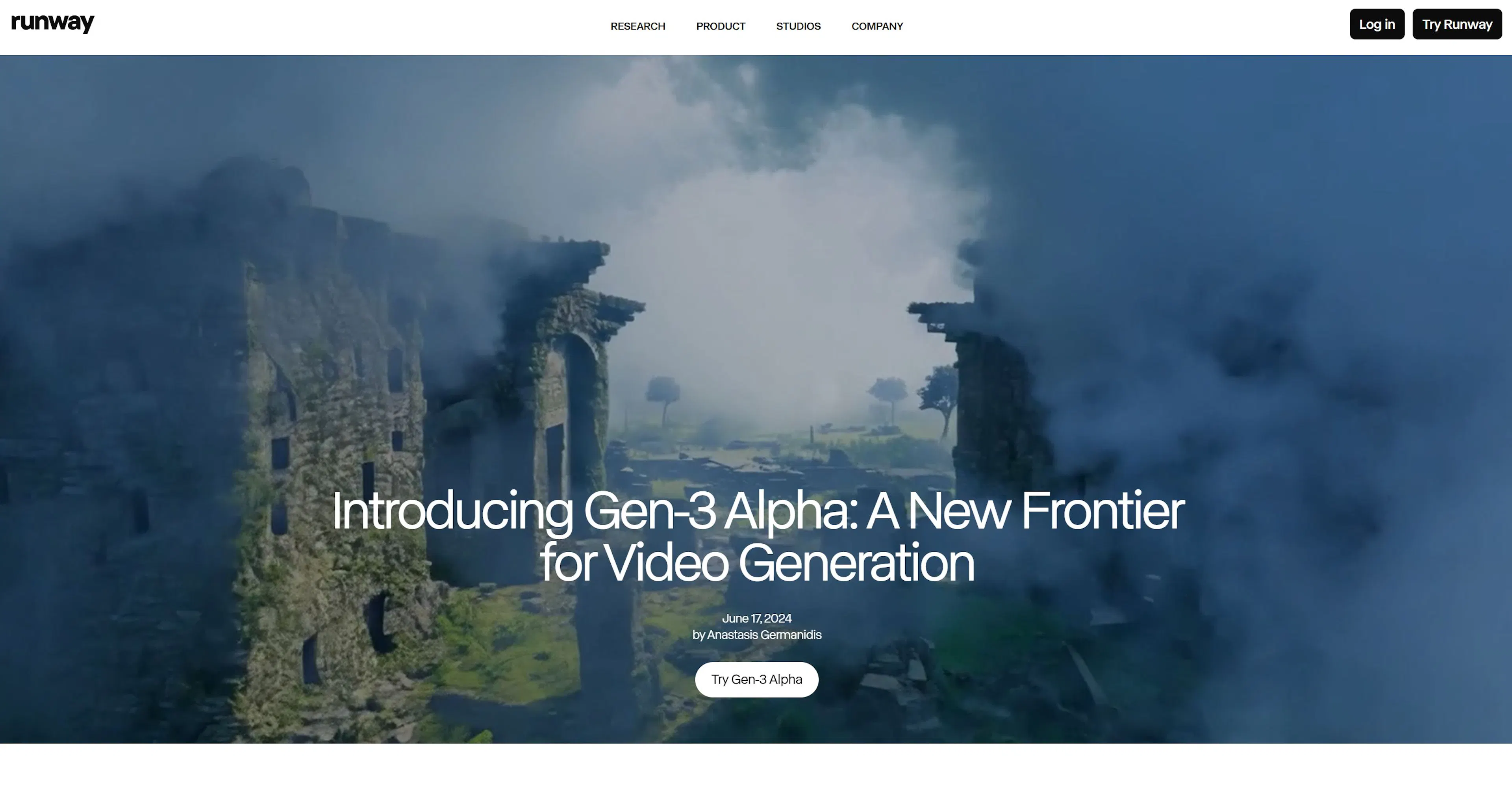
This service is often used by advertising agencies where every detail in the frame matters.
| Parameter | Value |
|---|---|
| Type: | T2V, I2V, Video-to-Video |
| Duration: | 5 or 10 seconds |
| Tools: | Motion Brush, Director Mode (camera) |
| Cost: | From $12/month (credits expire) |
Pros and Cons:
✅ Precise control: Director's console for camera management. ✅ High texture detail. ❌ Expensive: Almost no credits on the free plan. ❌ Difficult to pay from Russia without intermediaries.
Luma burst onto the market with a promise of high speed: 120 frames in 120 seconds. It's a video generator AI that excels at dynamic scenes—drone flyovers, races, action sequences.
Luma's unique feature is high-quality morphing (smooth transformation of one object into another). It also works well with images, allowing you to animate old photos or artwork.
| Parameter | Value |
|---|---|
| Type: | Text-to-Video, Image-to-Video |
| Speed: | High (Fast Generation) |
| Duration: | 5 seconds (can be extended) |
| Free Plan: | 30 generations per month |
Pros and Cons:
✅ Generates faster than most competitors. ✅ Excellent at creating cinematic camera flyovers. ❌ Sometimes distorts faces in wide shots. ❌ Free generations run out quickly.
A newcomer that quickly gained popularity thanks to its ability to work with people. While other models often turn fingers into "spaghetti" or make gait unnatural, Hailuo 02 excels at human movement and plasticity.
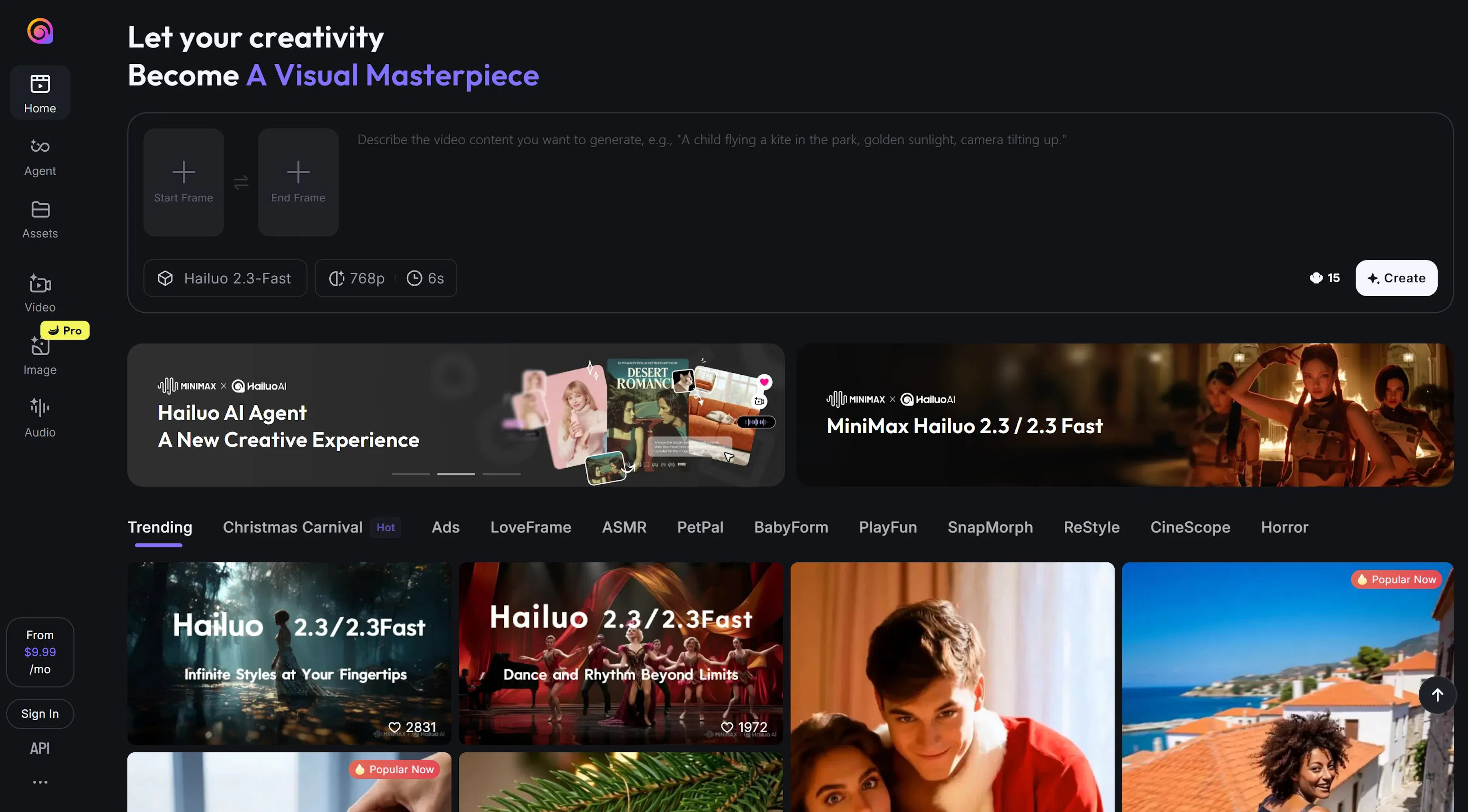
This video creation AI is suitable for scenes with dancing, sports, or active gesticulation.
| Parameter | Value |
|---|---|
| Type: | Text-to-Video |
| Specialization: | People, movement, choreography |
| Quality: | High (HD) |
| Access: | Web interface |
Pros and Cons:
✅ Natural facial expressions and no "uncanny valley" effect. ✅ Good character stability. ❌ Fewer camera control settings compared to Runway.
Pika focused on viral content. Version 1.5 introduced Pikaffects: the ability to "crumple," "melt," "explode," or "inflate" an object in the frame. This is perfect for TikTok, Shorts, and Reels.
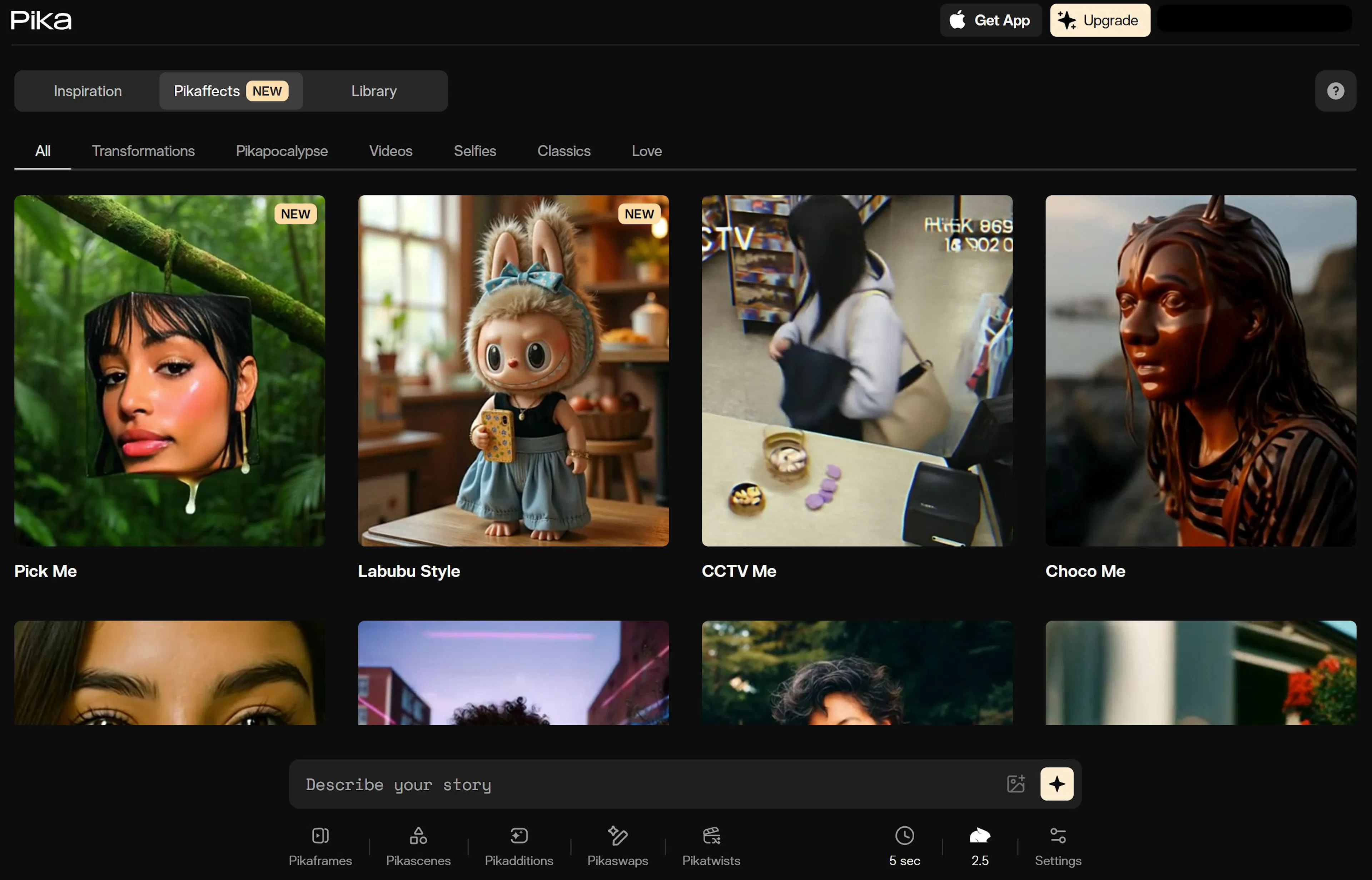
Furthermore, Pika offers convenient Lip-sync (lip synchronization with voiceover), allowing you to make a character speak.
| Parameter | Value |
|---|---|
| Type: | T2V, I2V, Lip-sync |
| Features: | Pikaffects (VFX effects) |
| Format: | 16:9, 9:16 (vertical) |
| Free: | Starter credits |
Pros and Cons:
✅ Unique visual effects not found elsewhere. ✅ Simple to use via website or Discord. ❌ Texture quality sometimes lags behind Kling and Runway (more "soapy").
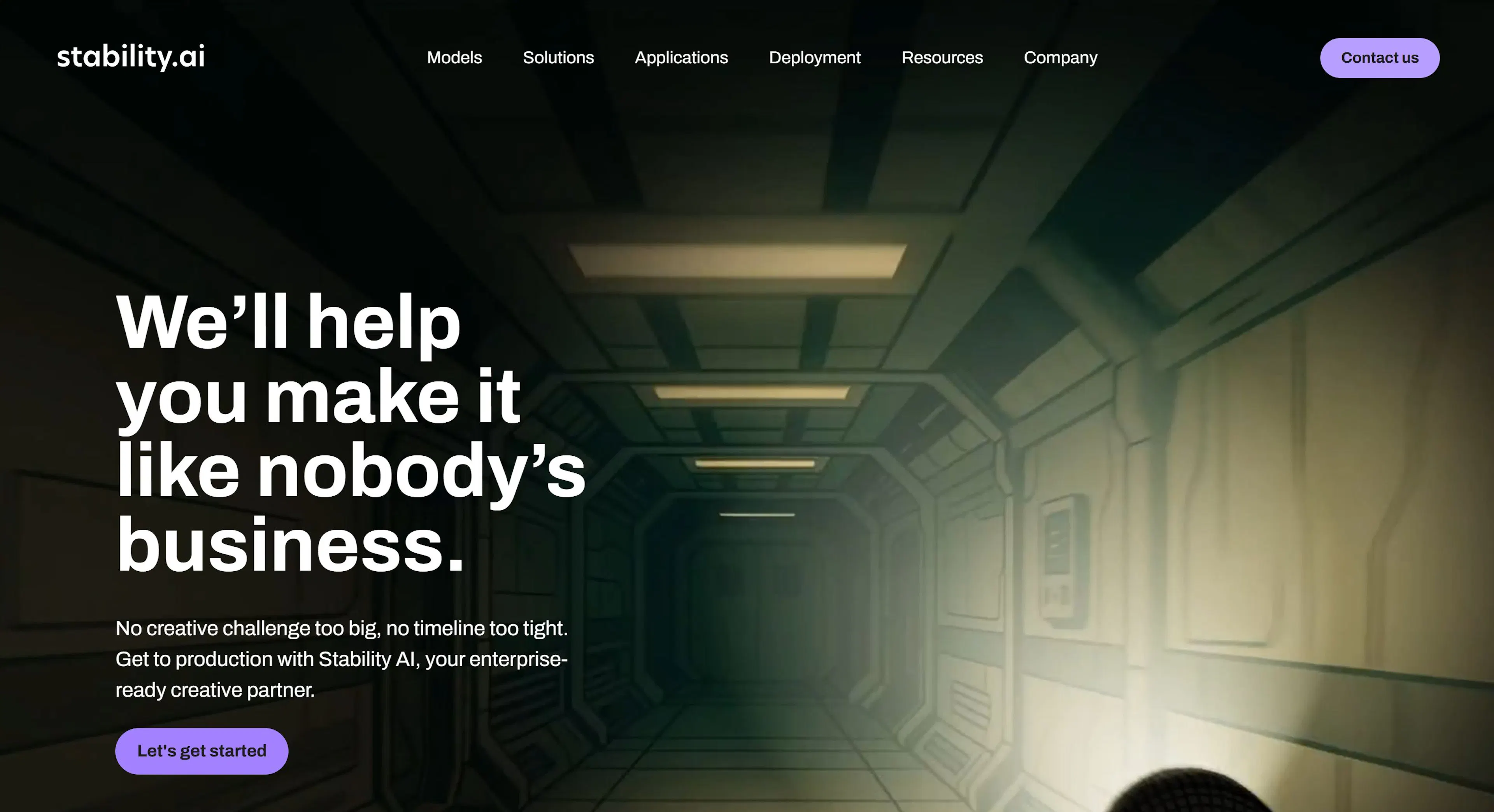
This is not just a service but an open-source model from Stability AI that can be run on a powerful local PC or in the cloud. The video AI is available for free download but requires technical skills. SVD has become the base for many other services. It allows generating short clips (up to 4 seconds) from images with a high degree of control over motion bucket parameters (amount of motion).
| Parameter | Value |
|---|---|
| Type: | Image-to-Video |
| Price: | Free (Open Source) |
| Requirements: | Powerful GPU (NVIDIA) or cloud GPU |
| For Whom: | Developers, enthusiasts |
Pros and Cons:
✅ Completely free and uncensored (when run locally). ✅ Can be fine-tuned on your own data. ❌ Requires powerful hardware and software setup. ❌ Short generation duration.
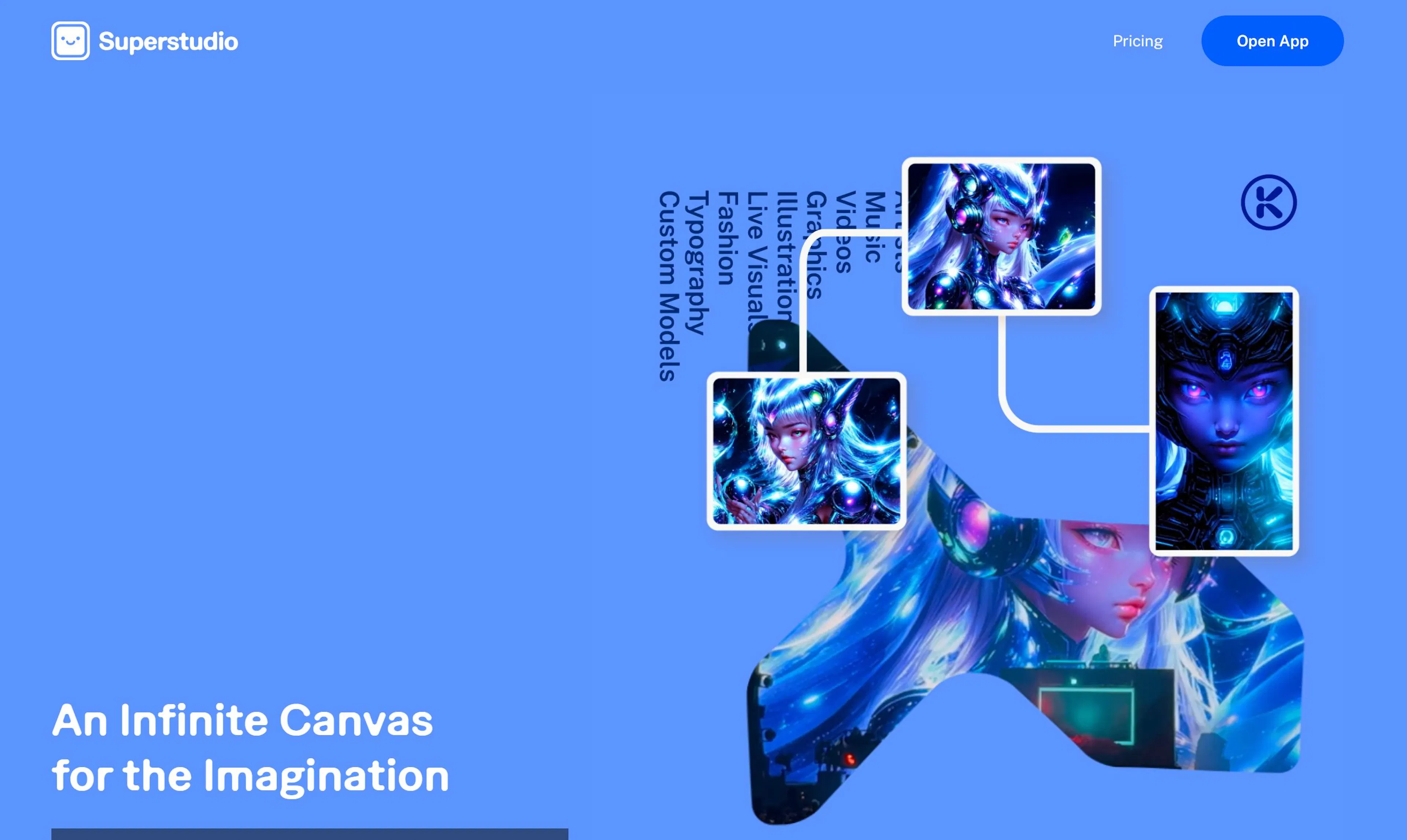
Kaiber became cult after the release of a Linkin Park music video created with its help. This AI creates videos in a unique illustrated style (anime, oil painting, cyberpunk). The tool works on the principle of Audio Reactivity: video can pulsate and change to the beat of uploaded music. An ideal choice for musicians and music video makers.
| Parameter | Value |
|---|---|
| Type: | Video-to-Video, Audio-to-Video |
| Feature: | Reaction to music (Audio React) |
| Styles: | Anime, comic, painting |
| Price: | From $5/month (trial available) |
Pros and Cons:
✅ Best tool for creating musical visualizations. ✅ Unique "living painting" style. ❌ Weak for photorealism. ❌ Paid access (trial is short).
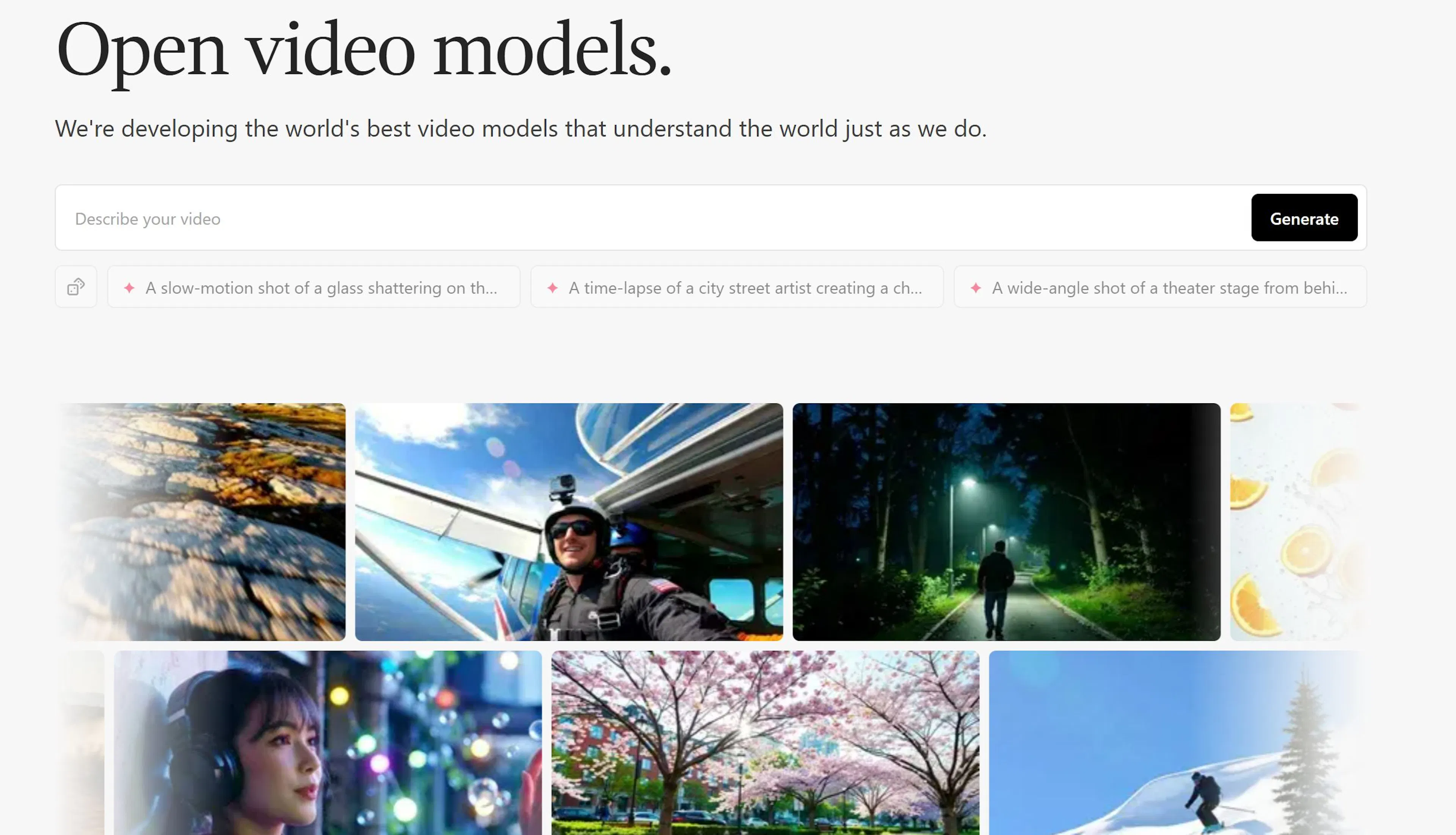
Genmo (Mochi 1 model) positions itself as a "Creative Copilot." It's an advanced platform that works through a chat interface. You can ask the bot not just to generate a video but to edit it: "add more snow," "make the movement faster." Genmo understands complex instructions well and allows animating specific areas of a photo.
| Parameter | Value |
|---|---|
| Type: | Text-to-Video, Image-to-Video |
| Control: | Chat-bot, brush selection |
| Model: | Mochi 1 (Open Source base) |
| Free: | Daily credits |
Pros and Cons:
✅ Intuitive interface (communication like with ChatGPT). ✅ Good performance with 3D objects. ❌ Quality sometimes lags behind Kling in realism.
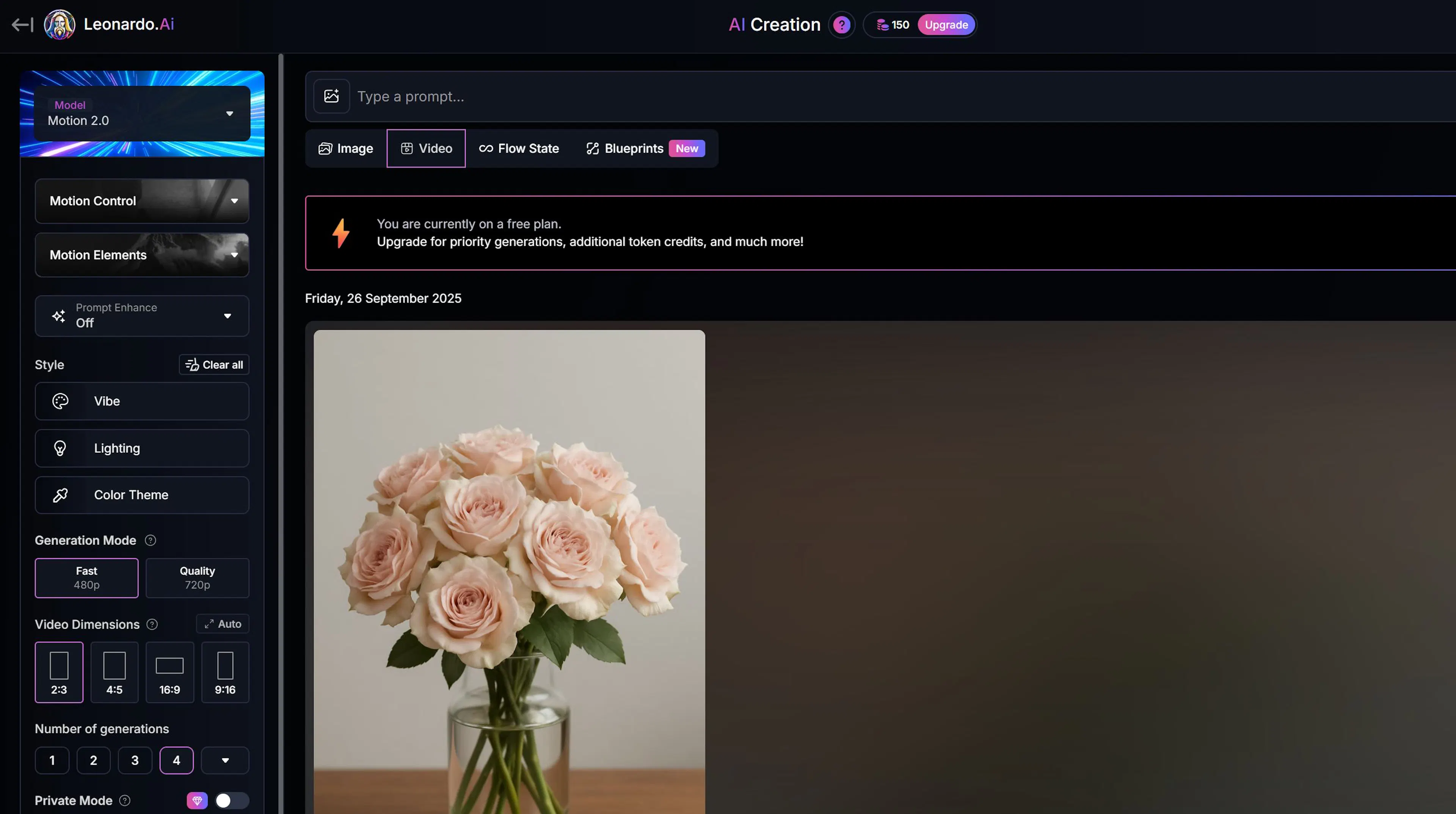
Leonardo initially competed with Midjourney but is now a powerful all-in-one suite. The Motion function allows animating any generated image with a single click. You can adjust the Motion Strength directly in the interface. It's convenient: no need to download the image and import it into another service.
| Parameter | Value |
|---|---|
| Type: | Image-to-Video |
| Integration: | Built into the image generator |
| Settings: | Motion strength (1-10) |
| Access: | Within the general Leonardo subscription |
Pros and Cons:
✅ Seamless workflow: generate image -> click button -> get video. ✅ Single subscription for images and animation. ❌ Fewer camera settings than Runway.
Google Veo (available through YouTube Shorts and the Vertex AI platform) is the search giant's response to market challenges. The Veo model can generate video clips with 1080p+ resolution lasting over a minute. Its main feature is a deep understanding of context and cinematic terms ("time lapse," "aerial shot of a landscape").
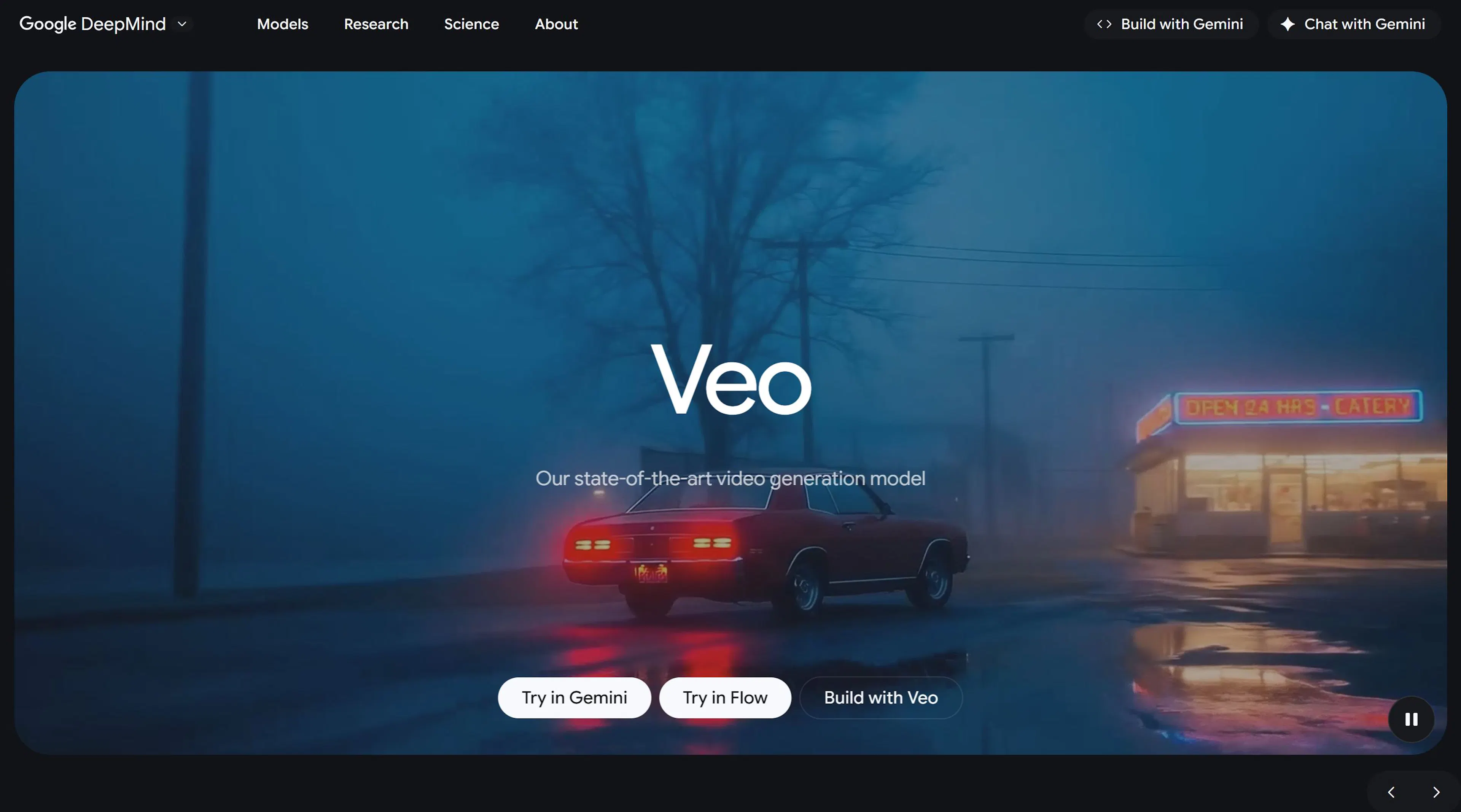
Veo can edit videos using text commands and masks, making it a powerful post-production tool. Integration with the Google ecosystem (Workspace, YouTube) makes it potentially the most massive tool.
| Parameter | Header |
|---|---|
| Type: | Text-to-Video, Video-to-Video |
| Duration: | 60+ seconds |
| Quality: | Cinema-standard (1080p/4K) |
| Access: | VideoFX (limited), Vertex AI |
| Feature: | Understanding long prompts |
Pros and Cons:
✅ Amazing coherence (stability) in long videos. ✅ Integration with professional editing tools. ❌ Access currently limited (Waitlist or corporate plans). ❌ Difficult for an average user to try "here and now."
Sora has become synonymous with revolution in video generation. Although Sora was in closed access ("Red Teaming") for a long time, its capabilities set the bar for all others. The model can generate complex scenes with multiple characters, specific movements, and precise background detail.
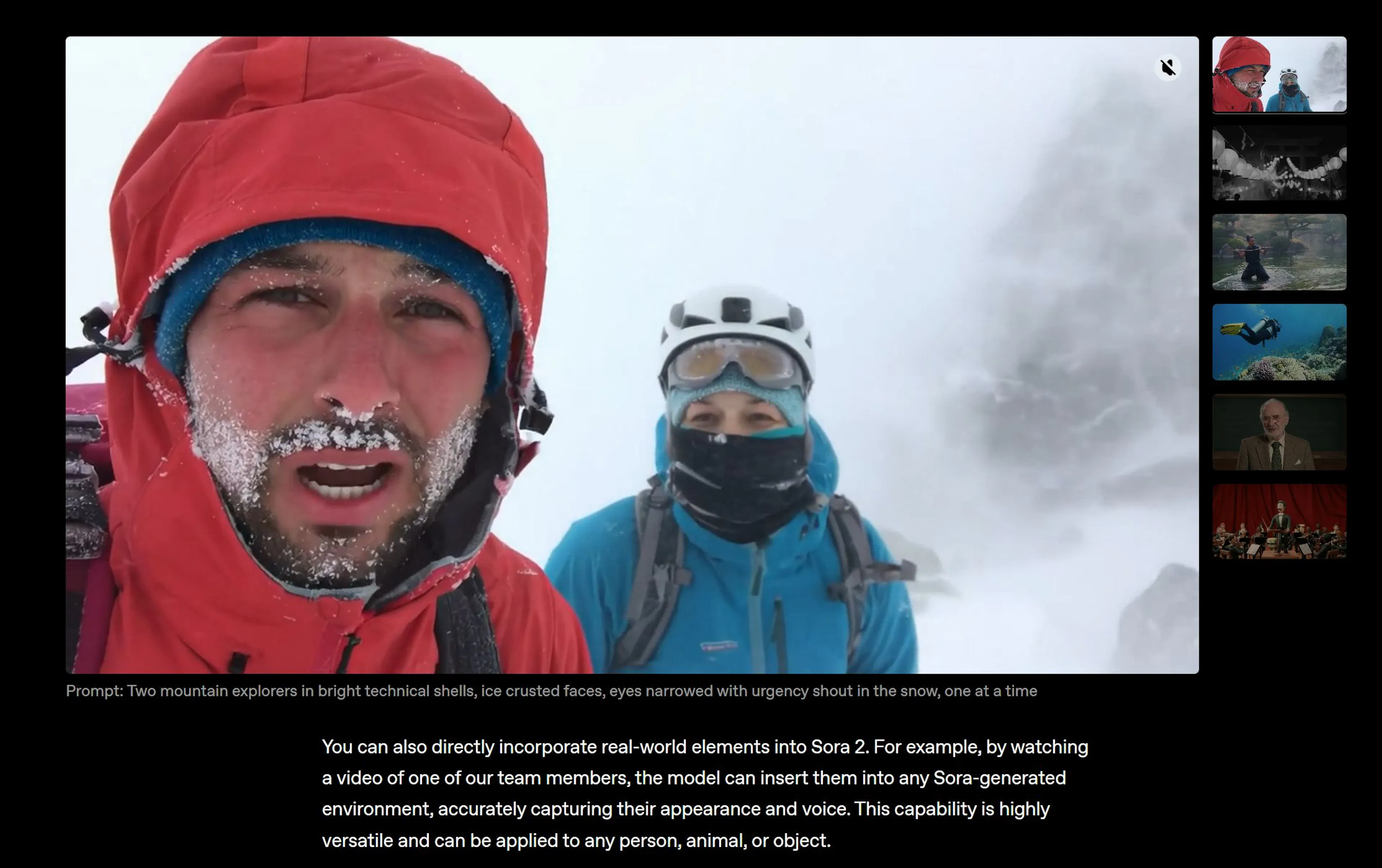
Sora understands the physical world: if a character bites a cookie, a bite mark remains. This is a deep simulation of reality, not just pixel animation.
| Parameter | Value |
|---|---|
| Type: | Text-to-Video |
| Duration: | Up to 60 seconds |
| Realism: | Maximum (2025 benchmark) |
| Access: | Gradual rollout in ChatGPT / API |
Pros and Cons:
✅ Unmatched quality and realism. ✅ Generation of complex object interactions. ❌ Very high computational resource requirements (expensive). ❌ Availability for the general public is opening slowly.
This market segment develops in parallel with cinematic video generation. For business, online courses, and corporate training, Hollywood-level special effects are not always needed. More often, a "talking head" (Talking Head) is required—a digital narrator who can voice text in 40 languages without stuttering or demanding a fee.
Here, Lip-sync (lip synchronization) and voice cloning technology reign supreme.
HeyGen went viral thanks to its Video Translate feature, allowing bloggers to speak in perfect English, Spanish, and Japanese with their own voices. But for business, it's primarily a powerful tool for creating content without a camera.
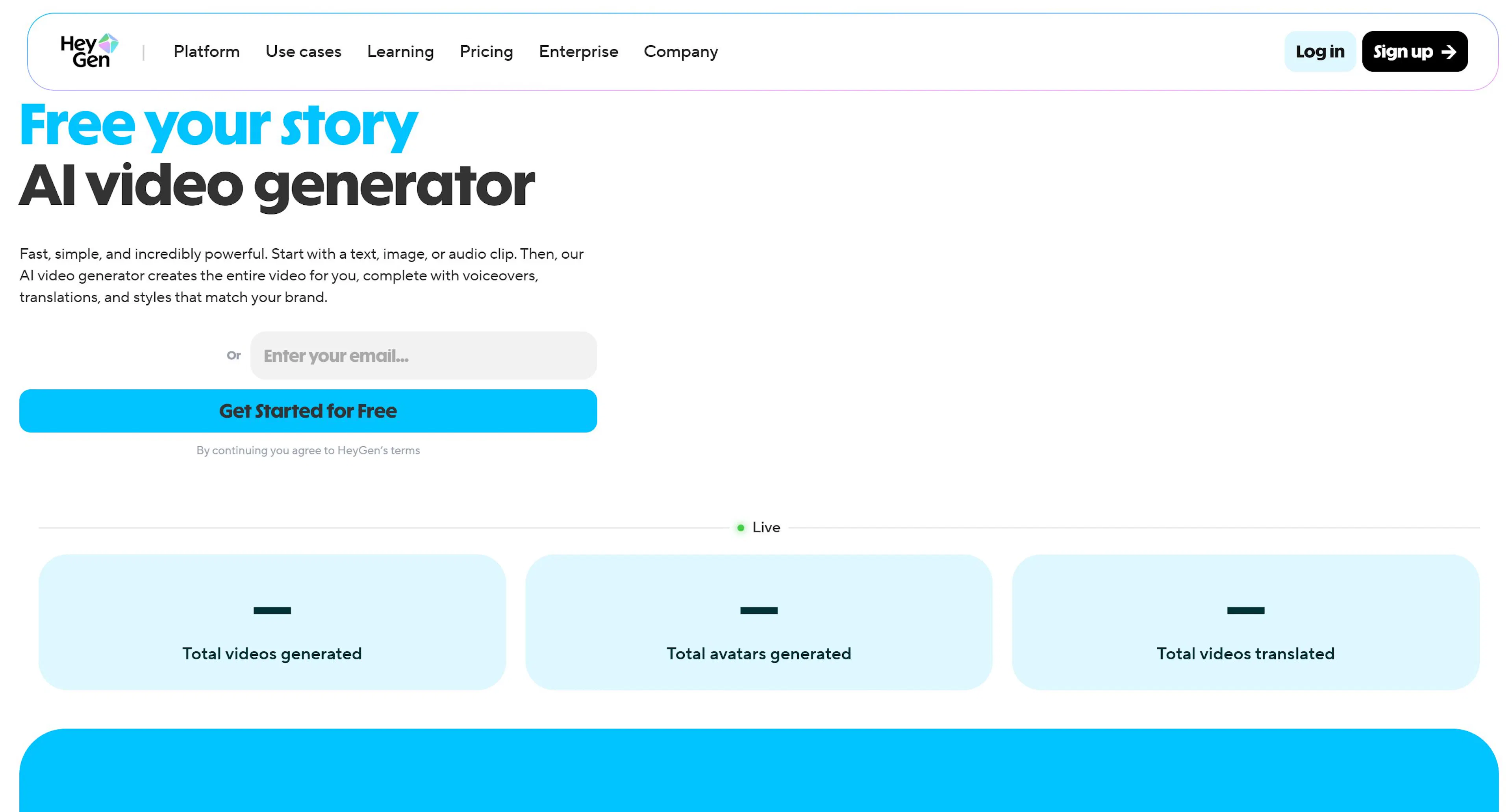
You can create your digital double (Instant Avatar): record 2 minutes of video on a webcam, and the system creates your copy. Then you simply write the text, and the avatar speaks it. A lifesaver for experts tired of filming.
| Parameter | Value |
|---|---|
| Specialization: | Realistic avatars, video translation |
| Languages: | 40+ |
| Voice Cloning: | Yes, very accurate |
| Price: | From $24/month (Free trial available) |
| API: | Yes (for automation) |
Pros and Cons:
✅ Perfect lip-sync: lips move precisely with pronunciation. ✅ Ability to create an avatar from a photo or video. ❌ Expensive per minute of video generation on paid plans. ❌ Watermarks on the free plan.
If HeyGen is loved by bloggers, Synthesia is chosen by Fortune 500 companies. It's a platform for creating training courses, instructions, and corporate news. The library contains over 160 ready-made avatars of different races and ages.

The main feature is dialog scripts. You can seat two avatars at a table and make them talk to each other. Perfect for sales training or soft skills.
| Parameter | Value |
|---|---|
| Specialization: | Training, L&D (Learning & Development) |
| Avatars: | 160+ ready-made actors |
| Editor: | Similar to PowerPoint (slides + video) |
| Price: | From $22/month |
Pros and Cons:
✅ Convenient editor: assemble video like a presentation. ✅ High data security (SOC 2). ❌ Avatars are less emotional than HeyGen's (more "official"). ❌ Cannot create an avatar from scratch on the starter plan.
D-ID (Creative Reality Studio) specializes in animating static portraits. This is the very technology that makes a photo of your great-grandmother or the Mona Lisa move. For business, D-ID offers interactive agents—chatbots with a face that can answer clients in real-time.
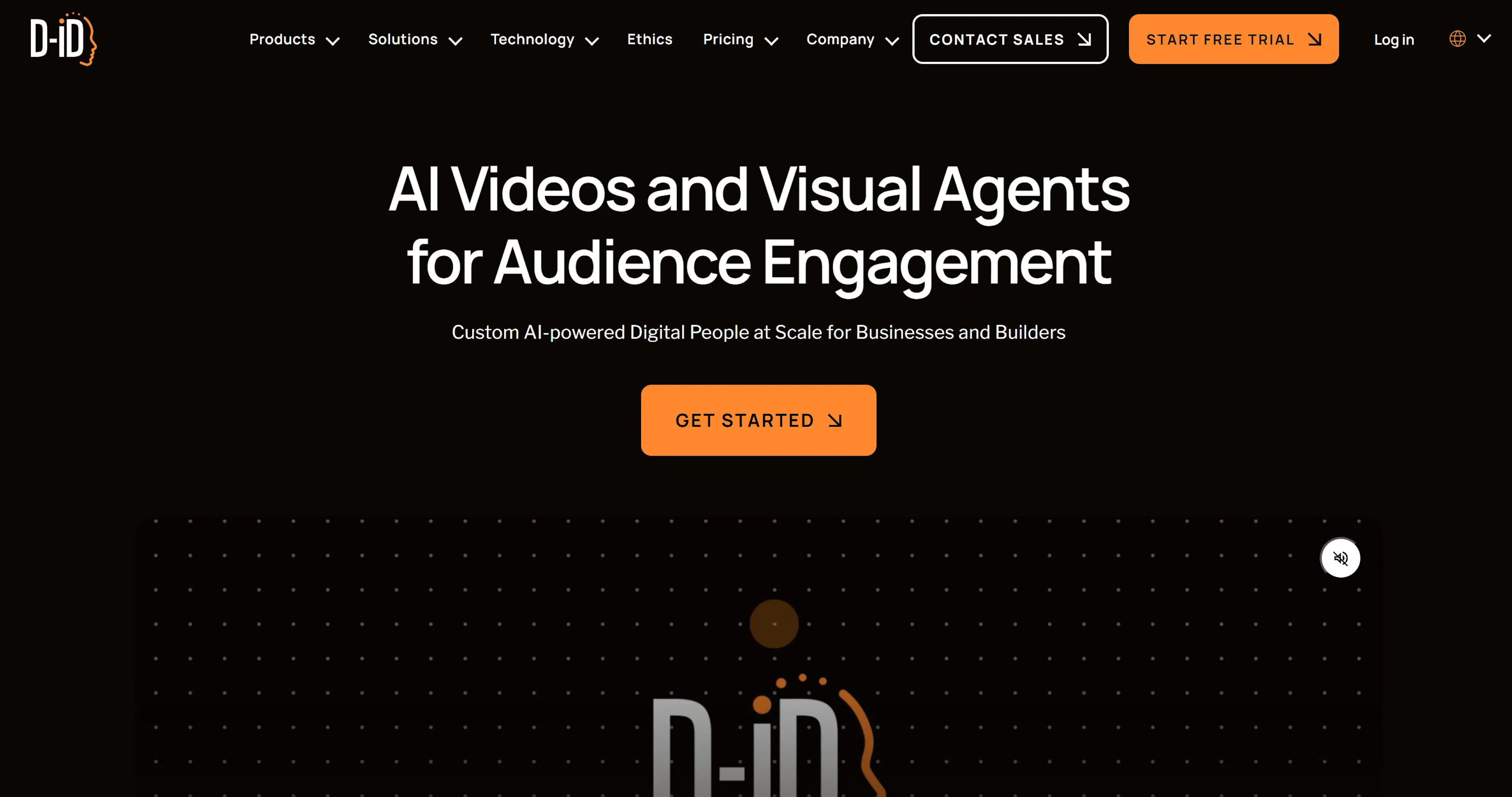
Integration with Canva allows adding talking presenters directly into presentations.
| Parameter | Value |
|---|---|
| Specialization: | Photo animation, interactive agents |
| Integrations: | Canva, PowerPoint |
| Technology: | Live Portrait |
| Price: | From $5.99/month (very affordable) |
Pros and Cons:
✅ The cheapest way to make a talking head. ✅ Works with any photo (even from Midjourney). ❌ Head movement is slightly unnatural ("swaying" effect). ❌ Quality is lower than HeyGen.
Theory is good, but how does this convert into money? We've gathered real use cases demonstrating the effectiveness of implementing AI.
Problem: A seller needs to highlight a product card (e.g., a coffee maker) in the feed, but the budget for video filming with steam and beautiful lighting starts from 30,000 rubles.
Solution:
Result: The card "comes to life" in search. According to sellers, the click-through rate (CTR) of such cards is 15-20% higher compared to static images. Costs: $0 (using test credits) or $15 for a subscription.
Problem: An expert wants to enter the English-speaking market but speaks with a strong accent. Solution: Using HeyGen for content dubbing. The AI not only overlays the voice but also changes lip movement to match English speech. Result: Launching an English-language channel without reshoots. Time saved: hundreds of hours. The audience doesn't notice the substitution as the author's voice timbre is preserved.
Problem: An indie band needs a music video on a minimal budget.
Solution: Director Paul Trillo used Sora (before its public release) to create the music video "The Hardest Part." He applied the "infinite zoom" technique, flying through scenes of a couple's life: from school to old age.
Result: The video went viral and was covered by all major media worldwide. Production costs were incomparably lower than traditional filming with actors and locations.
The generative video market matured in 2025. We no longer look at "dancing monsters"; we use AI for real work: reducing advertising costs, speeding up editing, and creating content that was previously accessible only to Hollywood studios.
The main advice: don't be afraid to experiment. Technology develops faster than textbooks are written. Start with simple prompts in accessible services, and within a week, you'll be able to create videos that will amaze your clients and subscribers. The future is already here, and it's being generated at 30 frames per second.

Max Godymchyk
Entrepreneur, marketer, author of articles on artificial intelligence, art and design. Customizes businesses and makes people fall in love with modern technologies.