In 2025, emojis have become part of personal identity. Bloggers create emojis in their brand style. Marketers use custom stickers for campaigns. Influencers turn their photos into emoji-avatars. All of this previously required hiring a designer or learning graphic design yourself. Now neural networks do it in seconds.
AI emoji generators are a new generation of tools that allow anyone, even without design skills, to create unique, expressive stickers. You describe what you need in text ("a cat with a coffee cup"), upload your photo, or choose a ready-made template—and within a minute you get a ready emoji for chat, Telegram, Discord, or Instagram.
In this article, we've tested 5 of the best neural networks for generating emojis and selected those that actually work in 2025. Each solves different tasks: from quick meme creation to professional branding.
| Service | Best Suited For | Input Data | Key Feature | Price |
|---|---|---|---|---|
| Magic Hour | Professionals, teams, brands | Text + Images + Styles | Hybrid workflows + Brand kits | Free + $12/month |
| MemeClip | Casual users, memers, content creators | Text, Emoji merging | Instant generation, no registration | Free |
| Simplified | Designers, marketers, SMM managers | Templates, Drag-and-drop | Brand consistency, integration into design | Free + paid options |
| Mirror AI | Influencers, bloggers | Photo (selfie) | Personalized avatars from your photo | Lite (free) + subscription |
| EmojiAI | Messenger users, in Telegram/WhatsApp | Text + Message context | Smart contextual recommendations right in chat | Free |
At first glance, all emoji generators do the same thing—convert input data into stickers. But in reality, the approaches differ radically. Choosing the wrong tool means wasted time or a result unsuitable for your task.
Let's understand the main types of generators and which approach works best in specific situations.
This is the most straightforward approach. You write a description ("a dragon on a cloud", "a robot with a tea cup"), the neural network understands the text and generates an emoji that matches the description as closely as possible.
Pros: Fast, intuitive, works with any ideas. Cons: Quality depends on how accurately you can describe the idea.
Services of this type take your photo and turn it into an emoji or sticker that looks like you. This is ideal for influencers and bloggers who want their emojis to reflect their appearance and style.
Pros: Personalized, unique, creates a sense of authenticity. Cons: Requires a quality photo, may require several attempts for the desired result.
This approach offers ready-made emoji templates (smiling face, cat, robot, etc.) that you can customize: change colors, add text, modify details. It's like a constructor.
Pros: Consistency, fast, suitable for branding. Cons: Limited to ready-made options, harder to create something completely unique.
The most advanced generators allow combining input data: you can describe the emoji in text, upload an image as a reference, choose a style from a library—and the neural network will create a result considering all these factors.
Pros: Maximum control, versatility, results are more accurate. Cons: Requires understanding of the tool, can be more complex for beginners.
This approach is unique: the tool looks at the text of your chat message, understands the emotion and context, and suggests suitable emojis. You don't need to generate anything—the system suggests the right option.
Pros: Very convenient for messengers, saves time, works right in the chat. Cons: Not suitable for creating emojis from scratch, depends on the neural network's contextual understanding quality.
Magic Hour is perhaps the most universal emoji generator on the market. If you're looking for a tool that can do everything (text, images, styles, branding) and delivers high quality, this is your choice.
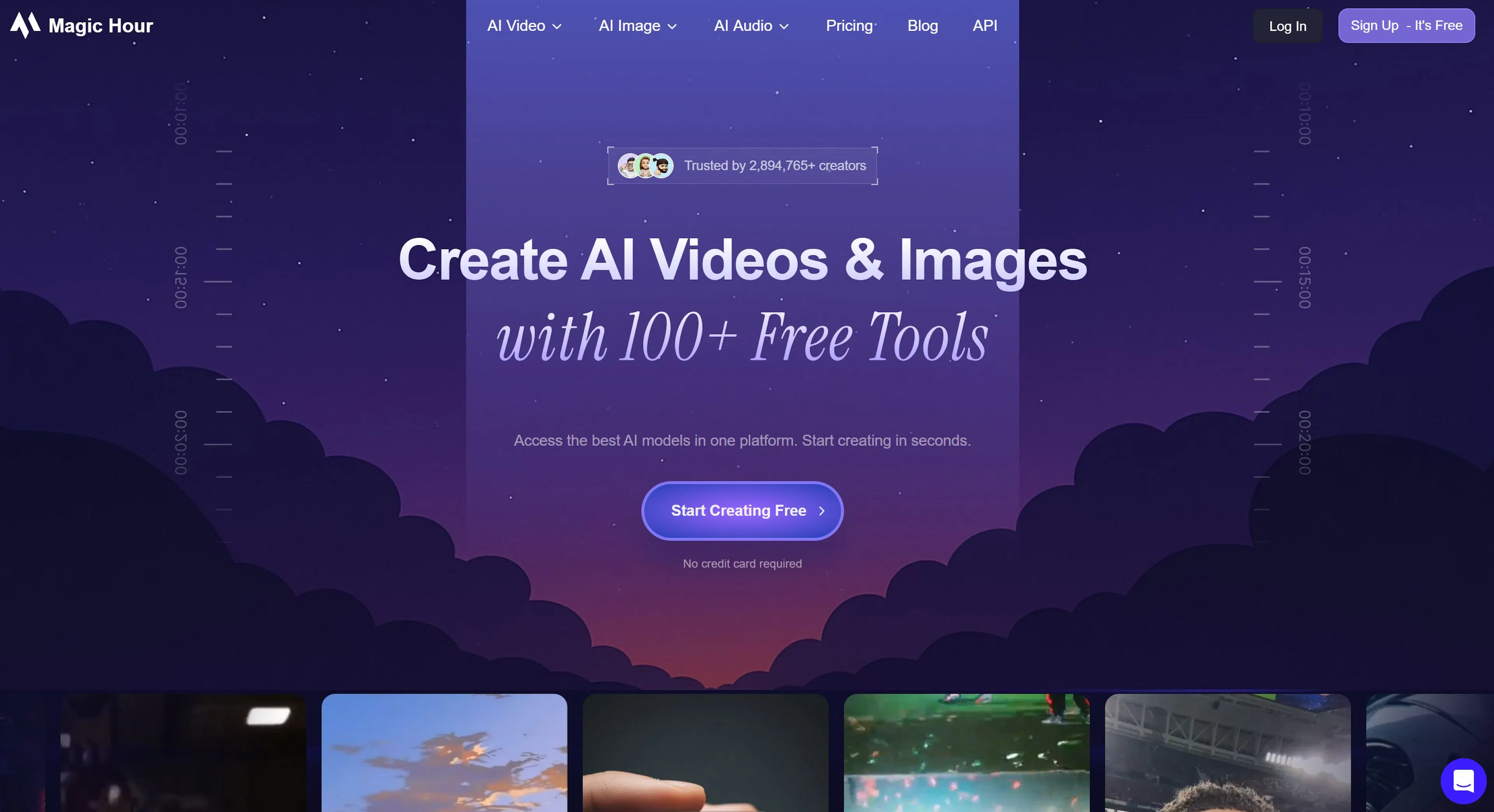
Magic Hour is ideal for professionals: marketers, designers, teams creating emojis for campaigns, apps, or corporate style. If you have your own brand and want all emojis to look cohesive, Magic Hour enables this through its Brand Kits function.
Also suitable for content creators who want to add unique stickers to their arsenal—works in English, Russian, and many other languages.
Free Plan: Yes, but with limits on the number of monthly generations (approximately 10–15 emojis).
Paid Plans: Start from $12 per month. For this, you get 100+ emoji generations, access to brand kits, and priority support.
Corporate plans are available for teams with higher generation limits and advanced features.
For small projects or beginners—the free plan is good for experimenting.
Hybrid workflows—this sets Magic Hour apart from competitors. You can:
The system processes all this data and creates an emoji that considers all your wishes. This is much more effective than just writing a description.
Brand Kits—a feature for teams and brands. You upload your logo, brand colors, fonts, and Magic Hour automatically applies them to all generated emojis. Result: all stickers look like a unified whole and match the company's visual identity.
High Resolution—emojis are exported in high quality, suitable for use in apps, websites, social media, and even print. Size can be chosen immediately during generation.
Cross-Platform—works on the website, mobile version, and has integrations with popular design tools and messengers.
MemeClip is an emoji generator for those who need maximum speed and fun, not serious professional results. If Magic Hour is for marketers and designers, MemeClip is for memers, content creators, and regular chat users who want funny and unusual stickers.
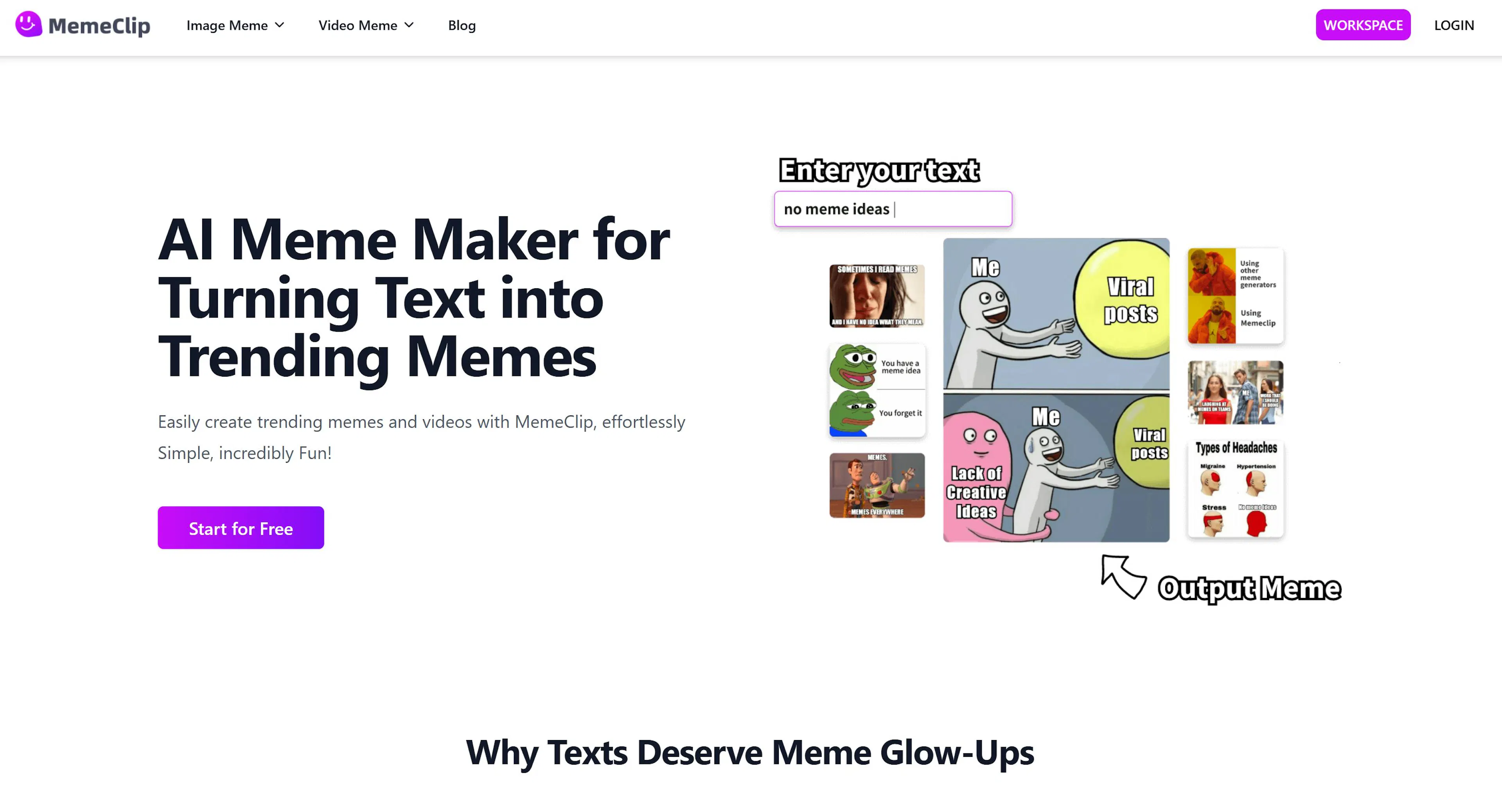
MemeClip creates emojis in seconds, requires no registration, and is completely free. Just visit, describe an idea, get a sticker—that's all.
The key difference: you can combine existing emojis (Emoji Kitchen function). For example, combine 🤖 (robot) + 🍕 (pizza)—and MemeClip generates a new emoji where the robot is holding or eating pizza. This is funny and unpredictable.
Completely Free. No hidden charges, premium plans, or ads.
This is MemeClip's main advantage—you can create as many emojis as you want without limits. The service developers chose a donation-based funding model (if you like the service, you can voluntarily send them money, but it's not required).
Text-to-Emoji in 5 Seconds. Describe your idea in a simple text field ("dinosaur reading a book", "cat in an astronaut suit"), press a button—and within seconds you get a ready emoji. The result is immediately visible in the browser, downloadable as PNG.
Emoji Kitchen (Emoji Merging). This is MemeClip's unique feature. You take two standard emojis from your keyboard and merge them. The neural network understands what happens if, for example, you combine 😂 (laughing face) + 🐶 (dog). Result: a laughing dog. Or 🧙 (wizard) + 🌙 (moon) = wizard on the moon. It's fun and often turns out funnier than you expected.
Instant Result. No need to wait 30 seconds to load, like in Magic Hour. Results are usually ready in 5–10 seconds. This is critical for fast content.
No Registration. Open the site—and start creating immediately. No need to input anything or confirm an email.
PNG Without Watermarks. All emojis are exported in clean PNG format, no MemeClip logo. Ready to publish.
Simplified is not just an emoji generator. It's a full-fledged design platform where emojis are one of the tools. If you work in marketing, SMM, or design, and need to create visual content quickly and consistently, Simplified will be useful.
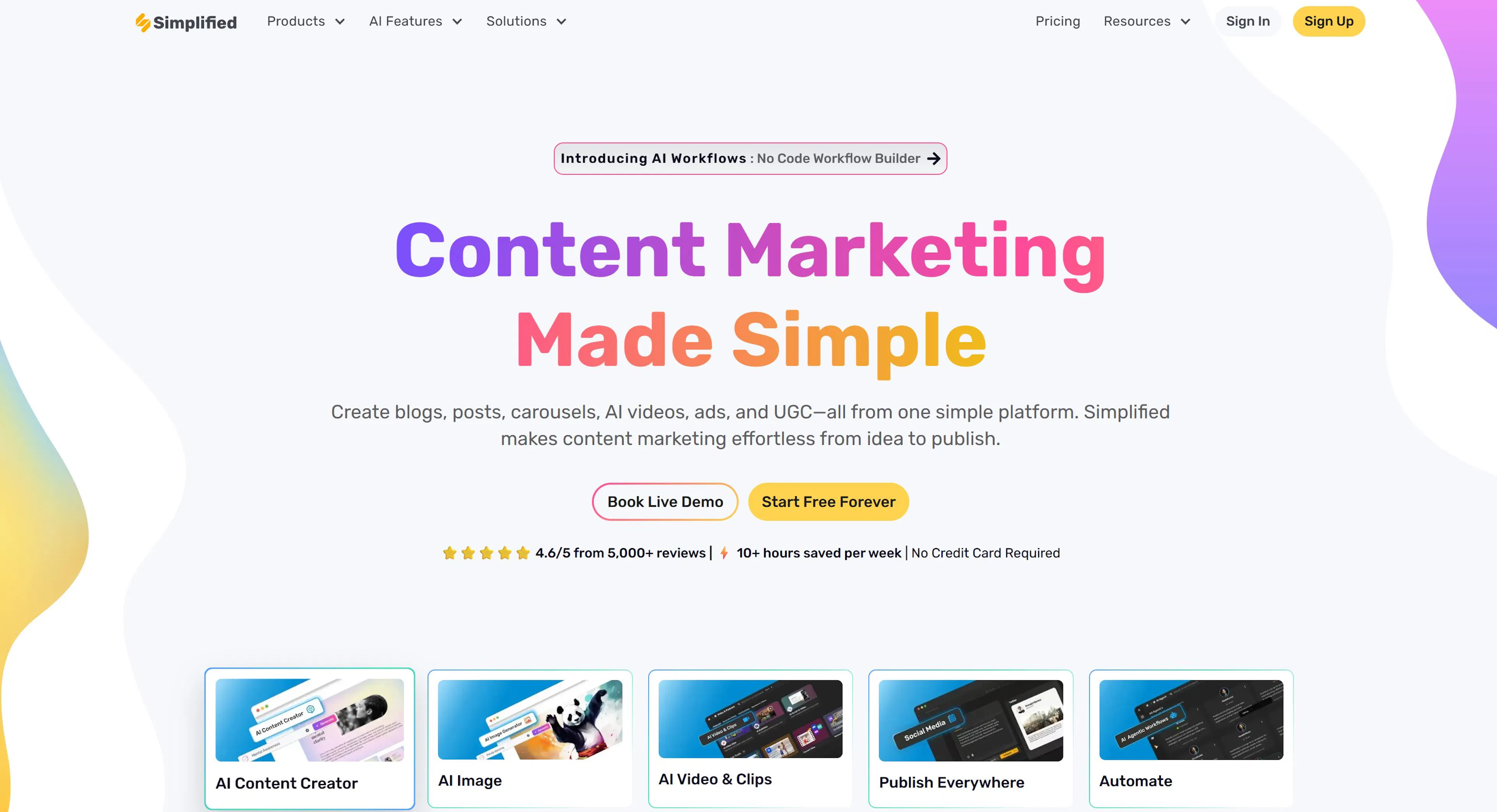
Simplified combines a template-based approach (ready templates) with customization capabilities. You take a ready emoji from the library, edit it via drag-and-drop, add text, change colors—and get a ready sticker in a style unified with your brand.
Free Plan: Yes, with basic access to templates and a monthly export limit (approximately 5–10 images).
Paid Plans: Start from $10–15 per month. For this price, you get unlimited exports, access to premium templates, and advanced editing functions.
Special plans are available for teams with collaboration and project synchronization.
Huge Template Library. Simplified contains thousands of ready-made emoji templates that you can use as-is or customize. This saves a lot of time: no need to create emojis from scratch, just take a ready one and edit it.
Drag-and-Drop Editor. You can change any element of an emoji without design skills. Want to change the cat's color—click and choose a new color. Want to add text—drag a text element onto the canvas. Everything is intuitive.
Consistency Through Styles. You can save your set of colors and fonts, and all new emojis will be created in this style. This guarantees that all your stickers look like one collection, not a random assortment of different images.
Integration with Design Process. Emojis from Simplified can be easily embedded into other design projects (social posts, banners, presentations). This is much more powerful than just an emoji generator—it's part of a whole design ecosystem.
Export in Various Formats. You can export emojis in PNG, SVG, and other formats, depending on where you use them.
Mirror AI is a completely different approach to emojis. Instead of describing or choosing a ready template, you upload your photo, and Mirror AI turns you into an emoji-avatar. The result—stickers that look exactly like you: with your smile, your facial features, your style.
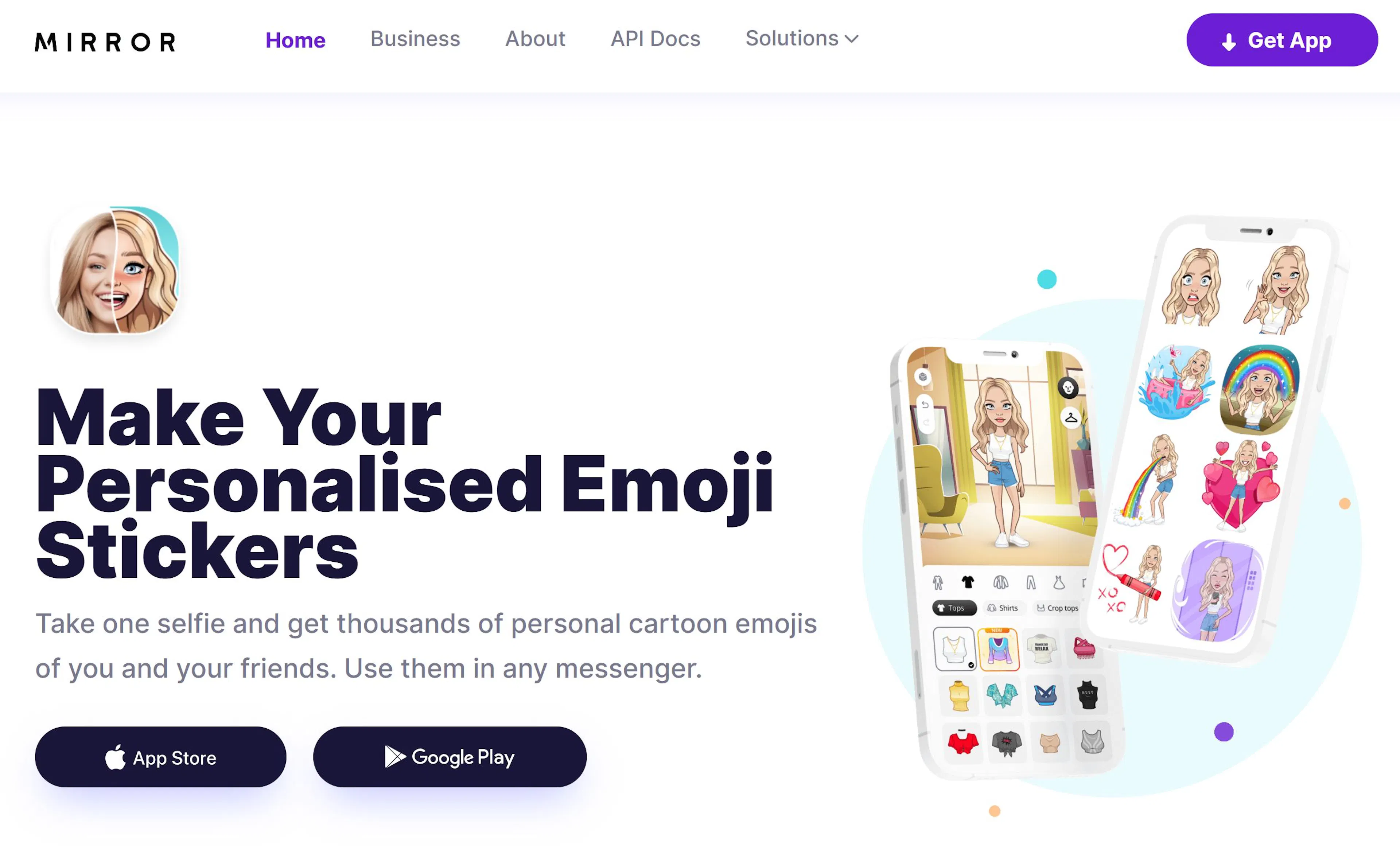
This is ideal for influencers, bloggers, and anyone who wants to add a personal touch to their content. Emojis aren't just pictures; they're an extension of your personality in digital space.
Lite Version (Free): Yes, with basic functionality and a limit on created stickers.
Paid Subscription: Starts from $4–7 per month (depends on currency and current promotions). For this price, you get unlimited sticker creation, more outfit and accessory options, and access to animated emojis.
Mirror AI is one of the cheapest options among paid emoji generators.
Personalized Avatars from Photos. You upload one or several photos of yourself, and Mirror AI creates a 3D model of your face. The result—a multitude of stickers showing you with different facial expressions and emotions.
Large Selection of Outfits and Accessories. Your avatar can be dressed in different outfits, accessories added (hats, glasses, jewelry), background changed. This allows creating entire "sets" of stickers in different looks.
Animated Stickers. The paid version offers not only static emojis but also small video stickers (GIFs and videos). For example, your avatar blinks, smiles, waves—this works in messengers as a live sticker.
Built-in Keyboard for Messengers. Mirror AI works as a separate app on your phone (iOS/Android). It has a built-in emoji keyboard that you can quickly open and choose the needed sticker right from the chat.
Mobile-First Platform. Mirror AI is optimized for mobile phones—works as an app, everything is fast and convenient. This differs from most generators that work via browser on a PC.
EmojiAI operates on a completely different logic. Instead of generating new emojis or creating avatars, EmojiAI analyzes your message text and recommends suitable emojis. It's an assistant that understands emotions and context.
When you write in a chat "I love pizza!", EmojiAI suggests 🍕, ❤️, and 😍. When you write "today was a terrible day", the system suggests 😫, 😤, and 😔. This saves time and helps express emotions more accurately.
Completely Free. Like MemeClip, EmojiAI operates on a "free service with optional donations" model.
No hidden charges, no premium plan, no limits. You can use all features for free, as much as you want.
Context-Aware Recommendations. The system analyzes not just words, but the emotional tone of the entire message. If you write "bought a new phone!", the system suggests happy emojis. If you write "lost my phone again...", the system suggests sad ones.
Works Right in the Messenger. EmojiAI integrates as a virtual keyboard on your phone. When you write a message, the system suggests emojis in real-time. You simply click on the suggested emoji—and it's added to the text.
Supports Many Languages. The system understands Russian, English, Spanish, French, and other languages. Recommendation quality is practically the same across all languages.
Smart Prediction. The longer you use EmojiAI, the better it understands your personality and writing style. The system "learns" from your habits and starts suggesting emojis you personally like.
Lightweight. EmojiAI works very fast and doesn't "drain" your phone's battery. It's an app that doesn't slow down your device.
We've reviewed 5 of the best emoji generators, each solving different tasks. There is no "perfect" generator for everyone—there is a perfect generator for you, depending on what you want to do.
Emojis aren't just text decoration. They are a way to express emotions, add personality to content, create authentic connections with your audience. The right generator saves you hours and helps create content that stands out.
The future of content is visual, emotional, and personal. Emoji generators are a tool that helps you become part of that future.

Max Godymchyk
Entrepreneur, marketer, author of articles on artificial intelligence, art and design. Customizes businesses and makes people fall in love with modern technologies.