Want to bring an old photo to life or create a video from a regular picture? With AI, it's now simple and accessible—you can easily revive memories or imagine yourself as a Hogwarts student, where photos on the walls moved!
This article gathers the best tools to turn static images into living portraits. We’ll break down how it works, which apps to choose, and how to animate a photo in just minutes.
Photo animation is the process where a neural network applies movements to an image: head turns, eye blinks, facial expressions, smiles. As a result, a regular photo starts to "move"—it looks as if the person in the picture has come to life.
This works even for old, black-and-white images. When you upload a picture, the neural network analyzes facial features: eyes, mouth, head shape, even lighting. Here’s what happens next:
Some services offer ready-made templates: just upload a picture, click a button—and within seconds, you get an animation. It's like creating a "living postcard."
With AI, you can:
Many services allow you to download the result or generate a video in MP4 format, often for free.
Using neural networks requires no technical knowledge. Even a child can animate a photo—easily and quickly.
Neural networks can do more than just "animate photos"—they open up a whole spectrum of possibilities for users. Here are the most common reasons people use image animation services:
One of the most touching scenarios is animating an old photo of a loved one. Turning a photo into a video helps bring back moments from the past into digital life. Thanks to AI, you can animate a portrait, create a gentle smile or laughter on a loved one’s face—all looking incredibly realistic.
Now you can use animated images for stories, reels, or even memes. Users on Telegram, TikTok, and Instagram actively add such videos to their content. It’s an easy way to grab your audience’s attention.
Many neural networks allow you to swap faces, create clips, add artistic filters, or turn a photo into a character that sings, moves, or talks. AI apps have become tools for creativity and fun.
For example, one service lets you upload a photo, and the AI generates a video where your portrait sings a song or tells a joke. Fun and creative😅
With so many services and apps available, choosing the right one isn’t always easy. Here are key parameters to consider:
Some services offer unlimited generations for a fee—handy if you use them frequently.
You can animate photos using various services. Some simply generate videos from templates, others offer more customization. Below are the best tools available online or as apps.
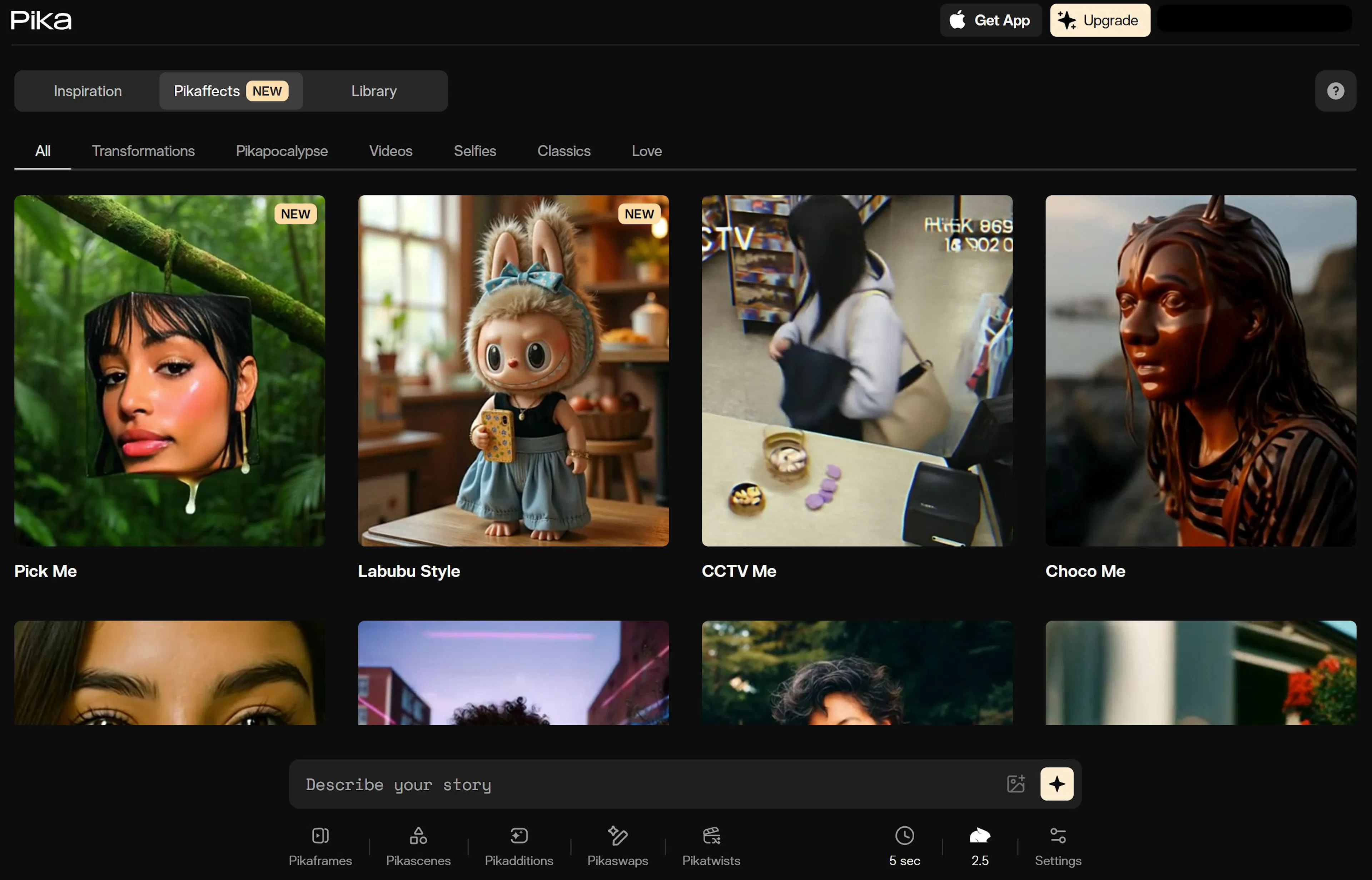
Pika is a powerful AI service that creates videos from photos in seconds. Ideal for realistic facial animation: blinking, eye movements, smiling.
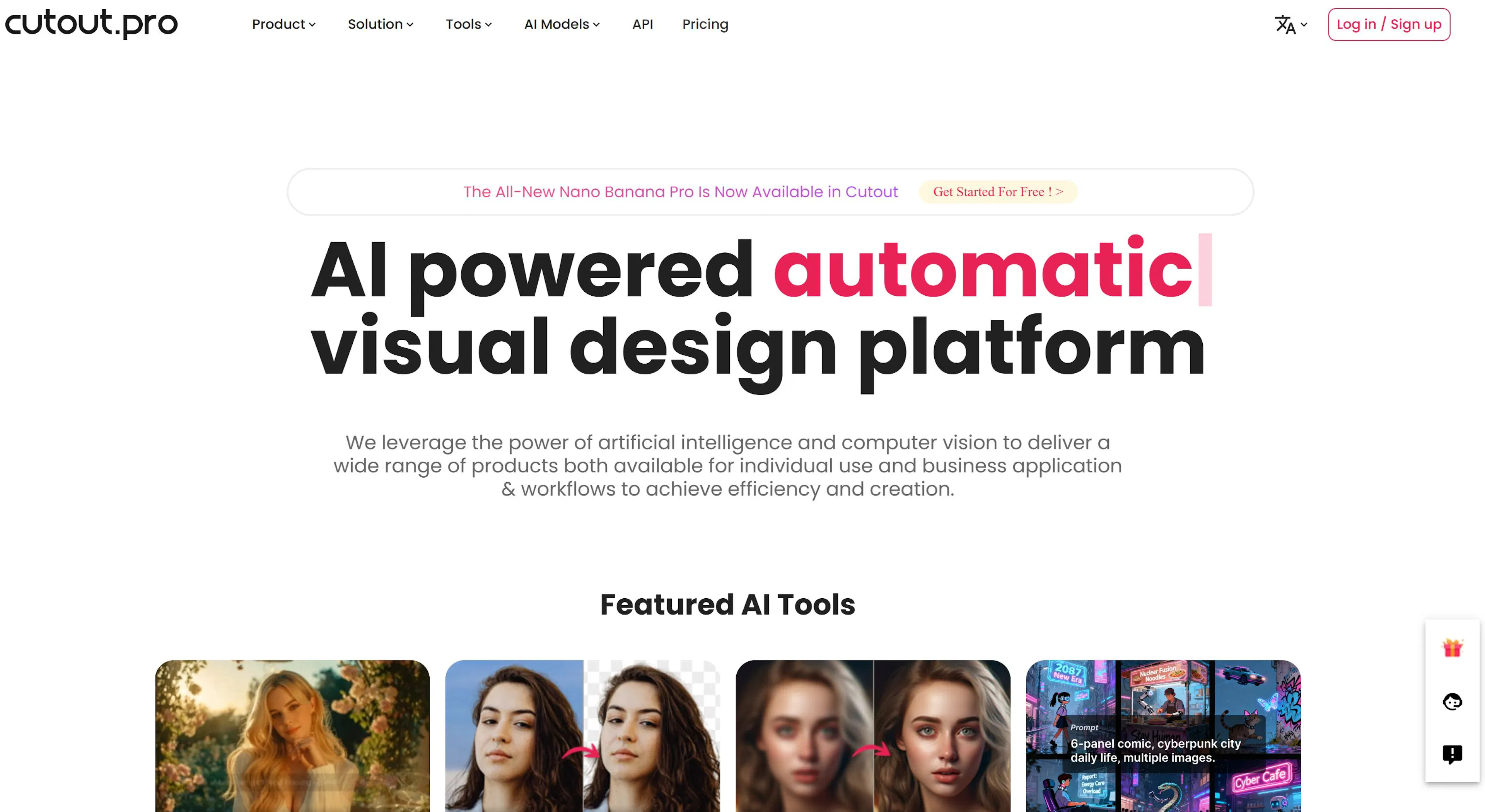
Cutout not only animates faces in photos but also enhances image quality, removes backgrounds, and adds effects.
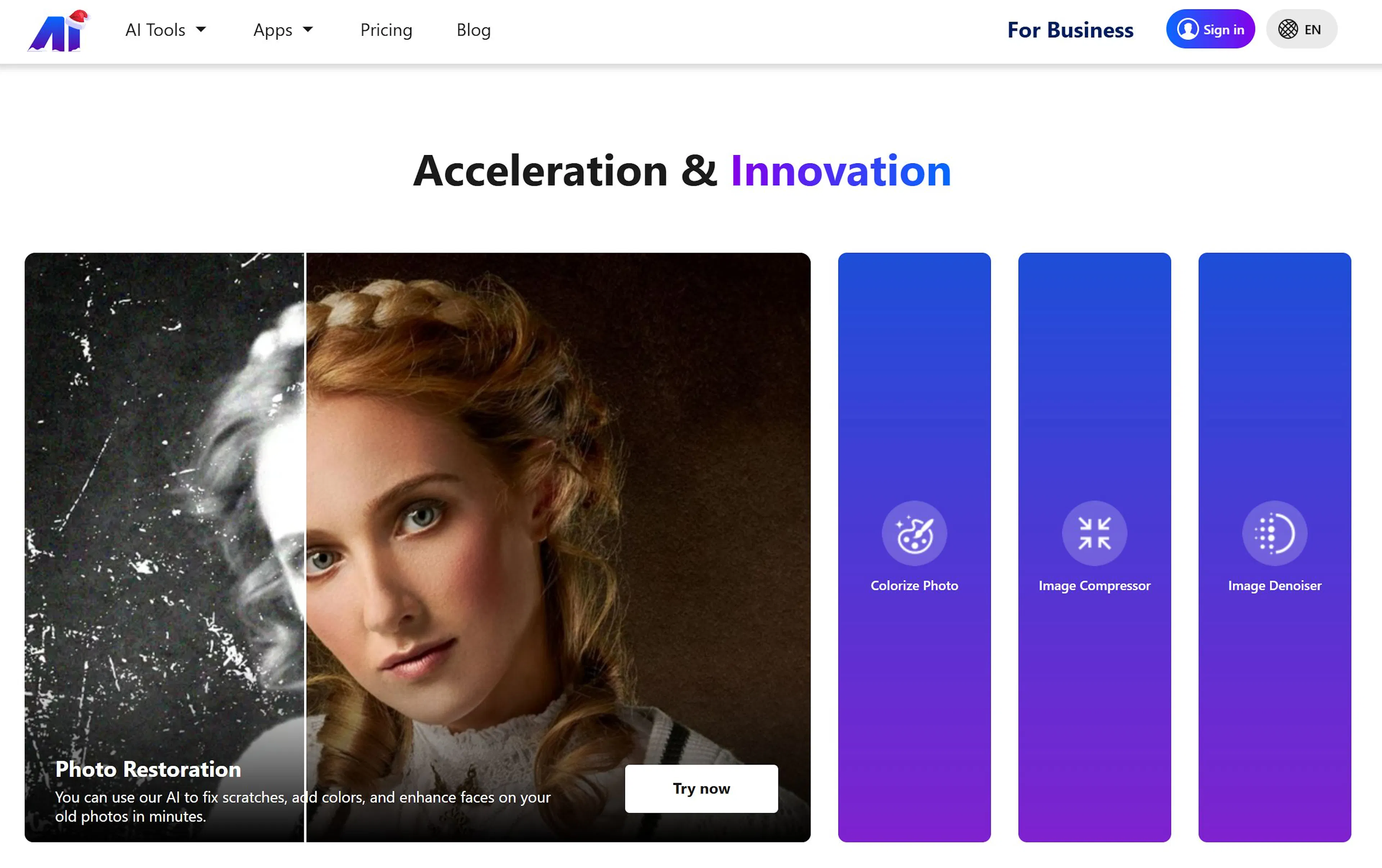
Nero AI offers a set of tools for generating animations and creating videos from photos.
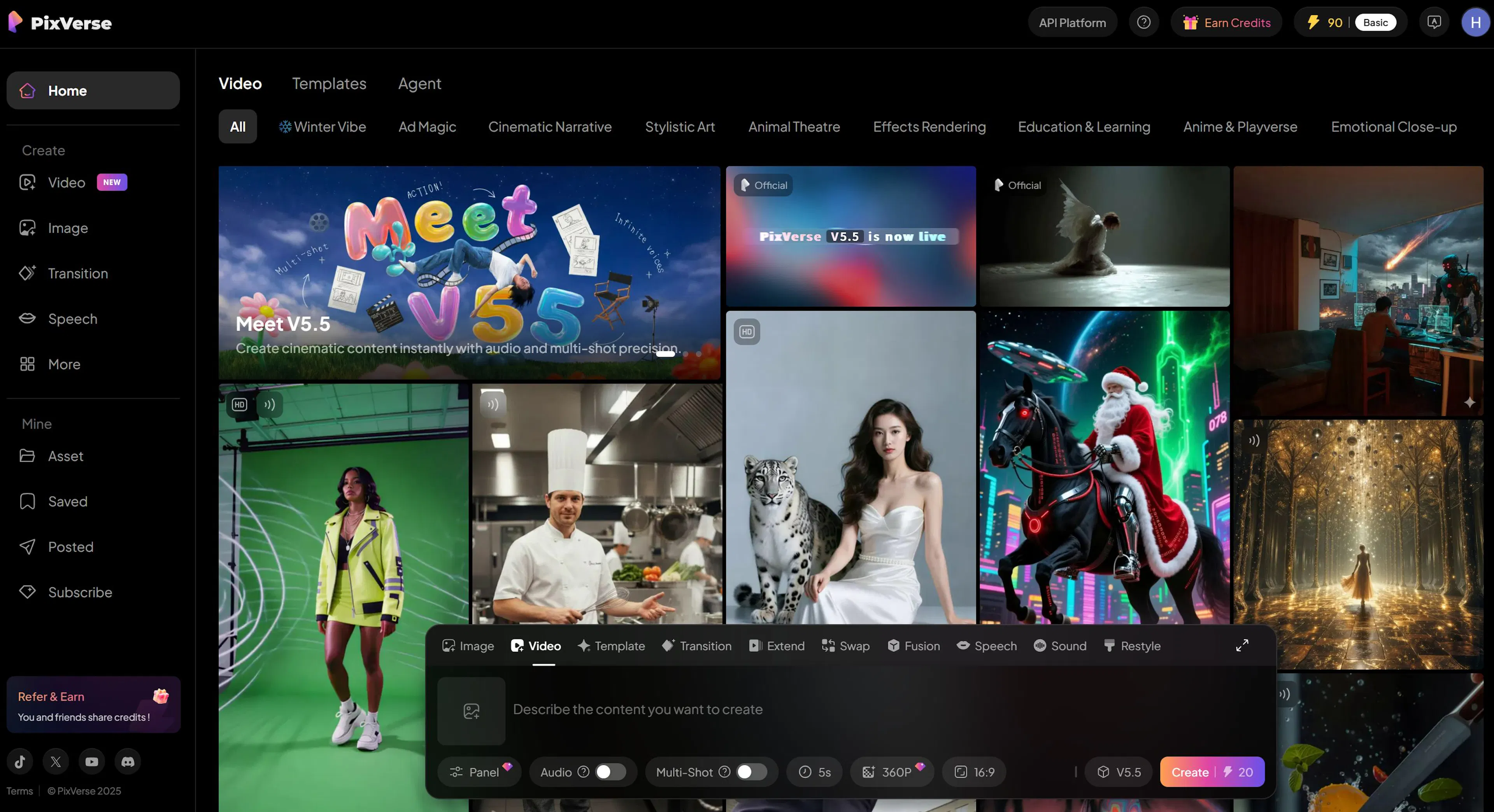
PixVerse is an AI-based video generator that turns pictures into moving scenes. Perfect for creative projects.
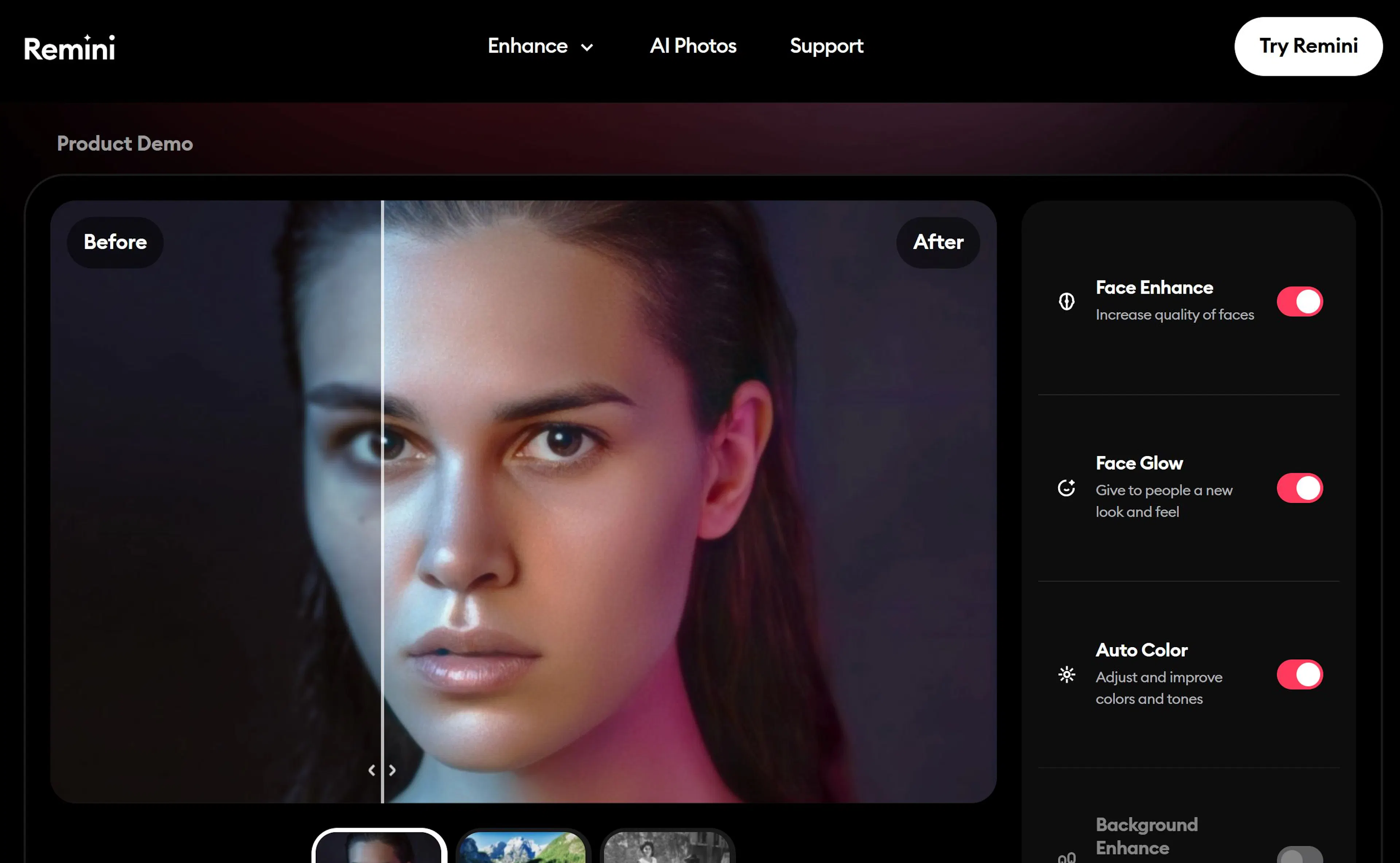
Remini is known as a photo enhancement app, but it has a "photo to motion" mode to animate faces in portraits.
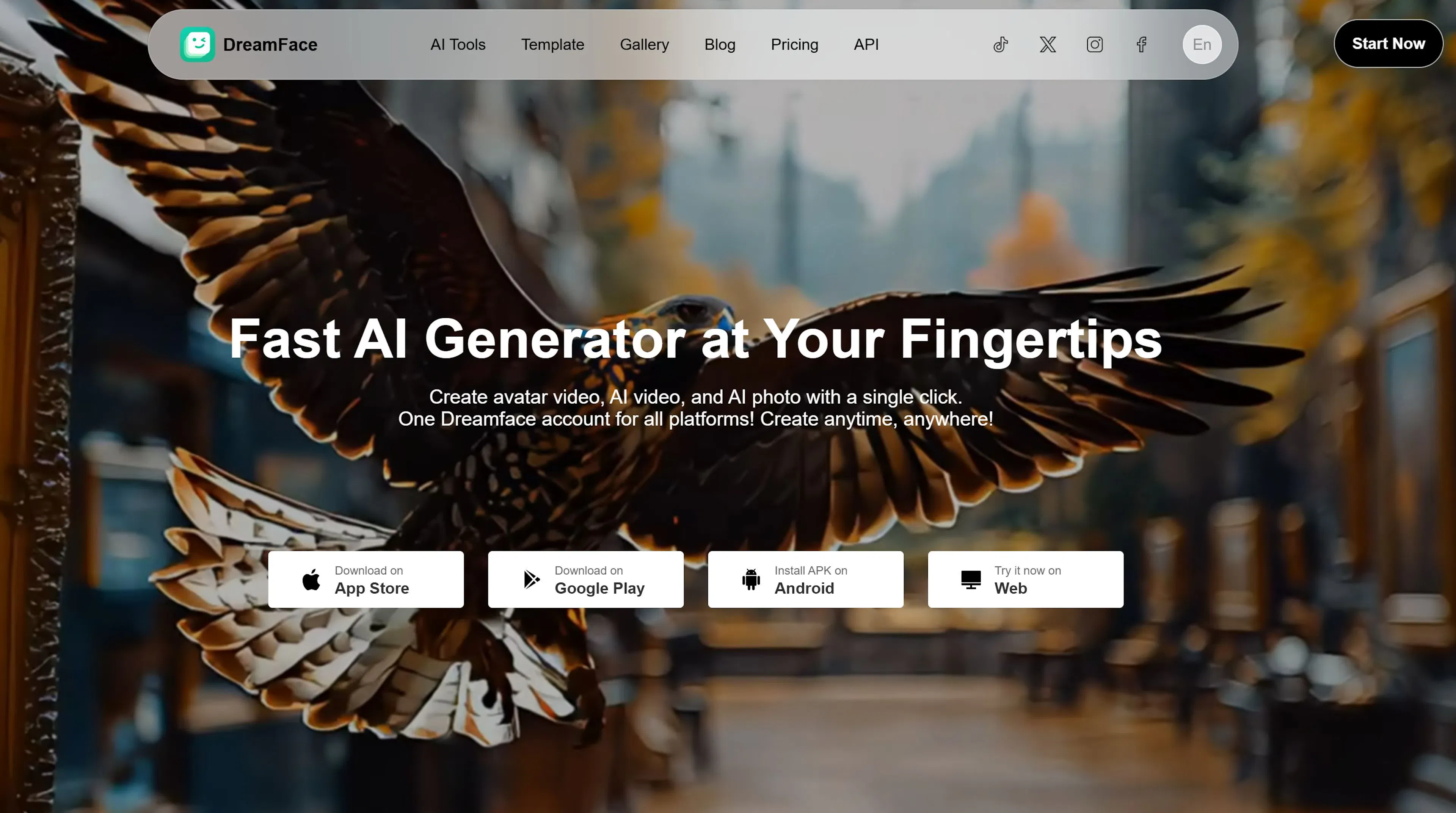
DreamFace turns your portraits into living videos where the face can sing, talk, or move.
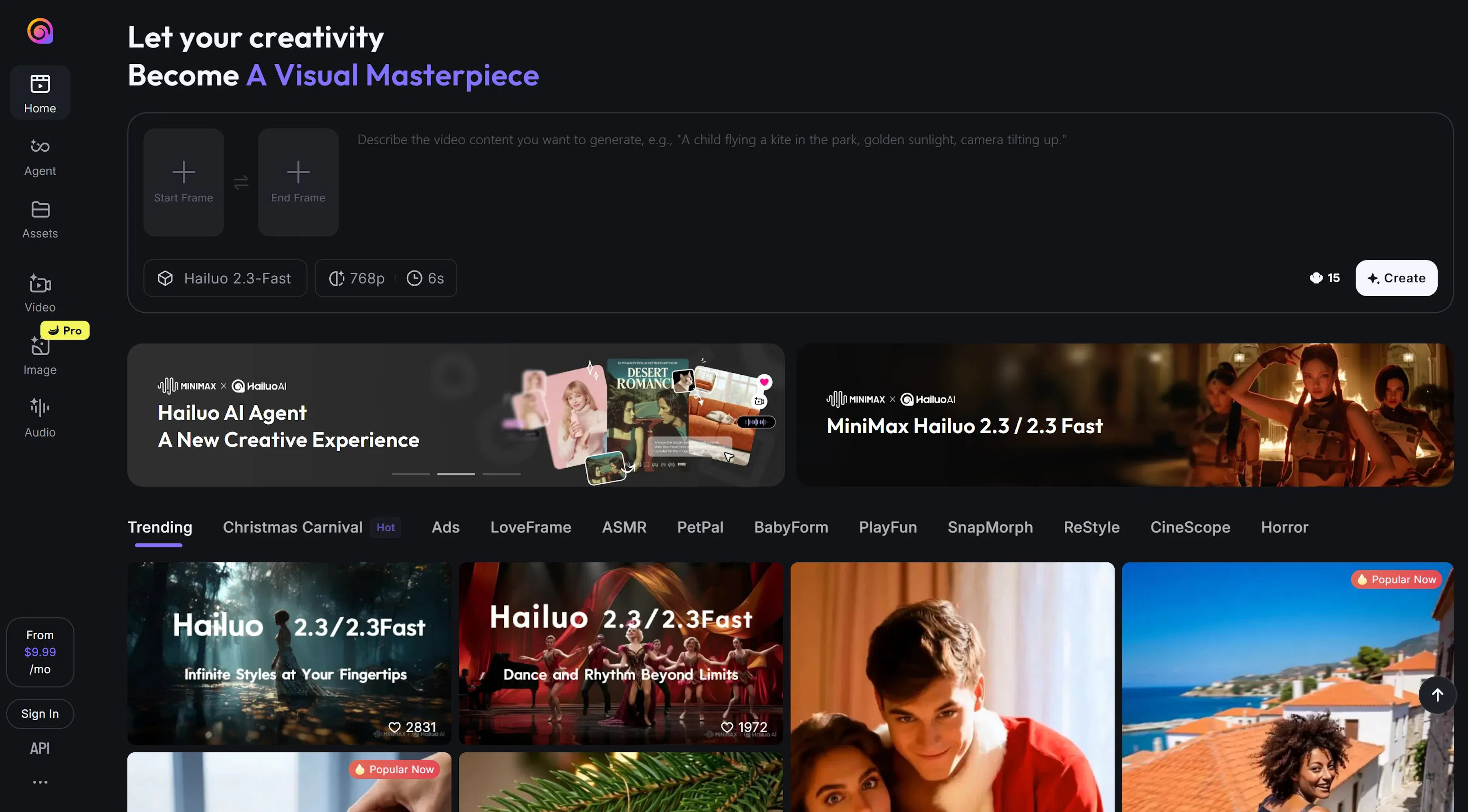
Hailuo is one of the newer services that allows free photo animation and saves videos without a watermark (during the test period).
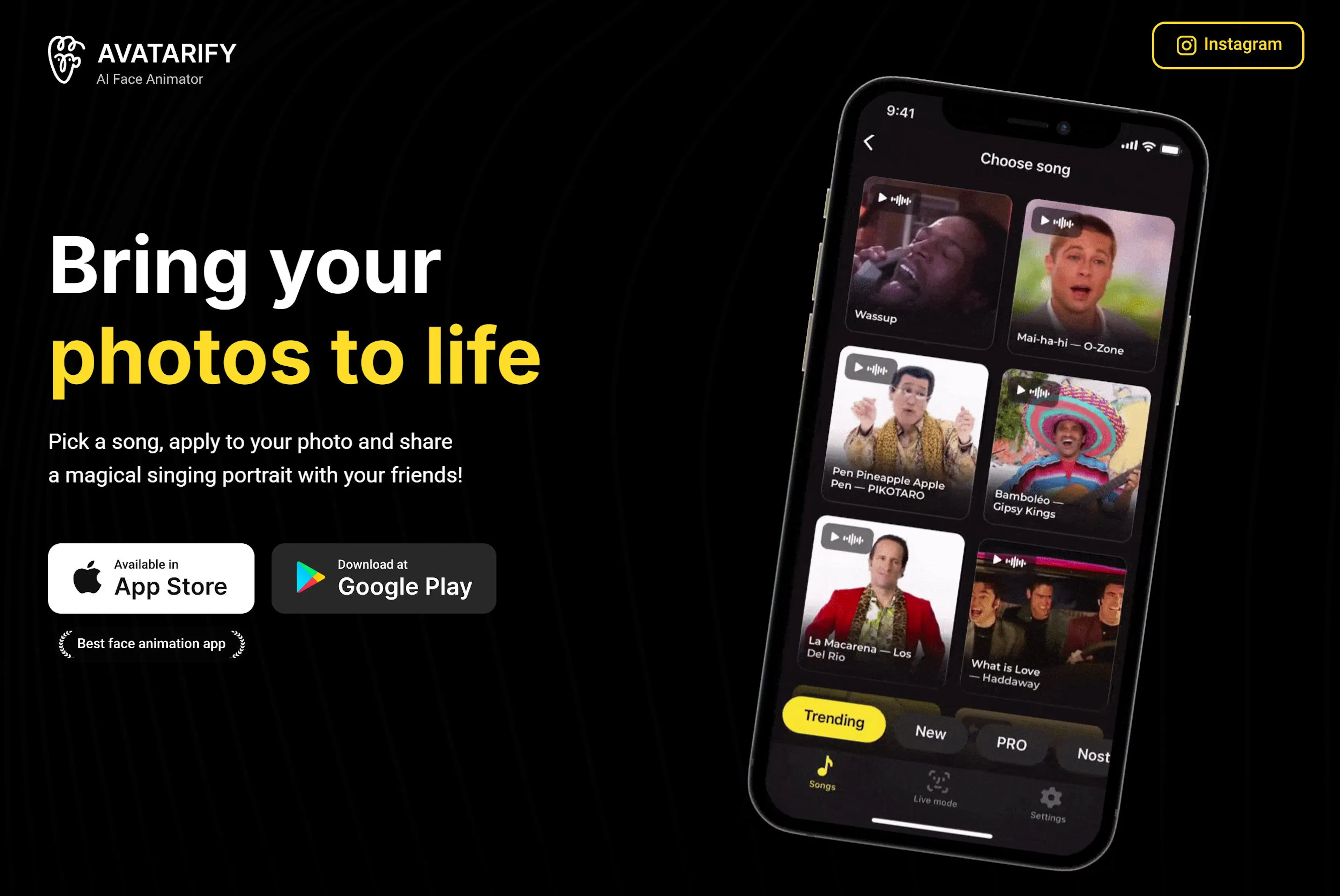
Avatarify creates lively facial animations by replacing expressions, mimics, and gaze direction.
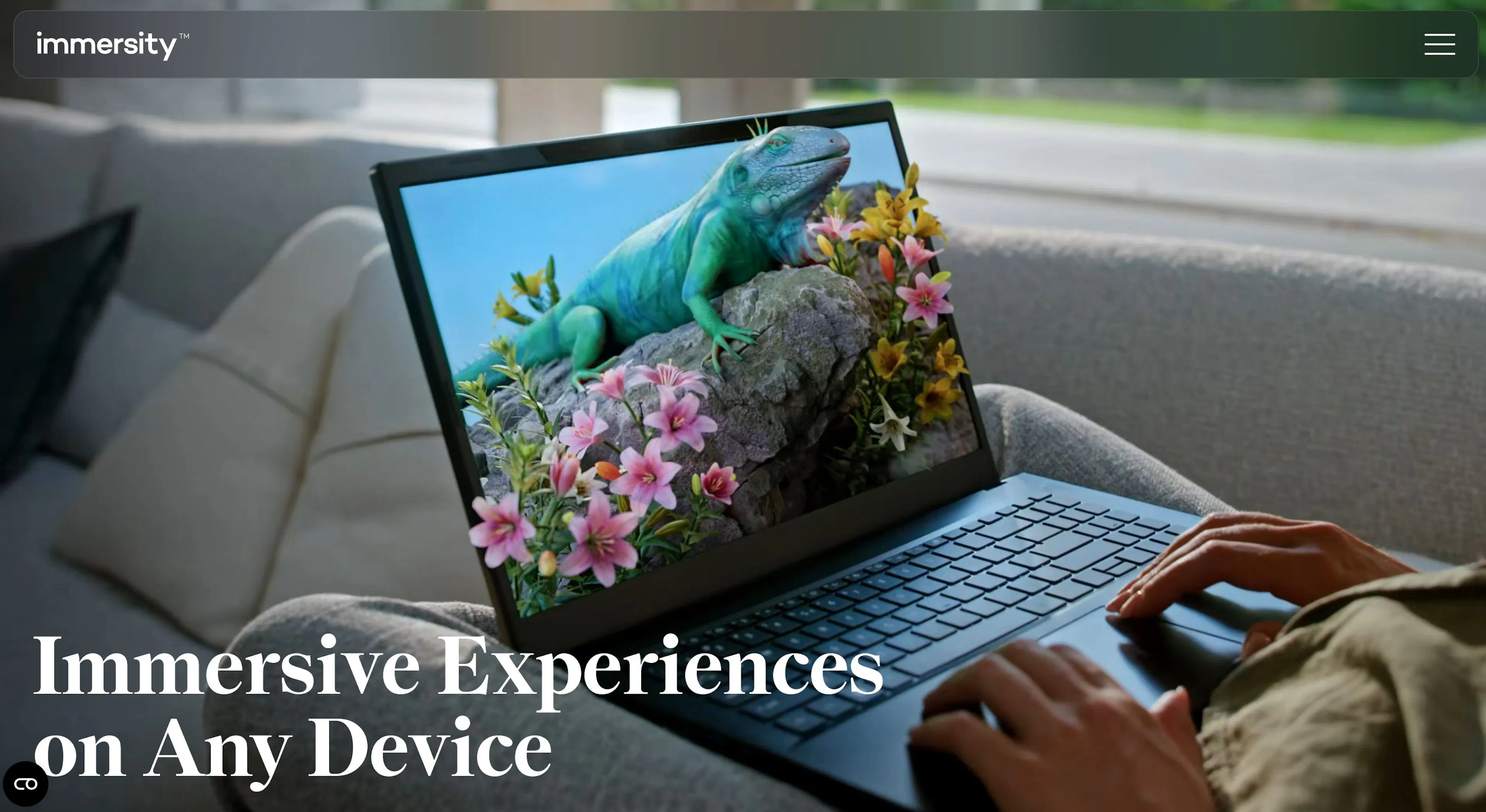
Immersity AI is a platform for generating videos from images with high-quality animation.
Motionleap is a mobile app that turns photos into moving pictures. Ideal for creating backgrounds, animating water, skies.
| Service | Free | Downloadable | Animation Quality | Works with Old Photos |
|---|---|---|---|---|
| Pika | Yes | Yes | High | Yes |
| Cutout.pro | Partially | Yes | Medium | Yes |
| Nero AI | No | Yes | High | No |
| PixVerse | Yes | Yes | Creative | No |
| Remini | Yes | Yes | Very High | Yes |
| DreamFace | Yes | Yes | Medium | Yes |
| Hailuo | Yes | Yes | High | Yes |
| Avatarify | Yes | Yes | High | No |
| Immersity AI | Partially | Yes | Very High | Yes |
| Motionleap | Yes | Yes | Medium | No |
Some services work only via mobile apps, others in a browser. Check before use if registration is needed, or if you can simply upload a photo to the site.
🔻 Blurry photo → AI cannot accurately detect facial features. 🔻 Background blends with the face → neural network mistakes head movement. 🔻 Low resolution → video will look "soapy," especially when enlarged. 🔻 Watermarked video → use a paid version or a service without such limits. 🔻 Generation limits → many services have caps in their free tier.
Tip: Before animating an important photo, try a test image first. This helps you understand the service's capabilities.
Can old photos be animated? Yes. Many neural networks are trained to work with old photos and restore facial expressions.
Is it free? Almost all services can be used for free, but with limitations on duration, quality, or watermarks.
What video format is used? Typically MP4 or GIF. You can download the file after generation.
Do I need to install an app? Not necessarily. Most work through a browser. However, there are mobile versions for iOS and Android.
The IMI service (imigo.ai) is a multifunctional platform where users can work with texts, images, and data using neural networks. While IMI does not offer a direct tool for animating photos (like Pika or DreamFace), it can be useful in comprehensive projects involving images and AI-generated content.
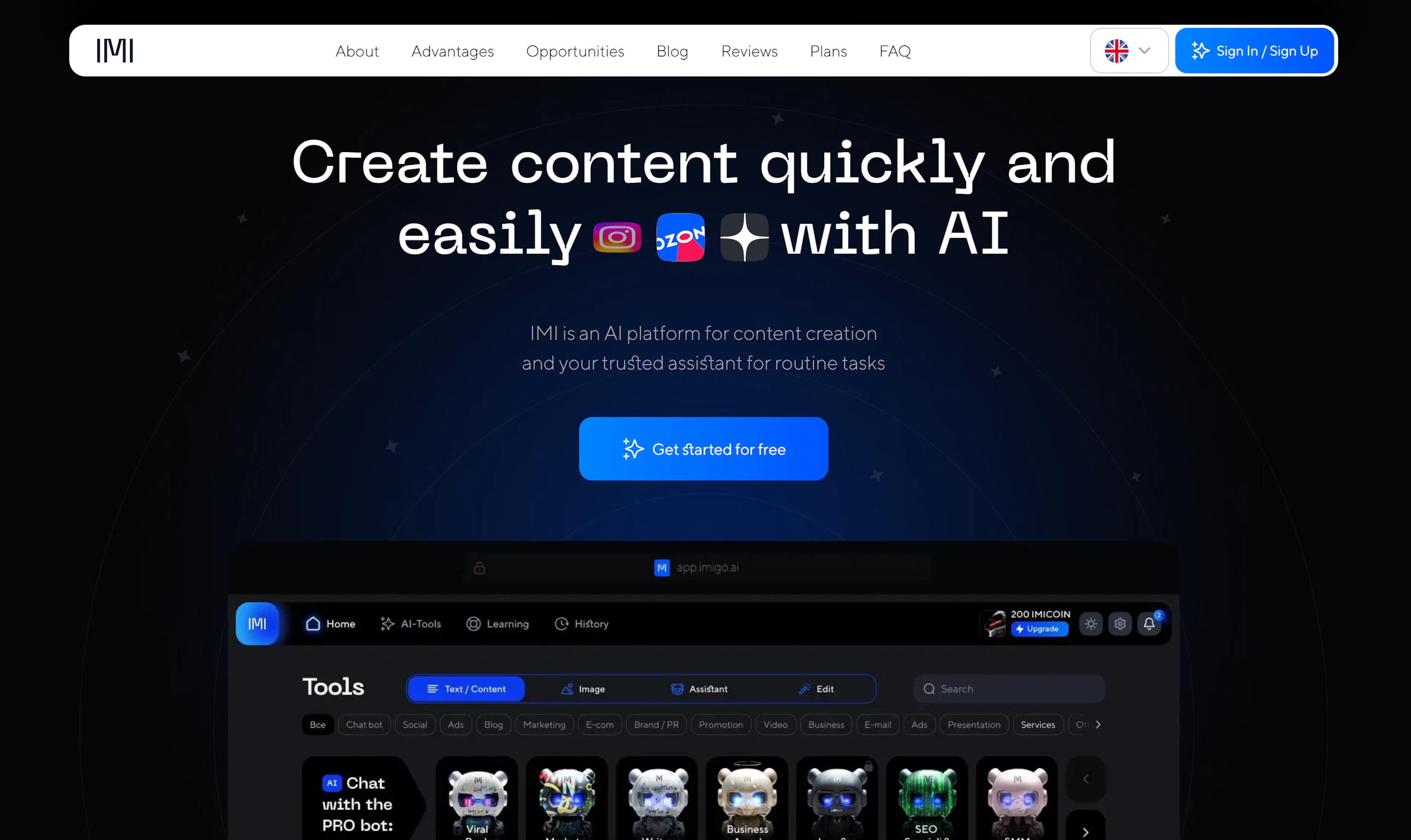
What you can do with IMI:
If you're creating videos from photos, making memes, promo clips, or animated visuals—IMI can help with texts, ideas, and related design. Thus, it complements the work of animation-focused neural networks.
Try IMI—to generate quality content, create video descriptions, articles, posts, and quickly share results.
Animating a photo with AI is simple, fast, and accessible to everyone. Even old snapshots can now be turned into animated images that move, smile, and blink. Modern services let you create videos in just minutes: upload a picture, choose an effect—and get a living result.
We've reviewed the best neural networks for animating photos: from Pika to Remini and Motionleap. Each has its own strengths, formats, and capabilities: you can choose a free option, customize duration, filters, music, and even download videos in MP4.
Whether you want to create content for social media, bring family archives to life, or just experiment—these tools will surely impress you. And if you need more than just animation and want to create projects with texts, images, and ideas—try IMI. With it, you can automate tasks, generate descriptions, create visuals turnkey.

Max Godymchyk
Entrepreneur, marketer, author of articles on artificial intelligence, art and design. Customizes businesses and makes people fall in love with modern technologies.