Can you create web services and applications without deep programming knowledge? With the advent of powerful language models and AI assistants — yes. All you need is to clearly formulate the task. This approach is called vibecoding (vibe coding).
It gained particular popularity after OpenAI co-founder Andrej Karpathy publicly demonstrated in February 2025 how he fully delegates programming to neural network agents. His workflow requires almost no manual code input. He formulates an idea — the model writes, checks, and refines the project.
In this article, we will:
Our goal in this material is not just to describe the trend, but to give a practical understanding of how to use vibe coding in work or business, what limitations and opportunities it offers, and why this direction is becoming part of the future of technology.
Vibecoding (vibe coding) is a programming style where the developer does not write code manually, but describes the task in natural language, and artificial intelligence itself creates the working code. This approach lowers the technical barrier: there's no need to know language syntax, understand architecture, or manually debug the project — these tasks are performed by an AI assistant.
This approach is called "code by vibe" because the basis is not compiler logic, but the context, intent, and result that the developer describes as a thought, goal, or command.
The term "vibecoding" was introduced by Andrej Karpathy — a scientist, developer, and co-founder of OpenAI. In 2025, he described his methodology where the code is not important, the result is, and the entire process can be delegated to AI.
"I don't touch the keyboard. I say: 'reduce the left indents by half' — and the agent does everything itself. I even process errors through chat, without diving in."
-- Andrej Karpathy, February 2025
He claims that development becomes similar to managing an interface through dialogue, rather than writing lines manually. For example, his project MenuGen (a web service that generates dish images from a menu photo) is completely written by AI: from authorization to the payment system.
To start using vibecoding, you need an editor or development environment with AI support. Below is a list of popular tools in 2025 that allow you to generate code, create applications, fix errors, and run projects directly in the browser or on a local machine.
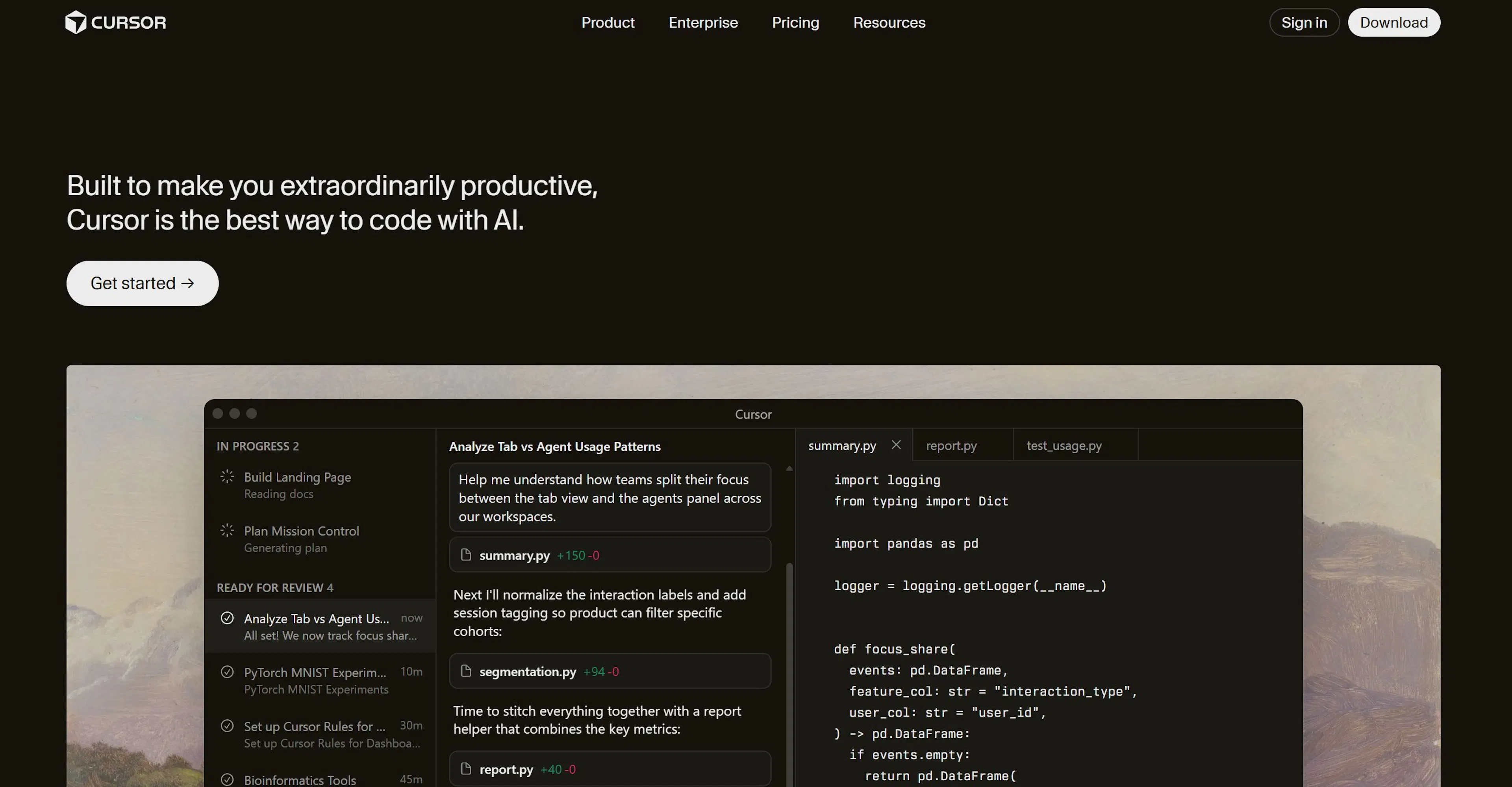

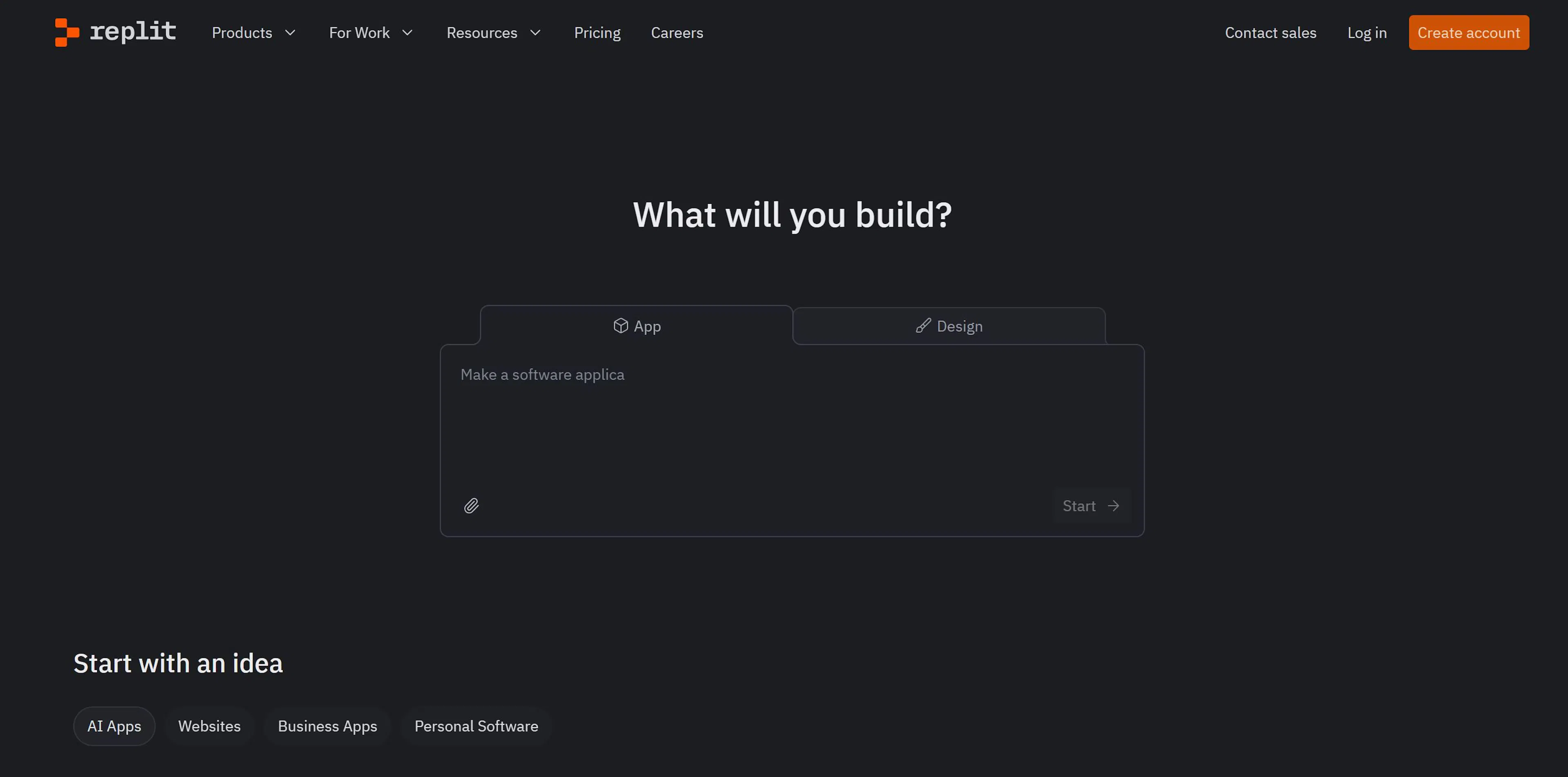
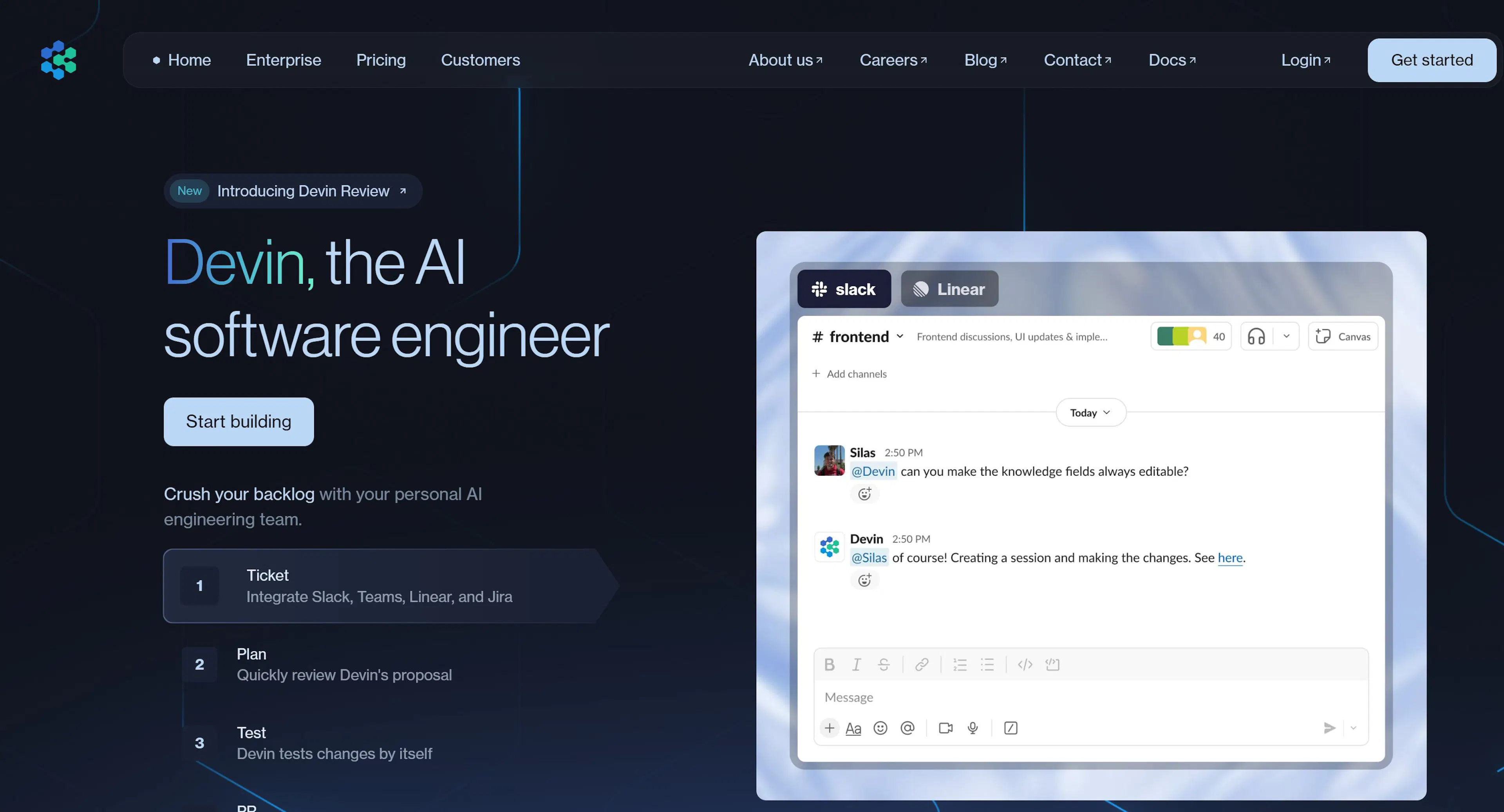
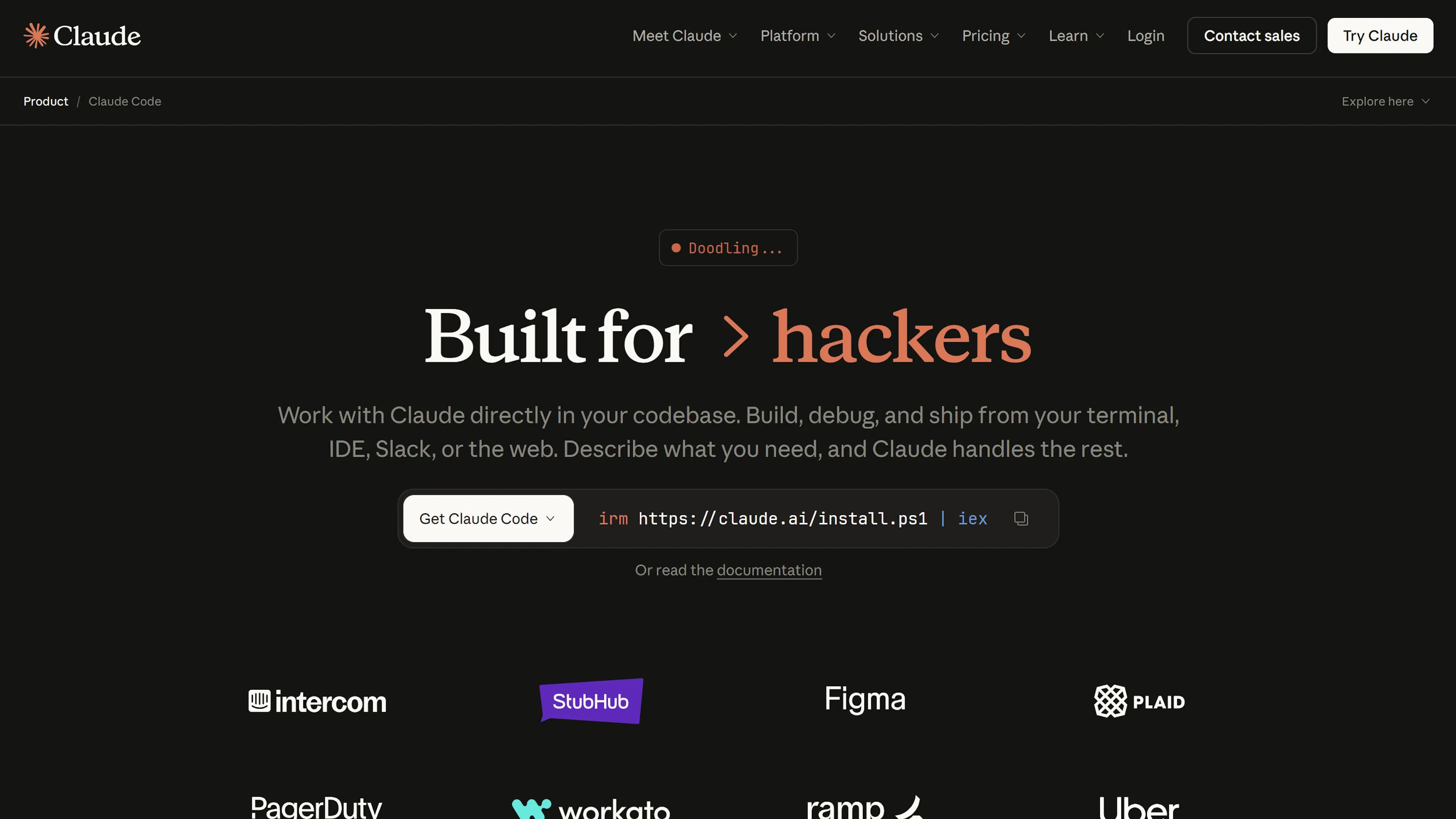


Junie – Assistant for code snippets. AI Assistant – Programming chat.
You can connect different language models in each vibecoding tool. But not all are equally good with code. Some are better for text generation, others for development, others for bug fixing and API work.
For a quick guide, here is a comparison of the most popular models for vibecoding:
| Model | Suitable for | Advantages | Restrictions | Where is it used | | ------ | ------ | ------ | ------ | ------ | | GPT‑4o | Daily tasks, routine code | Stable, fast, understands prompts well | Limited context window | Cursor, Replit, JetBrains AI | | GPT‑4.1 | Full-scale programming | Deep analysis, creates architecture | Slower, more expensive | Devin AI, Cursor (Pro, Ultra) | | Claude Code (Opus 4) | Code generation & refactoring | Writes excellent code | CLI interface, not for beginners | Claude Code CLI | | DeepSeek-Coder | Research, structural tasks | Generates complex queries and SQL | Less known, unstable | Cursor, via Cline | | Gemini (Google) | Web interfaces, API integration | Strong logic, API knowledge | Can "hallucinate" | Via Cline or Replit | | GPT‑3.5-turbo | Quick prototypes, pet projects | Lightweight, cheap, good with basic tasks | Weak on architecture and complex logic | Free mode in Cursor, Replit |
The fastest way to understand vibecoding is to try it yourself. Below is a step-by-step guide on how to create a Telegram bot that, given a link to a GitHub repository, sends a brief summary: name, author, stars, release, and other data.
We'll use the Cursor editor with the GPT‑3.5 model. Everything is done right in the editor — no manual coding required.
Step 1: Set up the environment. Install Cursor, choose a plan (Pro recommended for full access), and enable Agent mode with the GPT‑3.5 model. Step 2: Describe the task. Formulate a clear prompt in the chat, specifying the bot's function, language (Python), and libraries (Aiogram, requests). Step 3: Generate the project. The AI assistant creates the project structure: bot.py, requirements.txt, README.md, .env.example. Step 4: Correct errors. If errors appear when running, copy the terminal text into the chat with the words: "Fix the errors." The AI will make corrections. Step 5: Launch. Run the bot with python bot.py. It will successfully start and respond to links in Telegram. Step 6: Study and improve. The finished project can be uploaded to GitHub, deployed (e.g., via Replit), and extended with features.
✅ Advantages:
❌ Disadvantages:

Max Godymchyk
Entrepreneur, marketer, author of articles on artificial intelligence, art and design. Customizes businesses and makes people fall in love with modern technologies.