Moltbot (formerly known as Clawdbot) has become one of the most talked-about technologies in the AI enthusiast world in early 2026. This open-source project promises not just to answer queries but to perform tasks for you—managing email, calendars, files, and applications.
But what is Moltbot really, is it worth running yourself, and what risks are associated with it? All this is covered in the detailed breakdown below.
Moltbot is an open-source personal AI assistant that runs on your own computer or server and is capable of performing actions on behalf of the user, not just generating text. It operates 24/7, receives commands via messengers, and performs a variety of tasks: from managing messages to automating routine processes.
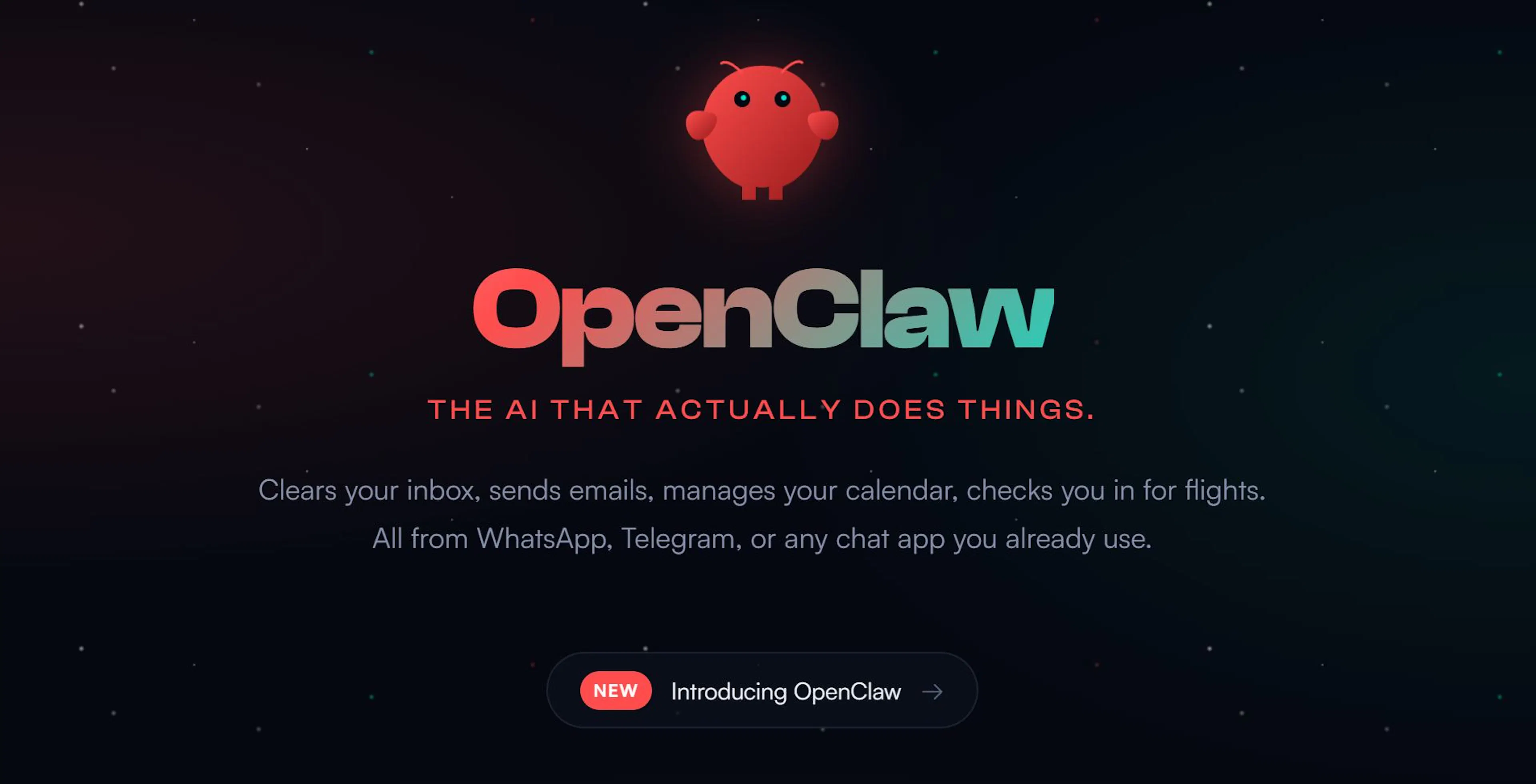
Moltbot is not just a chatbot; it's an action-oriented agent: it perceives messages, plans steps to achieve a goal, and activates relevant tools or functions on the user's device.
Behind Moltbot is an unusual developer—Peter Steinberger, a figure well-known in the Apple ecosystem. His journey is the story of a developer who first created a successful commercial product and then completely reoriented his vision of technology towards personal AI.
Peter started his career in the early iPhone era, was actively involved in the Apple community CocoaHeads, and taught iOS development at Vienna Technical University. His main project for a long time was PSPDFKit—a powerful SDK for working with PDFs, sold not directly to users but to companies as a software component. It helped integrate PDF functionality into other products and applications.
In 2021, Peter sold his share in PSPDFKit—reportedly as part of a deal with the investment company Insight Partners. But, contrary to stereotypes about success, this deal became an emotional blow: Peter lost not just a project, but part of his identity. He candidly wrote in his blog about burnout, emptiness, loss of purpose, and unsuccessful attempts to reboot through parties, rest, or even therapy. Nothing helped. He was left without an idea he wanted to return to every morning.
Everything changed in 2024-2025—when the boom of large language models reached a critical mass. Peter again felt the urge to create something new: now he was inspired by the idea of a personal AI that would live not in the cloud, but in your home, on your computer, with access to tasks, files, and habits.
Thus, Clawdbot was born—a home AI agent with a claw for a head and an emoji lobster as a mascot. It was conceived as a helper that actually does something useful, not just a talking head with an API. The name "Clawdbot" was a play on words: claw + Claude (the name of the beloved language model from Anthropic).
The project quickly gained popularity on microblogs, Reddit, and Hacker News: people began to massively share use cases, run the agent on Mac minis, and experiment with extending its capabilities.
In January 2026, Anthropic (creator of Claude) requested a change to the project's name to avoid confusion with their trademark. Peter took this calmly and renamed Clawdbot to Moltbot. The name became even more interesting in meaning: molt is "molting," the renewal process that real-life lobsters go through. Thus, Moltbot symbolized growth, renewal, evolution—of both the project and Peter himself.
Now the default chatbot is named Molty, and the entire project officially resides at: github.com/moltbot/moltbot.
From a technical perspective, Moltbot is a reflection of Peter's internal state: he has always been a developer who thinks in terms of infrastructure, platforms, and "for growth." Instead of making just another chatbot, he created a structure that can be developed, adapted, and extended for any task. It's not just an assistant—it's an entire ecosystem into which anyone can integrate their own logic, skills, and workflow.
And now, as he admits in interviews, Moltbot is not just a project, but a new form of presence, a new form of life he found after an emotional crisis and leaving big business.
At first glance, Moltbot might seem like just a "smart chatbot," but in reality, it's a full-fledged architectural platform consisting of several layers. Everything is built to be simultaneously flexible, extensible, and autonomous. Below is an explanation of the system's internal structure.
Moltbot is an AI agent that runs on a local machine, processes messages, performs actions, and interacts with external language models (Claude, OpenAI, Mistral, etc.).
At the same time, it:
This is the "brain" of the system—the agent that lives on your machine (Mac, Linux, Raspberry Pi, or WSL), monitors conversations, context, commands, and tasks, organizes "memory," and launches "skills," communicates with the model via API, and crafts prompts. It's written in TypeScript and runs on Node.js (or Bun).
This is the "gateway" that receives incoming messages from messengers and forwards them to the agent. It:
A simple web interface based on Vite and Lit. Through it you can:
Each skill is an extension of the agent's functionality. It consists of a description (in Markdown or JSON format), code (in JavaScript, TypeScript, or Shell), arguments, and launch conditions.
Examples of skills:
Skills can be written yourself or downloaded from ClawdHub / MoltHub.
Moltbot's memory is simple yet powerful. It is implemented as regular text files:
This allows for manual memory editing, control over what the bot "remembers," and copying or transferring data between devices.
Moltbot does not contain its own model but connects to external APIs:
All requests to the model go through Clawd and are accompanied by system prompts, memory and notes, situation descriptions, and user preferences.
Results from the model can immediately trigger commands, skills, or provide answers.
During installation, Moltbot:
This is a critically important component:
Additionally, it is recommended to run it in an isolated system (e.g., a separate Mac mini), use VPN or SSH tunnels for external access, and periodically update and check the gateway configuration.
Moltbot supports connections to numerous services and applications via "skills":
Moltbot's key feature is that it is not limited to just answering but can perform actions at the system level.
Moltbot must run continuously—saving state, listening for events, and processing commands quickly. Running it on a laptop that frequently sleeps, disconnects from the network, or switches between networks disrupts its operation. Therefore, many enthusiasts prefer to set up a dedicated computer: often a Mac mini, but other devices (even a Raspberry Pi) will work.
The Mac mini became a popular choice due to its compactness, low power consumption, and integration with iMessage and other Apple services, which are harder to use on Linux.
Moltbot's extended permissions are not only powerful but also a risk. Why?
Admin-level access to the system can lead to hacking if interfaces are exposed externally or misconfigured. Also, unprotected Control UIs can expose API keys, messenger tokens, and other secrets. Atomic attacks via prompt injection are possible, where malicious input can force Moltbot to perform unintended actions.
Due to its popularity, the project has already become a target for fake tokens and fraudulent schemes related to old names and meme coins. Therefore, developers and experts strongly recommend running Moltbot in an isolated environment, carefully configuring authorization, and avoiding exposing ports to the internet.
Moltbot is capable of performing real tasks, but most stories are still experimental:
However, stories about Moltbot buying a car by itself or fully organizing complex processes without user involvement remain rare and still require step-by-step human guidance.
In conclusion, Moltbot is one of the most impressive experiments with autonomous AI agents to date. It demonstrates how large language models can transition from chat to action, performing tasks, integrating with messengers and system tools.
But along with this, it requires technical expertise and careful security configuration, carries increased risk if deployed incorrectly, and for now remains a product for enthusiasts, not mainstream users.
If you want to try Moltbot—do so cautiously, on dedicated hardware, considering all risks. And for those seeking stability and security, it might be better to wait until the architecture of such agents matures further.

Max Godymchyk
Entrepreneur, marketer, author of articles on artificial intelligence, art and design. Customizes businesses and makes people fall in love with modern technologies.