Master top neural networks in three days

boy
Try it for free

x

Theme Icon 0
Theme Icon 1
Theme Icon 2
Theme Icon 3
Theme Icon 4
Theme Icon 5
Theme Icon 6
Theme Icon 7
Theme Icon 8
Theme Icon 9

How to Run an LLM Locally in 2026: The Ultimate Guide to Setup & Choosing the Best Models

February 01, 2026

Contents

Tired of recurring ChatGPT bills for work tasks? Or perhaps you work in a data-sensitive industry where using cloud AI services is simply not an option due to compliance and privacy?

If this sounds familiar, then running Large Language Models (LLMs) locally might be the powerful, self-hosted solution you've been looking for.

Local LLMs are a practical and secure alternative to cloud services. When a model runs on your own computer or server, you eliminate ongoing API costs and keep all your data within your private infrastructure. This is critical for sectors like healthcare, finance, and legal, where data confidentiality is paramount.

Furthermore, working with local LLMs is an excellent way to gain a deeper, hands-on understanding of how modern AI works. Experimenting with parameters, fine-tuning, and testing different models provides invaluable insight into their true capabilities and limitations.

What is a Local LLM?

A local LLM is a Large Language Model that runs directly on your hardware, without sending your prompts or data to the cloud. This approach unlocks the powerful capabilities of AI while giving you complete control over security, privacy, and customization.

Running an LLM locally means freedom. You can experiment with settings, adapt the model for specific tasks, choose from dozens of architectures, and optimize performance—all without dependency on external providers. Yes, there's an initial investment in suitable hardware, but it often leads to significant long-term savings for active users, freeing you from per-token API fees.

Can You Really Run an LLM on a Home Computer?

The short answer is: yes, absolutely. A relatively modern laptop or desktop can handle it. However, your hardware specs directly impact speed and usability. Let's break down the three core components you'll need.

Hardware Requirements

While not strictly mandatory, a dedicated GPU (Graphics Processing Unit) is highly recommended. GPUs accelerate the complex computations of LLMs dramatically. Without one, larger models may be too slow for practical use.

The key spec is VRAM (Video RAM). This determines the size of the models you can run efficiently. More VRAM allows the model to fit entirely in the GPU's memory, providing a massive speed boost compared to using system RAM.

Minimum Recommended Specs for 2026

  • GPU: A dedicated card with at least 8GB VRAM (e.g., NVIDIA RTX 4060 Ti, AMD RX 7700 XT). 12GB+ is ideal for larger models.
  • RAM: 16 GB of system memory (32 GB recommended for smoother operation).
  • Storage: Sufficient SSD space for model files (50-100 GB free is a safe starting point).

Software & Tools

You'll need software to manage and interact with your models. These tools generally fall into three categories:

  • Inference Servers: The backbone that loads the model and processes requests (e.g., Ollama, Llamafile, vLLM).
  • Frontend Interfaces: Visual chat interfaces for a user-friendly experience (e.g., Open WebUI, Continue.dev, Lobe Chat).
  • All-in-One Suites: Comprehensive tools that bundle everything together, perfect for beginners (e.g., GPT4All, Jan, LM Studio).

The Models Themselves

Finally, you need the AI model. The open-source ecosystem is thriving, with platforms like Hugging Face offering thousands of models for free download. The choice depends on your task: coding, creative writing, reasoning, etc.

Top Local LLMs to Run in 2026

The landscape evolves rapidly. Here are the leading open-source model families renowned for their performance across different hardware configurations.

Leading Universal Model Families

  • Llama 4 / 3.2 (Meta AI): The benchmark for reasoning and instruction following. Available in sizes from 1B to 70B+ parameters. (Note: While Llama 4 exists, its larger variants may exceed standard home system capabilities).
  • Qwen 3 (Alibaba): Excellent multilingual and coding capabilities, known for high efficiency. The Qwen2.5 and Qwen3 series offer strong performance-per-parameter.
  • DeepSeek (DeepSeek AI): A top contender, especially the DeepSeek-R1 line, renowned for strong reasoning and programming skills. A powerful open-source alternative.
  • Gemma 3 (Google): Lightweight, state-of-the-art models built from Gemini technology. Optimized for single-GPU deployment and great for limited resources.
  • Mistral & Mixtral (Mistral AI): Famous for their efficiency. The Mixtral series uses a Mixture of Experts (MoE) architecture, offering high-quality output with lower active parameter counts.
  • Phi-4 (Microsoft): The "small language model" champion. Designed to achieve impressive performance with a compact footprint, ideal for less powerful hardware.

Specialized & Advanced Models

  • Reasoning Models: Optimized for step-by-step logic (e.g., DeepSeek-R1, QwQ).
  • Coding Models: Fine-tuned for programming (e.g., DeepSeek-Coder, Qwen2.5-Coder, CodeGemma).
  • Multimodal Models (VLM): Can understand both images and text (e.g., Llava-NeXT, Qwen-VL).
  • Tool-Use/Agent Models: Can call functions and APIs, forming the basis for AI agents (often used with frameworks like LangChain).

Step-by-Step: How to Run a Local LLM (Ollama + OpenWebUI)

One of the easiest pathways for beginners and experts alike.
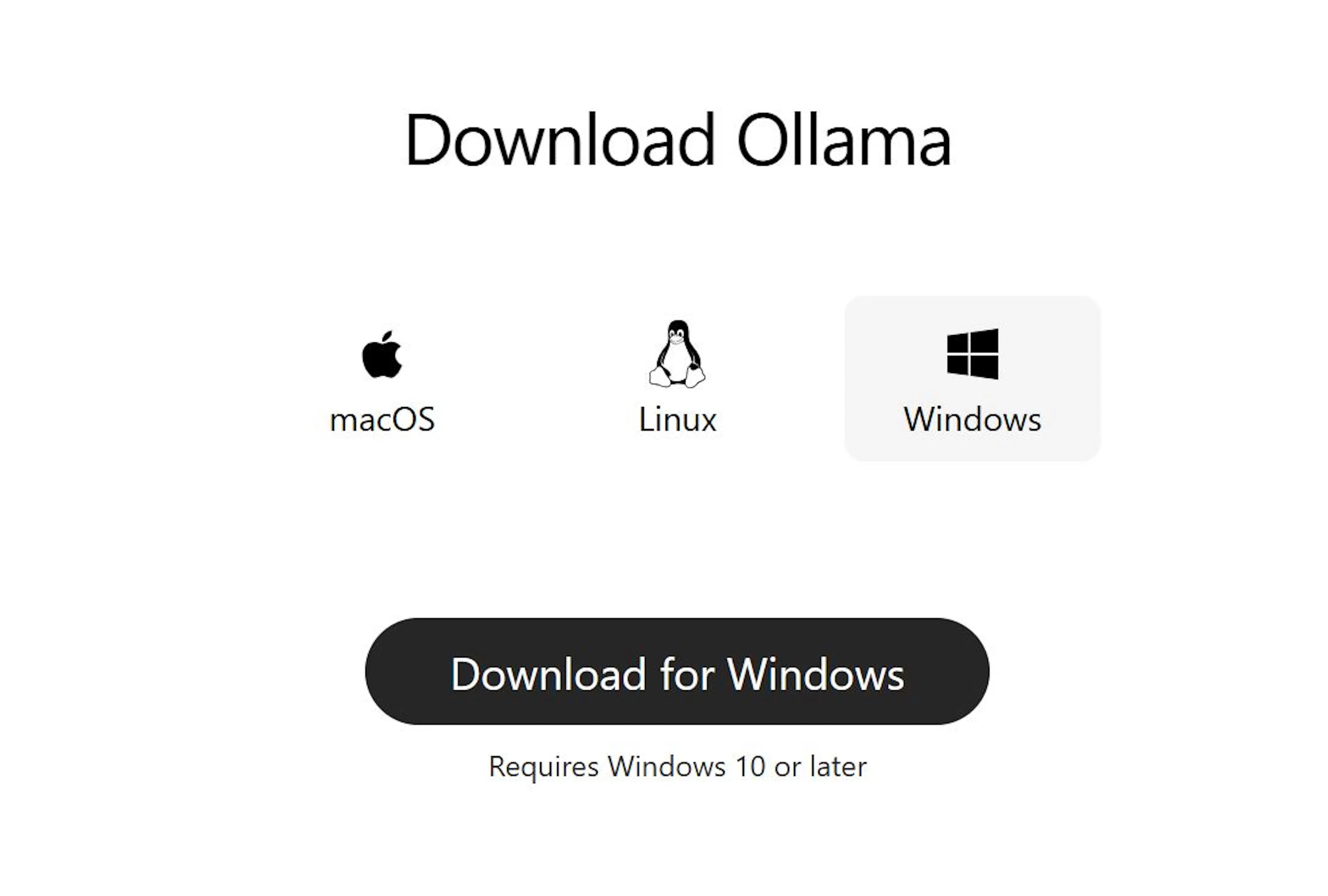
  1. Install Ollama: Download and install from ollama.com. It works on Windows, macOS, and Linux.

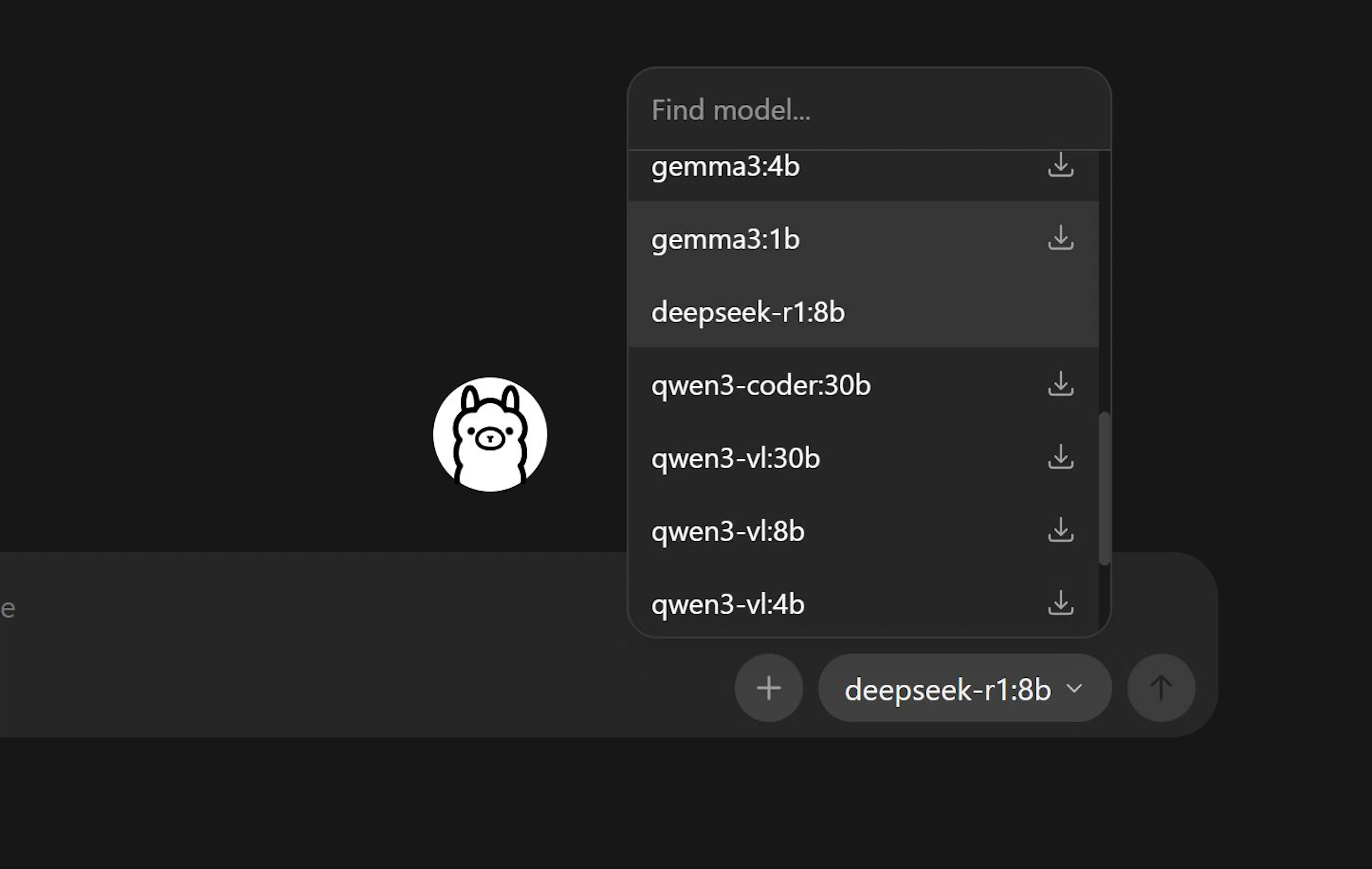
  1. Pull a Model: Open your terminal and run ollama pull llama3.2:3b (or mistral, qwen2.5:0.5b, etc.).

  1. Run it: Test it in the terminal with ollama run llama3.2:3b.

  1. Add a GUI (Optional but Recommended): Deploy Open WebUI (formerly Ollama WebUI) via Docker or pip. It gives you a ChatGPT-like interface accessible in your browser, connecting seamlessly to your local Ollama server.

Integrating Local LLMs with Automation (n8n Workflow)

The real power unlocks when you integrate your local LLM into automated workflows. Using a low-code platform like n8n, you can create intelligent automations.

Simple Chatbot Workflow in n8n:

  1. Set up Ollama as described above.
  2. In n8n, use the Chat Trigger node to start a conversation.
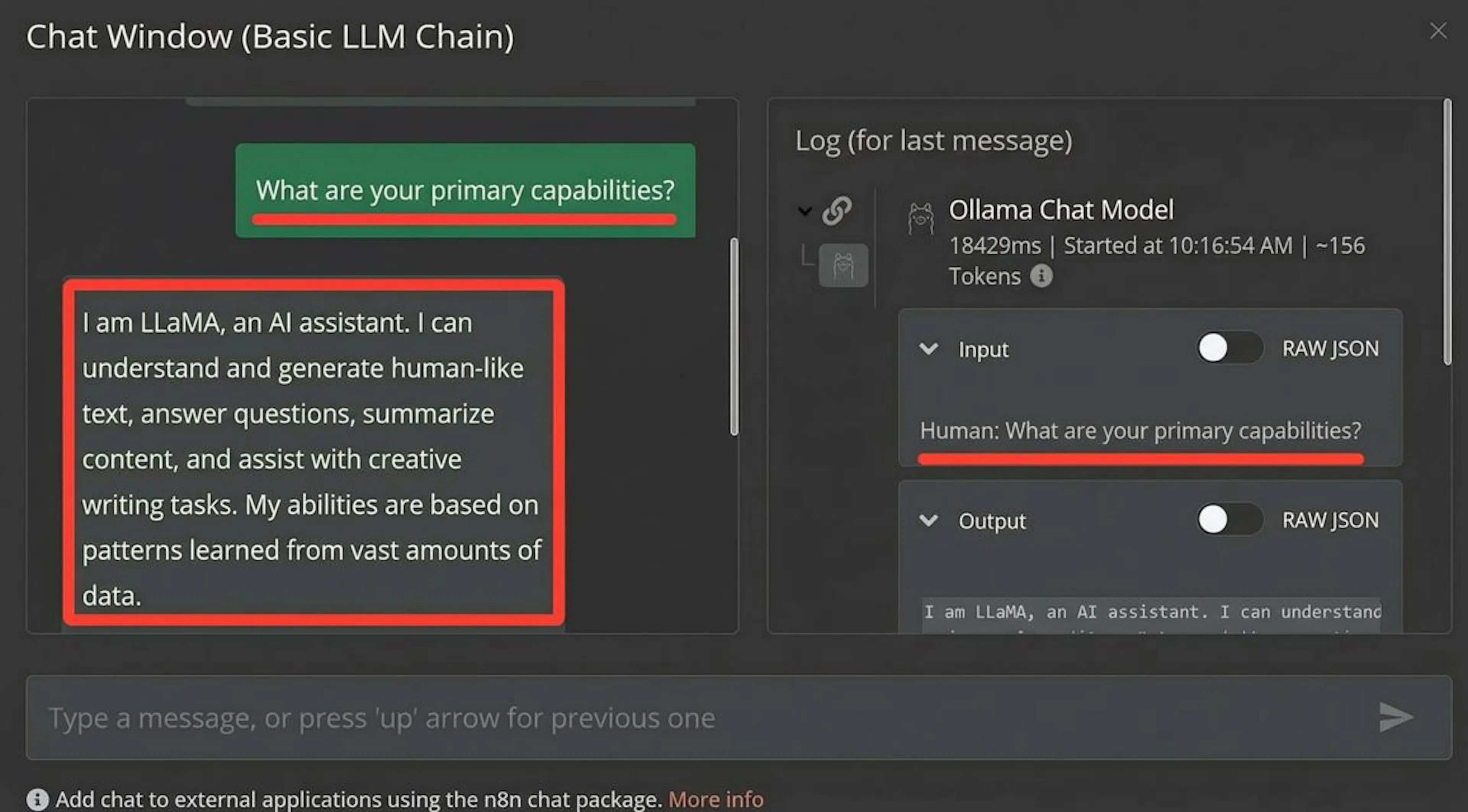
  3. Connect it to the Ollama node. Configure it to point to http://localhost:11434 and select your model (e.g., llama3.2).
  4. Execute the workflow. You now have a private, automated AI chat within your n8n canvas, ready to be extended with databases, APIs, and logic.

Local LLM vs. Cloud: Key Differences

Aspect Local LLM Cloud LLM (e.g., ChatGPT, Claude)

Infrastructure Your computer/server Provider's servers (OpenAI, Google, etc.)

Data Privacy Maximum. Data never leaves your system. Data is sent to the provider for processing.

Cost Model Upfront hardware cost + electricity. No per-use fees. Recurring subscription or pay-per-token (ongoing cost).

Customization Full control. Fine-tune, modify, experiment. Limited to provider's API settings.

Performance Depends on your hardware. High, consistent, and scalable.

Offline Use Yes. No. Requires an internet connection.

FAQ: Running LLMs Locally in 2026

Q: How do local LLMs compare to ChatGPT-4o?

A: The gap has narrowed significantly. For specific, well-defined tasks (coding, document analysis, roleplay), top local models like Llama 3.2 70B, Qwen 3 72B, or DeepSeek-R1 can provide comparable quality. The core advantages remain privacy, cost control, and customization. Cloud models still lead in broad knowledge, coherence, and ease of use for general conversation.

Q: What's the cheapest way to run a local LLM?

A: For zero software cost, start with Ollama and a small, efficient model like Phi-4-mini, Qwen2.5:0.5B, or Gemma 3 2B. These can run on CPUs or integrated graphics. The "cost" is then just your existing hardware and electricity.

Q: Which LLM is the most cost-effective?

A: "Cost-effective" balances performance and resource needs. For most users in 2026, models in the 7B to 14B parameter range (like Mistral 7B, Llama 3.2 7B, DeepSeek-R1 7B) offer the best trade-off, running well on a mid-range GPU (e.g., RTX 4060 Ti 16GB).

Q: Are there good open-source LLMs?

A: Yes, the ecosystem is richer than ever. Major open-source families include Llama (Meta), Mistral/Mixtral, Qwen (Alibaba), DeepSeek, Gemma (Google), and Phi (Microsoft). There are also countless specialized models for coding, math, medicine, and law.

Conclusion & Next Steps

Running an LLM locally in 2026 is a powerful, practical choice for developers, privacy-conscious professionals, and AI enthusiasts. It demystifies AI, puts you in control, and can be more economical in the long run.

Ready to start?

  1. Assess your hardware.
  2. Install Ollama and pull a small model.
  3. Experiment with different models and frontends like Open WebUI.
  4. Automate by integrating with n8n or similar tools to build private AI agents.

The journey to powerful, private, and personalized AI begins on your own machine.

avatar

Max Godymchyk

Entrepreneur, marketer, author of articles on artificial intelligence, art and design. Customizes businesses and makes people fall in love with modern technologies.

Best for February