Creating AI Bots: How AI Chatbots Work and How to Monetize Them
Creating AI bots involves developing chatbots that can handle user queries, understand natural language, analyze data, and generate automated responses. Today, such solutions are widely used in business, marketing, education, Telegram channels, blogs, and customer support services.
Thanks to advancements in artificial intelligence, GPT language models, and user-friendly platforms, anyone can create an AI bot—no programming required. These bots can answer questions, assist customers, process messages, generate text and images, and operate 24/7 without human intervention.
In this guide, we’ll break down the process of creating an AI bot, integrating ChatGPT, configuring prompts, leveraging content generation, and exploring real monetization strategies.
Contents
- What Is an AI Chatbot?
- How to Monetize an AI Chatbot
- How to Integrate AI into Your Chatbot
- Integrating ChatGPT into Your Bot
- Configuring ChatGPT Queries
- Promoting Your AI Bot
- Potential Earnings from an AI Bot
- Why You Can Build an AI Bot Yourself
- FAQ
What Is an AI Chatbot?
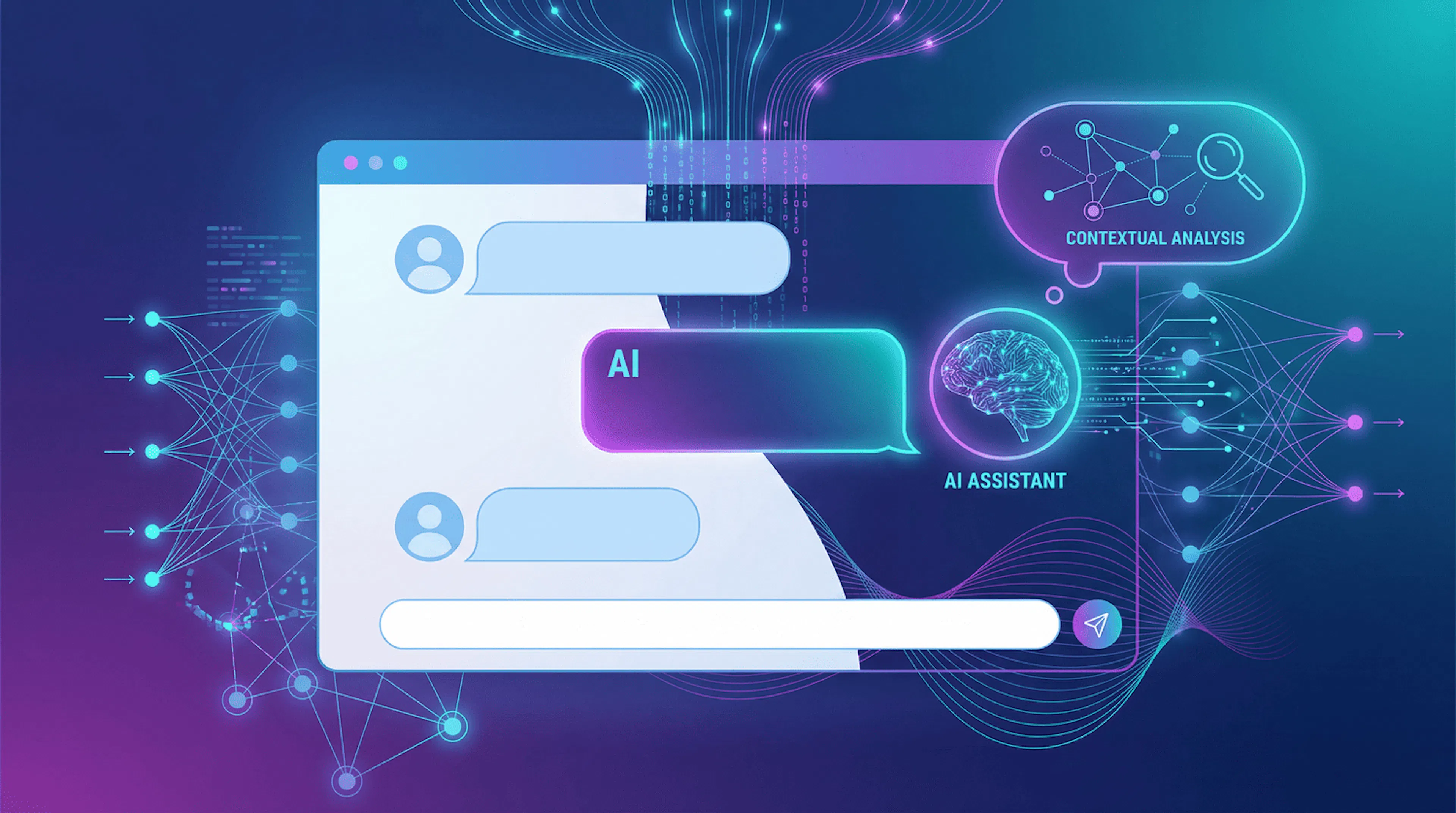
An AI chatbot is a program that interacts with users via chat, utilizing machine learning and natural language processing technologies. Unlike rule-based bots, AI chatbots understand context, clarify questions, and provide more accurate responses.
![]()
These bots are powered by GPT language models, which analyze text messages, compare them with trained data, and generate relevant replies. They can be deployed on websites, Telegram, other messengers, or via API integrations.
Creating an AI bot typically involves:
- Setting up conversation logic
- Integrating an AI model
- Uploading a knowledge base
- Testing and launching
The result is a tool that automates user interactions and solves business challenges.
How to Monetize an AI Chatbot
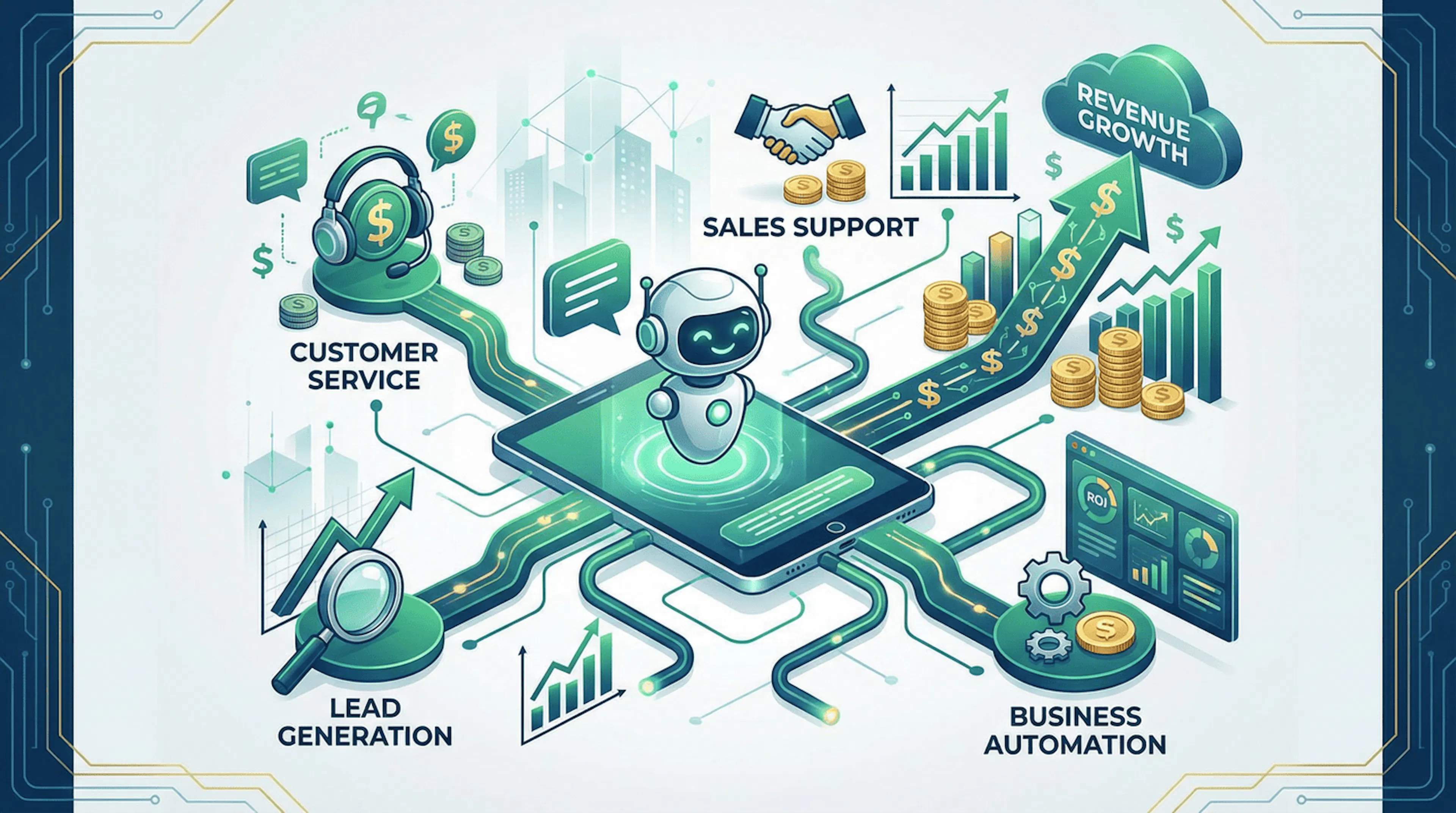
An AI chatbot is more than just a helper—it’s a full-fledged income-generating tool. Below are key areas where AI chatbots can drive revenue.
![]()
For Influencers
Influencers often receive repetitive questions from followers or offer free content in exchange for subscriptions or comments.
An AI bot can:
- Automatically answer FAQs
- Send direct messages with links
- Process applications
- Engage audiences across social networks
This saves time, prevents lost opportunities, and enhances the sale of paid content, consultations, and ads—while boosting follower loyalty through quick responses.
For Info-Business Owners
In the info-business space, AI bots can automate courses, training, and student support. Bots can:
- Send lessons
- Check assignments
- Answer questions
- Provide post-purchase follow-up
This reduces team workload and improves service quality, though human oversight remains essential for high-value packages.
For Marketers, Producers, and Promotion Specialists
Marketers use AI bots to:
- Process inquiries
- Analyze user requests
- Generate ad copy and scripts
- Automate customer responses and data collection
- Assist with target audience analysis
For AI Experts and Coaches
Experts and coaches deploy AI bots as personal assistants to help users:
- Navigate topics
- Ask questions
- Receive consultations
- Access learning materials in a convenient format
For Entrepreneurs
AI bots often serve as the first line of customer support, handling FAQs, assisting with orders, clarifying details, and escalating complex cases to managers. Many businesses already use bots to automate routine inquiries efficiently.
For Specialized Content Creators
If you have a database of articles, courses, or educational materials, an AI bot can act as an intelligent search tool, helping users find relevant information and navigate both archived and current content with ease.
For Telegram Channel Owners
Telegram AI bots are used for:
- Delivering content
- Processing payments
- Engaging subscribers
- Automating broadcasts
They’re a scalable tool for growing channels and maintaining audience connections.
How to Integrate AI into Your Chatbot
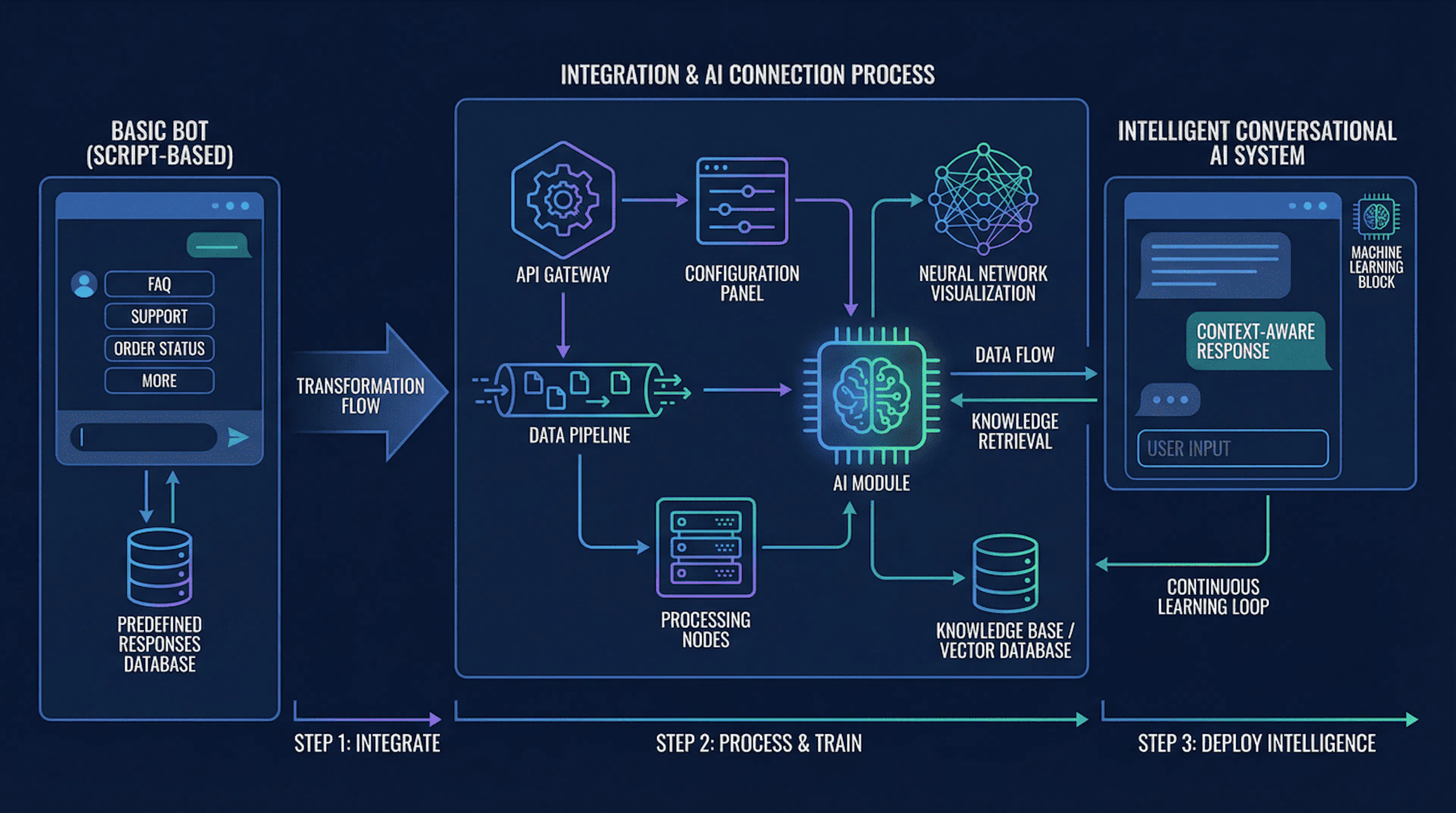
Integrating AI transforms your bot from a button-based script into a smart assistant that understands questions, processes messages, and leverages knowledge bases. Most platforms offer AI integration via a dedicated step (e.g., “AI block” or “GPT step”).
![]()
Step 1: Add an AI Step in the Constructor
- Open your project dashboard and select your bot.
- Navigate to the scenario editor (often labeled “Scenario,” “Dialogue,” “Constructor,” “Flow,” or “Funnel”).
- Click “Add Block” (+).
- Choose the AI step (under categories like “AI,” “Integrations,” “Text,” or “AI Response”).
- Select the GPT model (more powerful models offer better quality but higher token costs).
- Define the query source: user message, template, or hybrid mode.
Step 2: Configure the AI Step
Phase 1: Define the Bot’s Role and Communication Style
Specify:
- Who the bot assists (clients, subscribers, students)
- Tasks it performs (sales, support, navigation)
- Limitations (no fabrication, no unsafe advice)
- Response format (lists, steps, concise/detailed)
Tip: To prevent hallucinations, instruct the bot to respond only based on the knowledge base or ask for clarification if data is missing.
Phase 2: Set Up the Model Query
A well-structured query includes:
- Instructions (role + rules)
- Context (product/service details, terms, links, pricing)
- User message (the actual question)
Add constraints like:
- “Answer accurately”
- “Ask clarifying questions if data is insufficient”
- “Avoid jargon”
- “Provide concrete steps”
Phase 3: Connect Data Sources and Knowledge Base
Without data, AI bots respond generically. Connect:
- Website text (FAQs, service descriptions)
- Documents (PDFs, manuals, price lists)
- Tables (tariffs, product specs)
- CRM or internal systems
- Google Docs/Notion
Choose between:
- Simple knowledge base (manual text input)
- Advanced RAG system (search + retrieval for precise answers)
Ensure data is up-to-date, categorized, and includes fallback rules.
Step 3: Test Thoroughly
- Test common questions (pricing, ordering, contact details)
- Test ambiguous or poorly phrased queries
- Verify clarifying question prompts
- Check safety and data privacy
- Optimize response time and token usage
Integrating ChatGPT into Your Bot
![]()
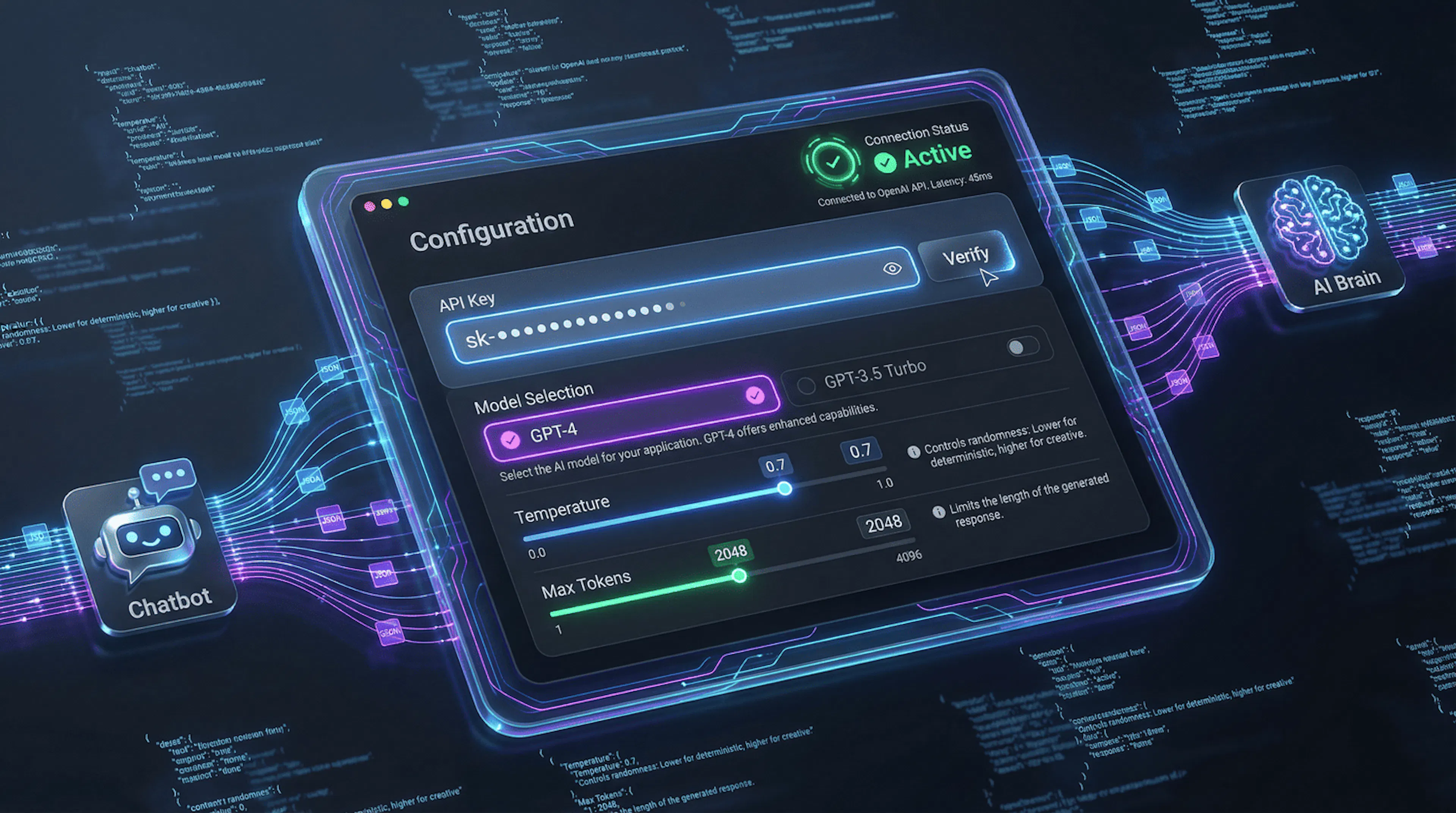
How to Connect ChatGPT
- Obtain an API token (key) from OpenAI.
- Enter the token in your service settings (“API Key” or “Access Token”).
- Select the GPT model version.
- Configure parameters:
- Max response length (token limit)
- Temperature (creativity level)
- System role and rules
- Response language
- Send a test message to verify the connection.
Important: Monitor token costs, log interactions, handle errors gracefully, and enforce safety policies.
Configuring ChatGPT Queries
A well-structured query ensures consistent, useful responses.
![]()
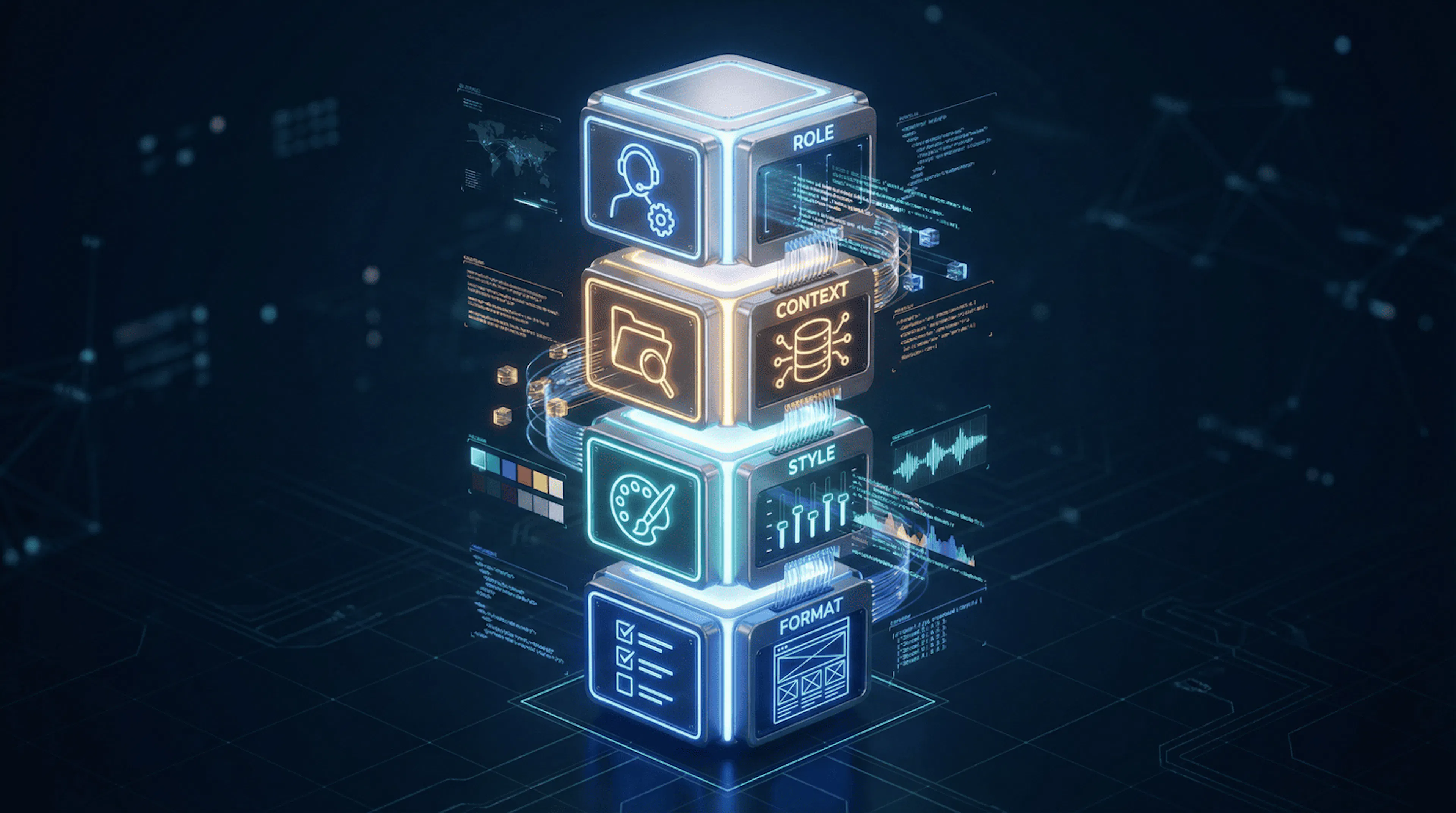
Query Components:
- Bot Role – Define type, scope, responsibilities, and limitations. Example: “You are a customer support bot for an online service, answering only based on provided information.”
- Context & Conditions – Describe the environment (company, services, rules) to avoid guesswork.
- Communication Style – Specify tone, length, simplicity, and use of emojis.
- Response Format – Use lists, step-by-step instructions, or summaries for consistency.
Workflow Example:
- User sends a message.
- Message is passed to the AI step.
- ChatGPT processes the full query (role + context + user input).
- Model generates a response.
- Bot delivers the answer in seconds.
Saving ChatGPT Responses
Store responses to:
- Analyze frequent questions
- Optimize knowledge bases
- Reduce model load (save tokens)
- Monitor quality and correct errors
Log interactions in databases, CRM systems, or analytics tools for ongoing improvement.
Using Image and Text Generators
Image Generation
- Provide a detailed text description (subject, style, colors, format).
- Send the description to an image-generation model (e.g., DALL·E).
- Receive and deliver the generated image. Use cases: banners, article covers, product cards, social media visuals.
Text Generation
- User specifies text type (article, product description, script).
- Bot clarifies parameters (topic, length, style, audience).
- Query is sent to ChatGPT with all constraints.
- Generated text is returned, ready for use or editing.
Use cases: blog posts, service descriptions, email campaigns, dialogue scripts.
How to Start Earning with an AI Bot
Identify the problem your bot solves, its target audience, and what users are willing to pay for.
Monetization Models:
- Subscriptions & Paid Access – Users pay for ongoing access (monthly/annually). Ideal for Telegram bots, support services, and educational projects.
- Premium Features – Free basic functionality with paid upgrades (e.g., more queries, advanced GPT models, image generation).
- Consultations & Services – Bot acts as a pre-consultation tool, collecting data and preparing users for paid expert sessions.
- Advertising & Affiliate Offers – Integrate relevant ads or partner offers for large user bases. Ensure ads are contextually appropriate.
- Sales of Products/Services – Use bots for product consultation, selection assistance, order processing, and handoff to sales teams.
Promoting Your AI Bot
Channels for Promotion:
- Website/Landing Page – Explain features, use cases, and benefits.
- SEO Content – Target keywords like “creating AI bots,” “AI chatbot for business,” “Telegram bot with AI.”
- Telegram & Messengers – Showcase bot functionality in relevant channels.
- Advertising – Use targeted ads highlighting speed, automation, or customer support.
- Integrations & Partnerships – Collaborate with platforms, services, or blogs to reach wider audiences.
Potential Earnings from an AI Bot
Income depends on niche, user base, monetization model, and promotion efforts.
- Small Telegram bot with subscriptions: $200–$500/month
- Business/support bot: $1,000–$3,000/month
- Niche AI assistants/educational bots: $5,000+/month
Note: Success requires continuous optimization, scenario refinement, and active promotion.
Why You Can Build an AI Bot Yourself
Modern no-code platforms enable anyone to:
- Create AI bots without programming
- Use pre-built templates
- Integrate ChatGPT via API
- Configure scenarios in visual editors
- Upload knowledge bases
- Launch quickly
Most services offer guides, documentation, and support. The key is to define your bot’s purpose, audience, and use case clearly.
FAQ
Can I create an AI bot for free? Yes—many platforms offer free plans or trial periods to test your idea.
How long does it take to create an AI bot? You can build and launch a basic bot in minutes using a constructor.
Do I need programming skills? No—most platforms provide intuitive interfaces and drag-and-drop blocks.

Max Godymchyk
Entrepreneur, marketer, author of articles on artificial intelligence, art and design. Customizes businesses and makes people fall in love with modern technologies.